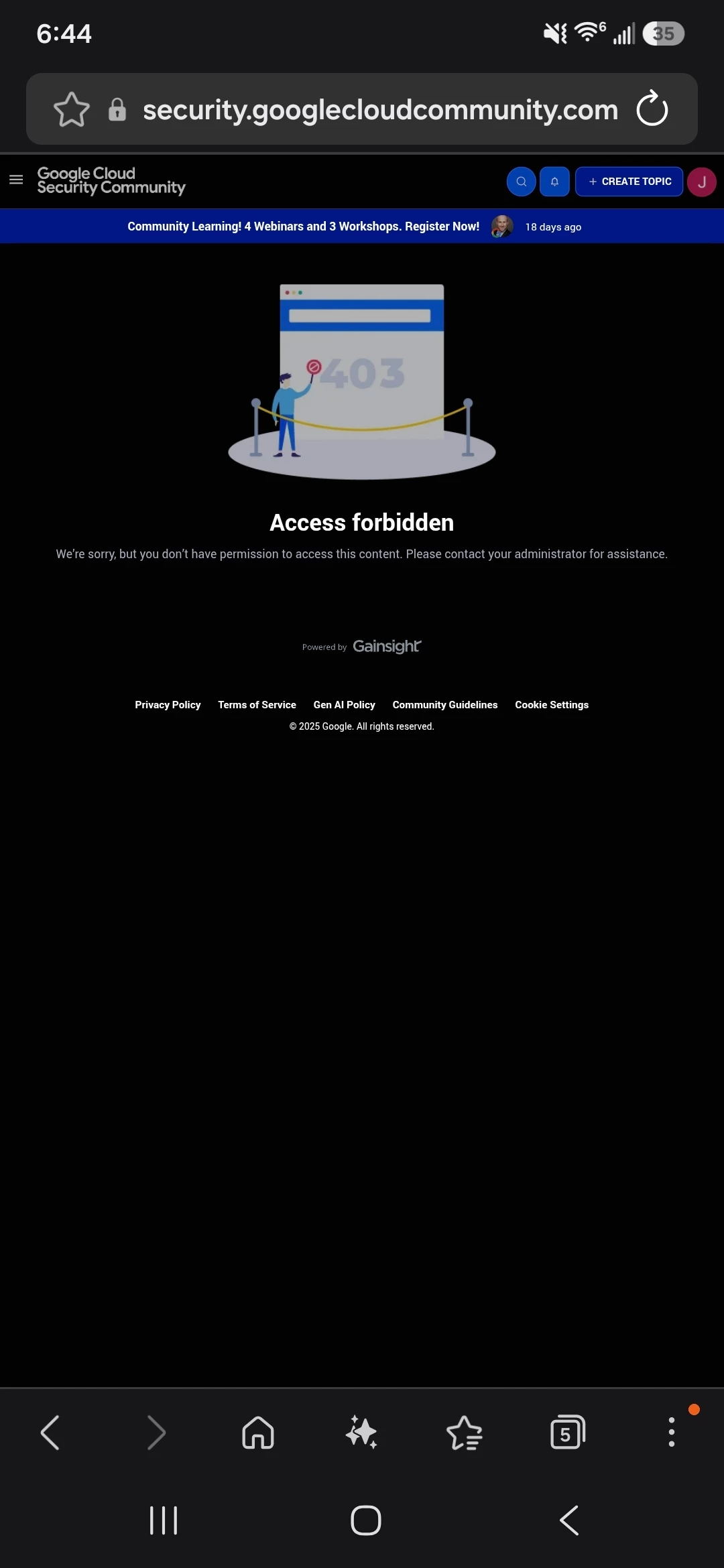
My phone always says contact your IT administrator or forbidden from accessing your Google takeout or using ADB it says only administrators are allowed access. I previously had access right after I downloaded the app and lost it. How the hell do I get rid of this deep administrator a hole thats in every facet of my phone and in the system. Maybe amongst tech I will get help. I have tried literally everywhere else. Thank you...
I hear your frustration — what you’re describing sounds like your phone is under device management / MDM (Mobile Device Management) or has administrator restrictions applied. That’s why you keep seeing “only administrators are allowed” or “contact your IT administrator” when trying to use features like Google Takeout or ADB.
🔑 Why this happens
Device administrator policies → If a company, school, or third‑party app enrolled your phone, it can enforce restrictions.
MDM enrollment → Managed devices block certain actions (USB debugging, data export, app installs).
Google account restrictions → If the phone is tied to a managed Google Workspace account, Takeout and ADB may be disabled.
🛠 Steps you can try
Check device administrators → Settings → Security → Device Admin Apps. Remove any suspicious or unwanted admin apps.
Review accounts → Settings → Accounts. If a work/school account is present, it may enforce restrictions.
Factory reset (last resort) → If you want full control, back up your data and perform a factory reset. This removes MDM policies, but only if the phone isn’t locked to an organization.
Check OEM/Carrier settings → Some carriers preload admin apps that enforce restrictions. Removing them may require flashing stock firmware.
⚠️ Important notes
If the phone was issued by a company or school, you may not be able to bypass restrictions legally.
If it’s your personal device but somehow enrolled in MDM, a factory reset with a personal Google account should restore control.
Be cautious with third‑party “unlock” tools — they can cause more harm than good.
👉 In short: the “deep administrator” you’re seeing isn’t a hidden hacker, it’s device management policies. To get rid of it, you’ll need to remove admin apps or accounts, and if that fails, reset the phone to factory settings with your own Google account.
Would you like me to outline the exact steps for checking and removing device administrator apps on Android so you can try that first before a full reset?