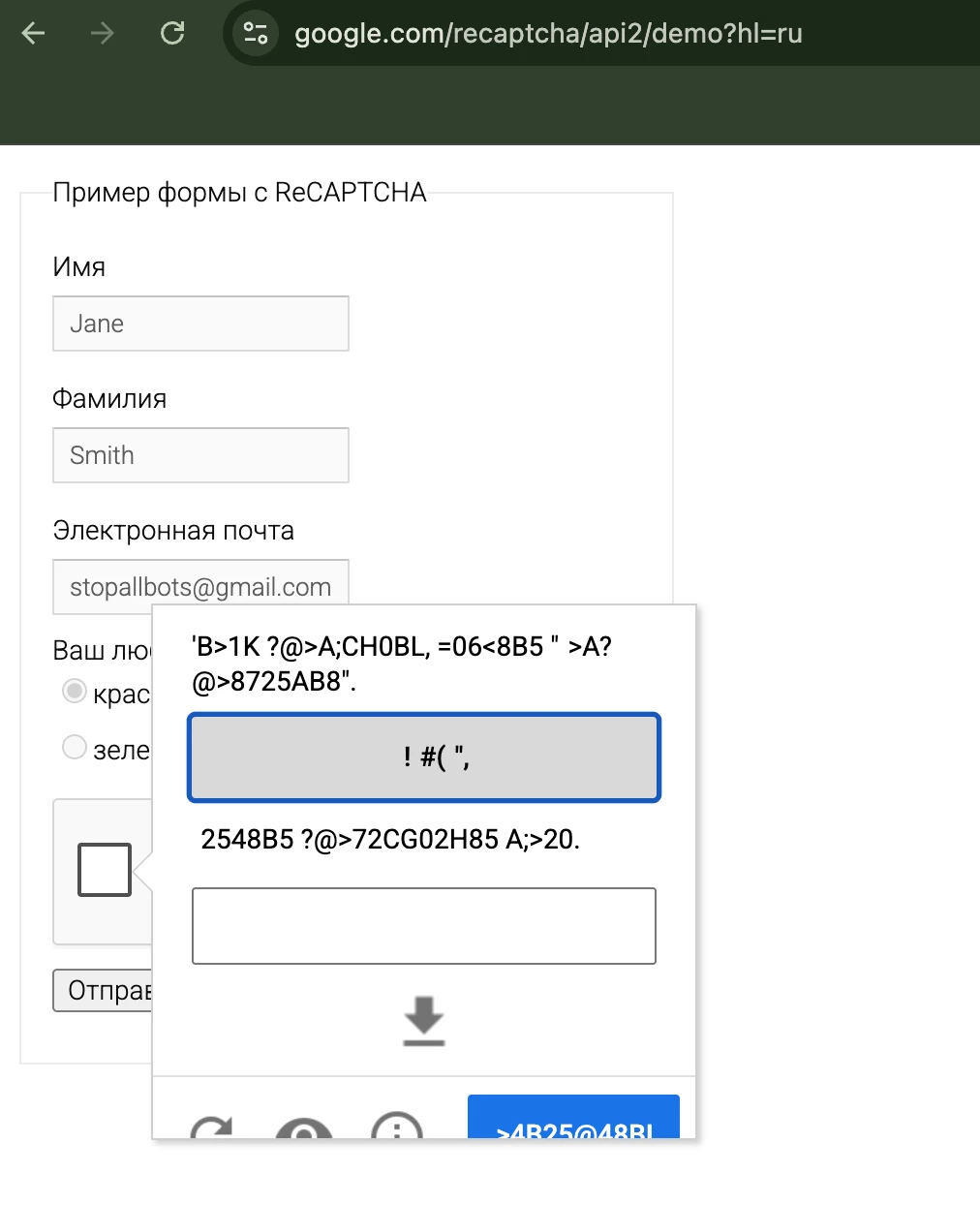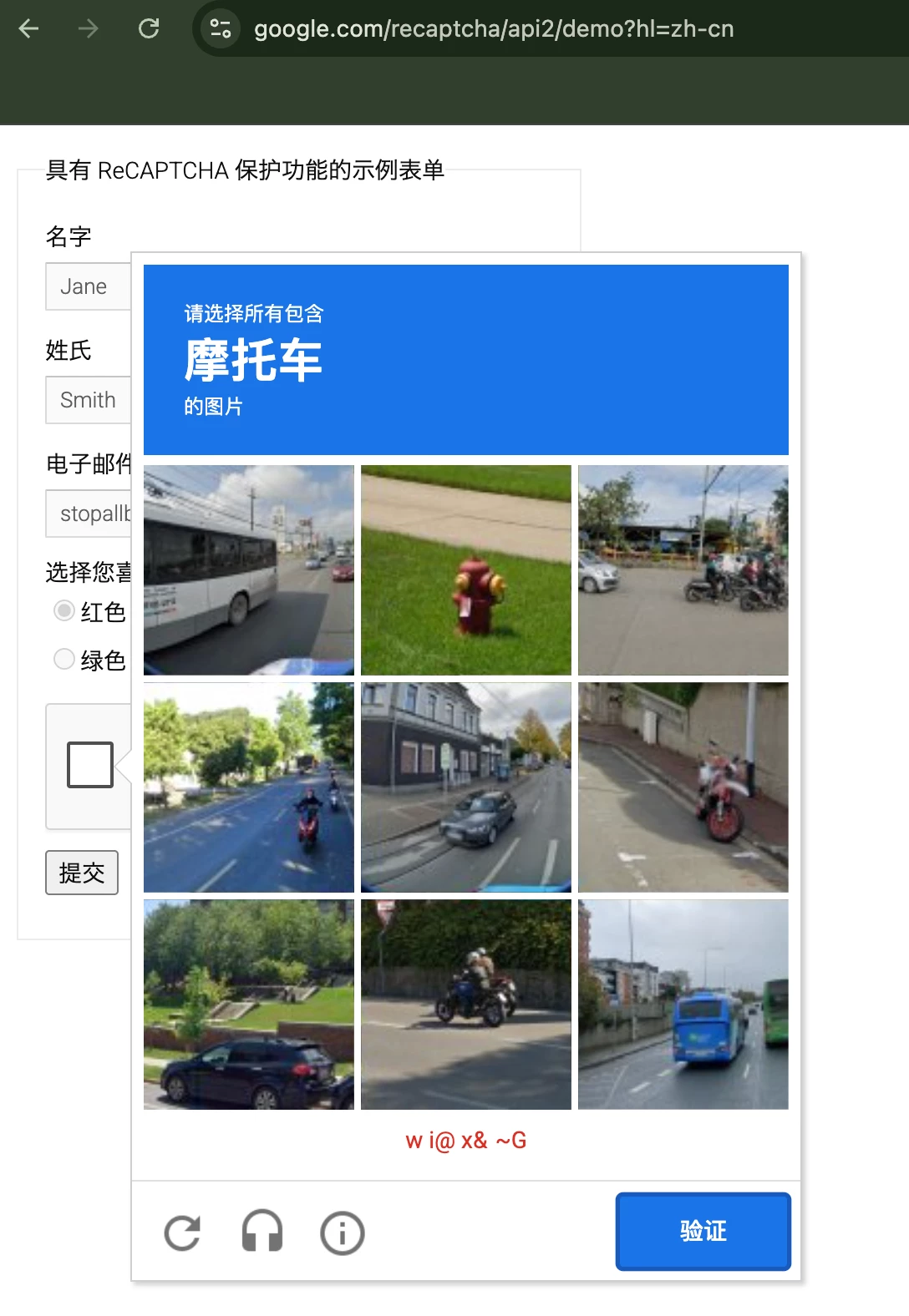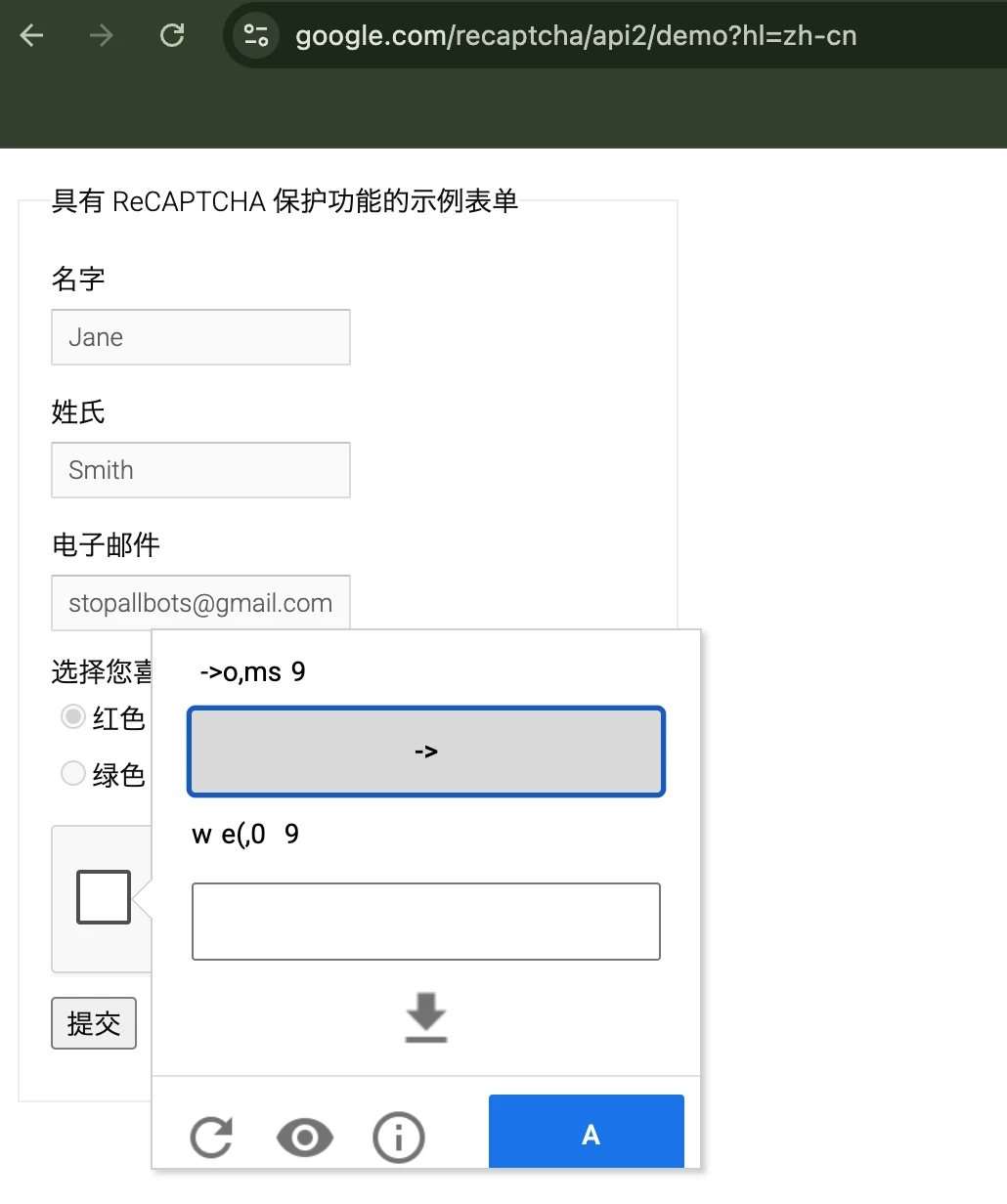
Summary:
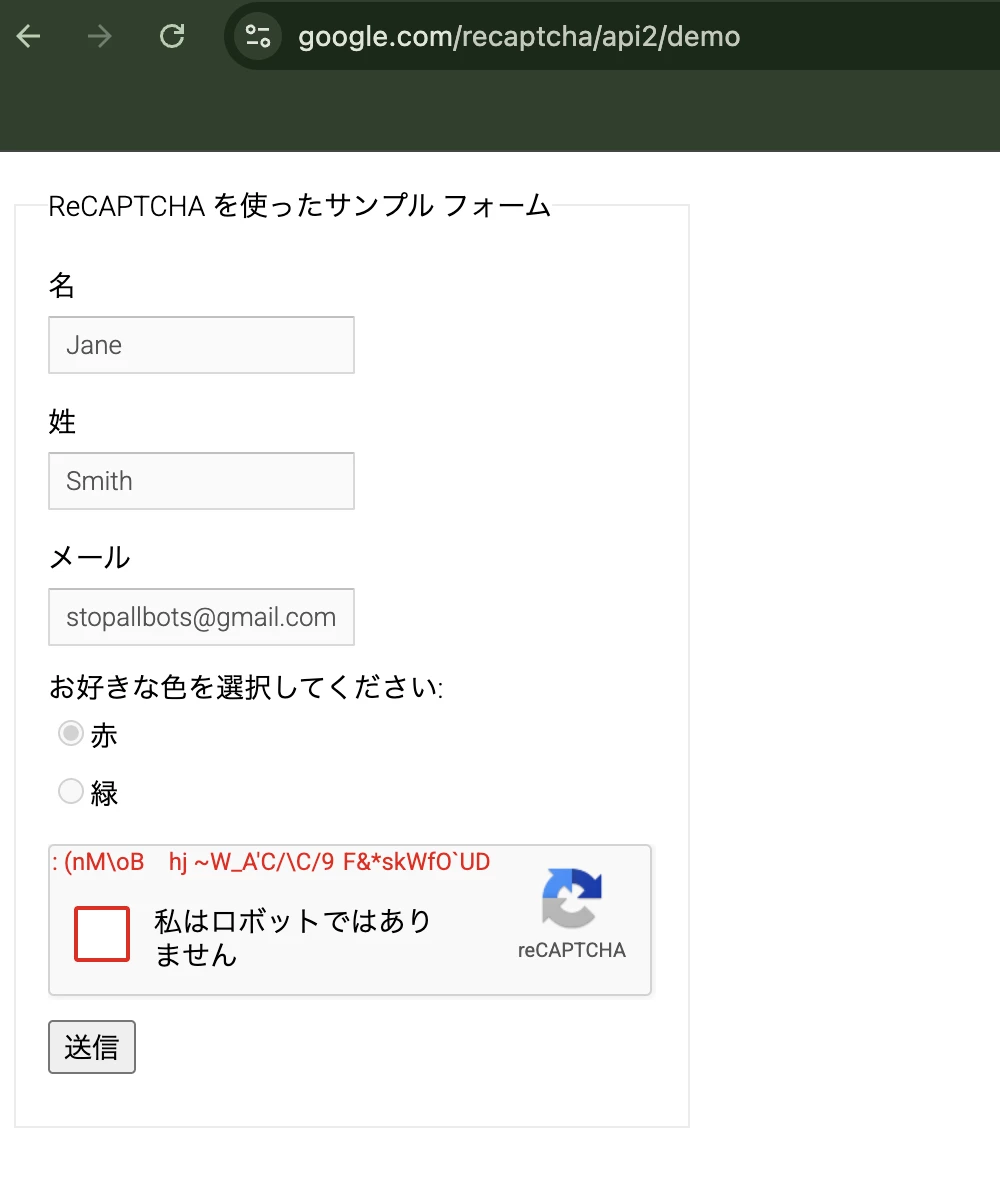
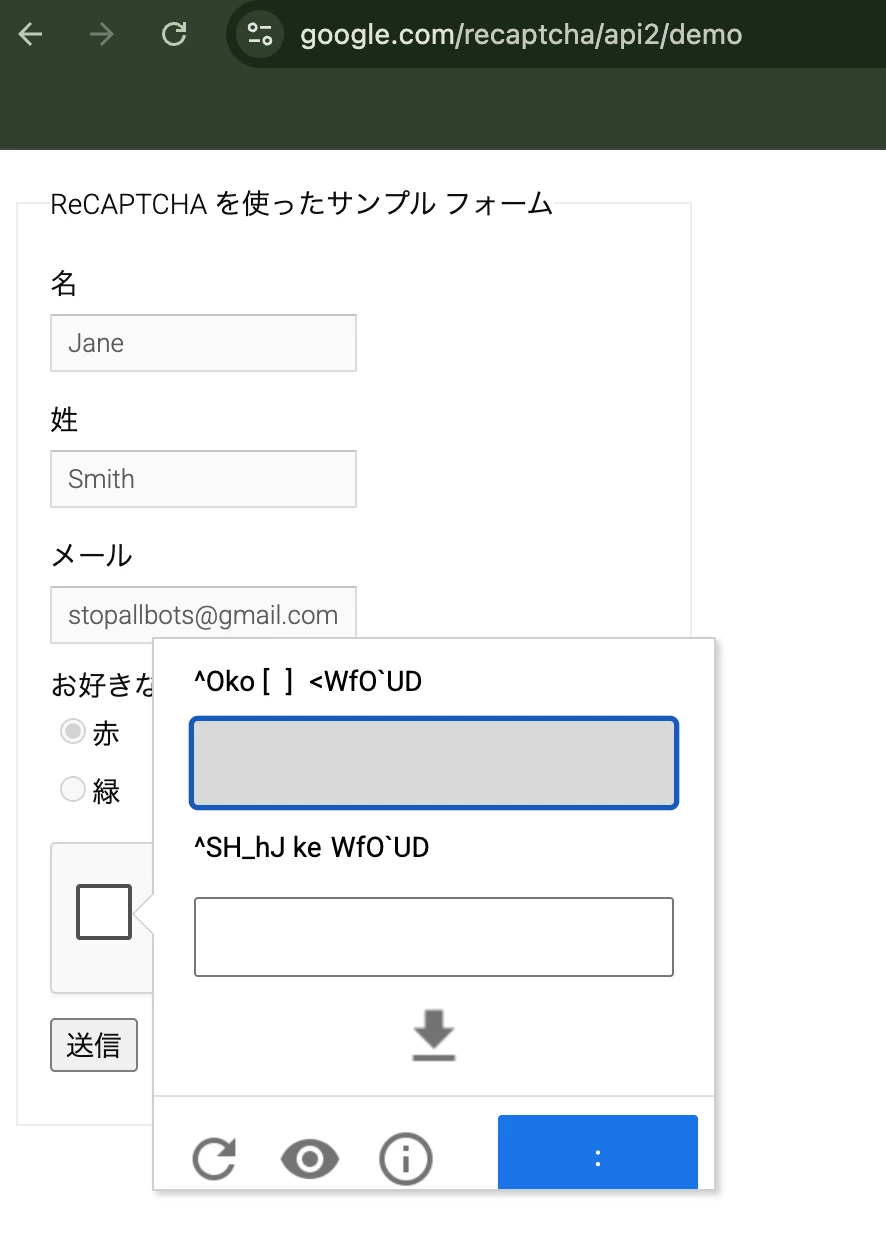
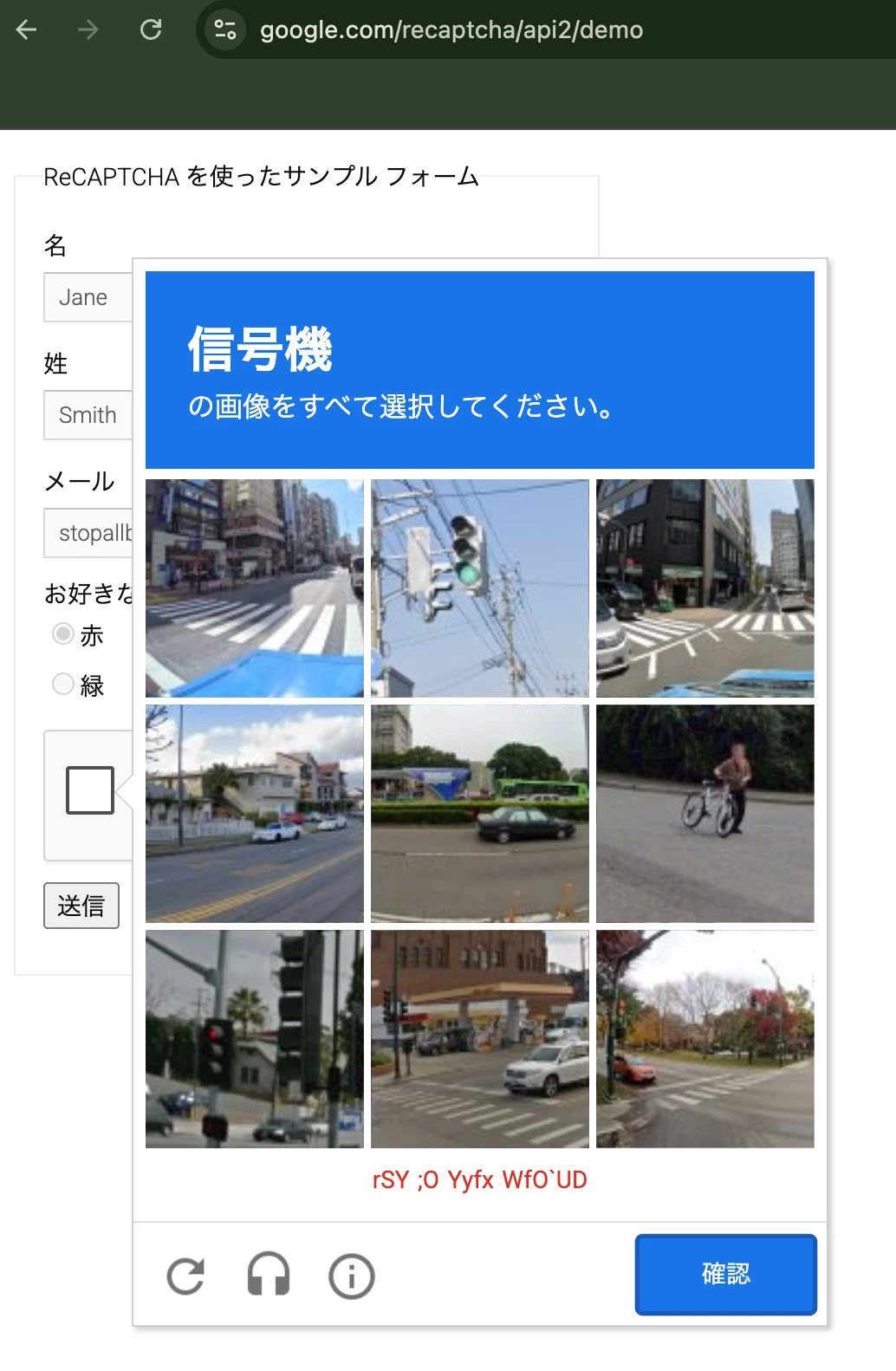
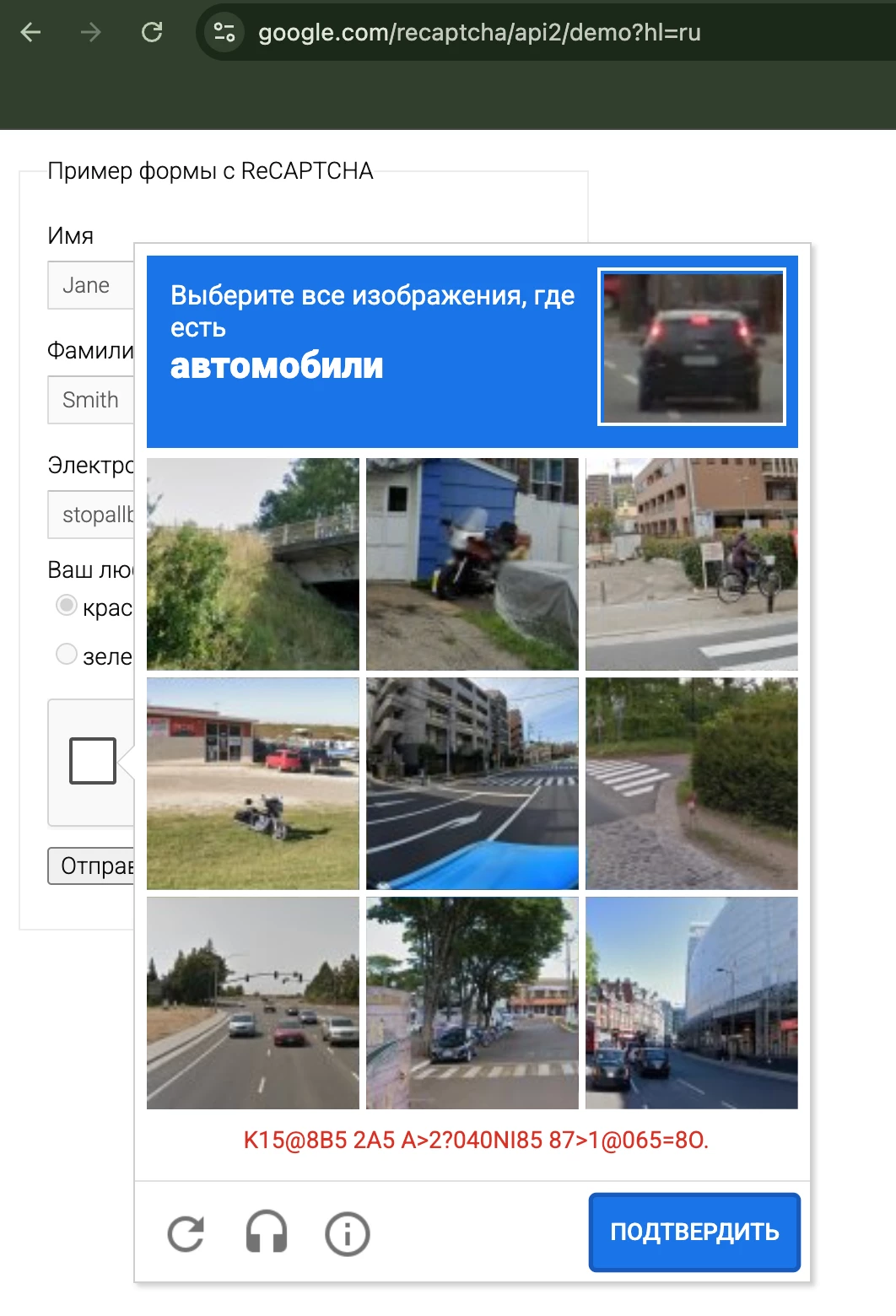
In the checkbox image challenge popup, the instruction line renders correctly in Japanese (e.g. 「横断歩道のタイルをすべて選択してください」), but the red hint/error text and the verify/skip button labels render as random-looking strings (e.g.F&JfWOUD, 9-CW`).
Impact:
- Users cannot read the challenge buttons or error messages, effectively blocking them from completing verification on the affected flow (a public request form).
- Root-cause evidence (deterministic 7-bit corruption)
We analyzed the corrupted strings. Each displayed character equals the original code point masked to its low 7 bits — i.e. displayed = String.fromCharCode(originalCodePoint & 0x7F). This is deterministic, not random.
- Taking the low 7 bits of each code point reproduces the corrupted string exactly.
- Characters whose result falls into a control code disappear or become line breaks (e.g. 認 U+8A8D → 0x0D, 再 U+518D → 0x0D, り U+308A →0x0A, み U+307F → DEL), which accounts for the stray line breaks inside the popup.
- The correct string exists in the data; it is being corrupted at render time — consistent with a font/glyph-mapping problem on the widget's own text (candidate: Roboto / fonts.gstatic.com load failure inside the reCAPTCHA bframe iframe).
Ruled out (already verified on our side)
- hl — hl=ja is applied; the instruction text renders as correct Japanese, so language is not the cause.
- Environment/transient — reproduces consistently across incognito, cache cleared, different network, and a different PC.
- App interference — no console/network errors, no CSP violations, no blocked resources. The only warning is reCAPTCHA's own rc-imageselect-target aria-hidden A11y warning (Google-side DOM).
- The corrupted text is rendered inside Google's cross-origin bframe iframe, so it is not reachable/fixable by our page's CSS or fonts.
What we're asking
1. Confirm whether this is a known issue with the challenge widget's font loading/glyph mapping.
2. Identify the trigger (the low-7-bit masking suggests a broken font cmap or a fallback font being applied to the widget's text).
3. Provide a fix or mitigation.
Also reproduces on Google's own reCAPTCHA demo page (https://www.google.com/recaptcha/api2/demo)