How to Use Output from a Block as Input for Another Block


Forum|alt.badge.img+9

Someone asked this in the Siemplify Community Slack, so I thought it might be helpful to document it here as well.

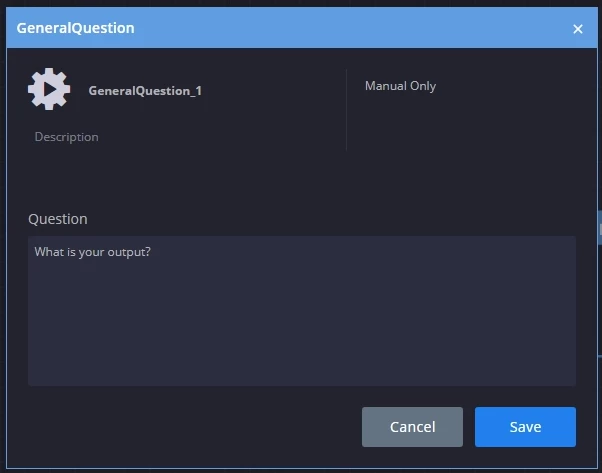
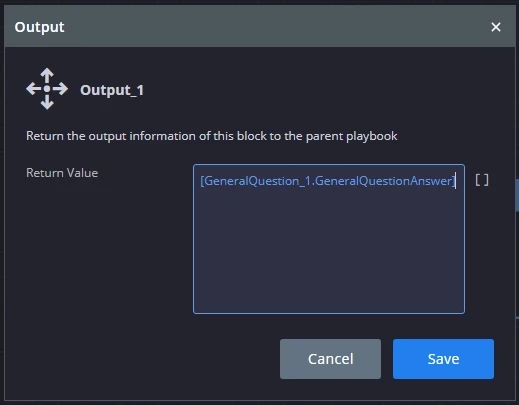
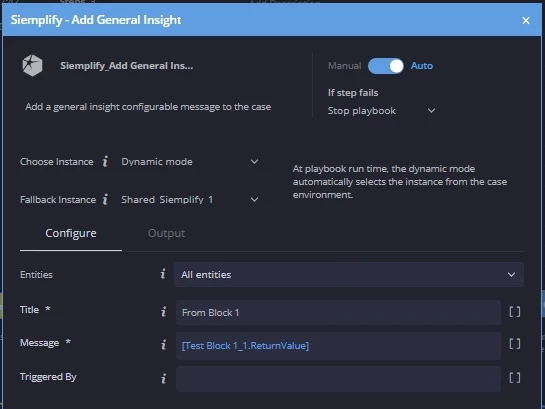
1. Test Block 1 with a General Question. The answer to the question is set as the output in Test Block 1.


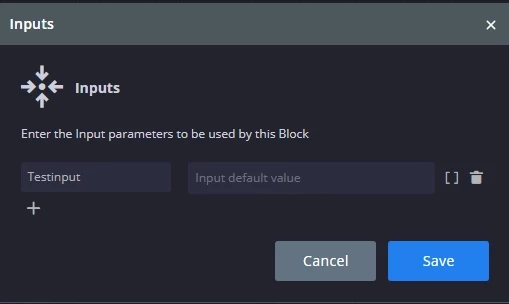
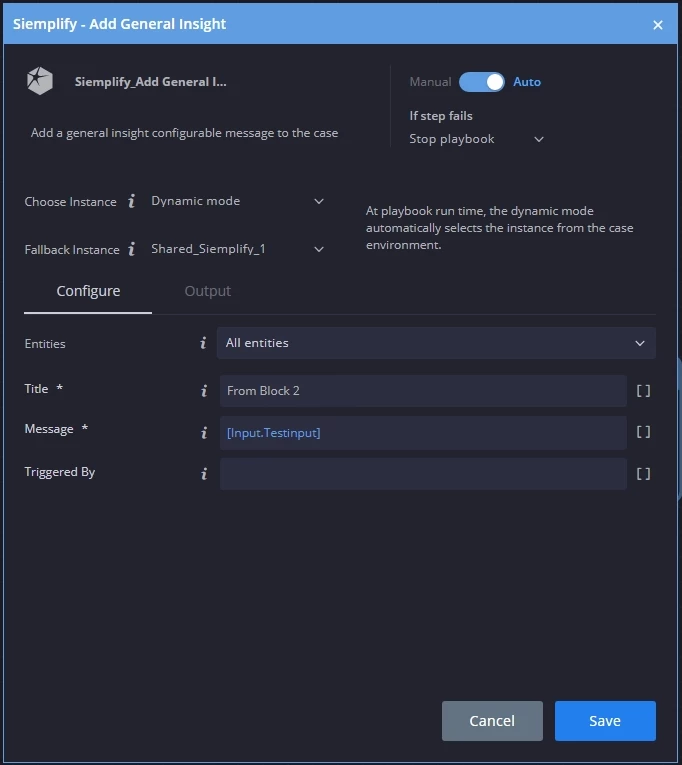
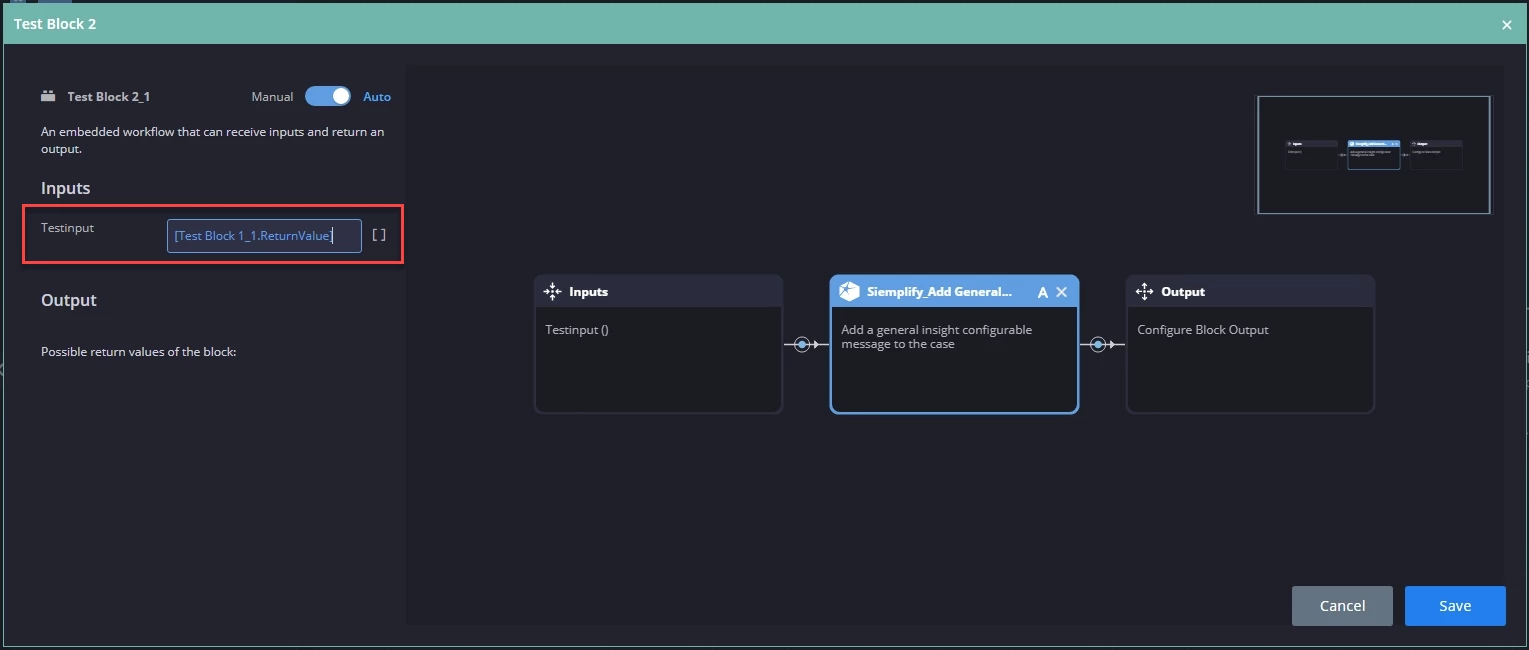
2. Test Block 2 takes the output of Test Block 1 and sets it as the input of Test Block 2, which is then used in a general insight action in this example.


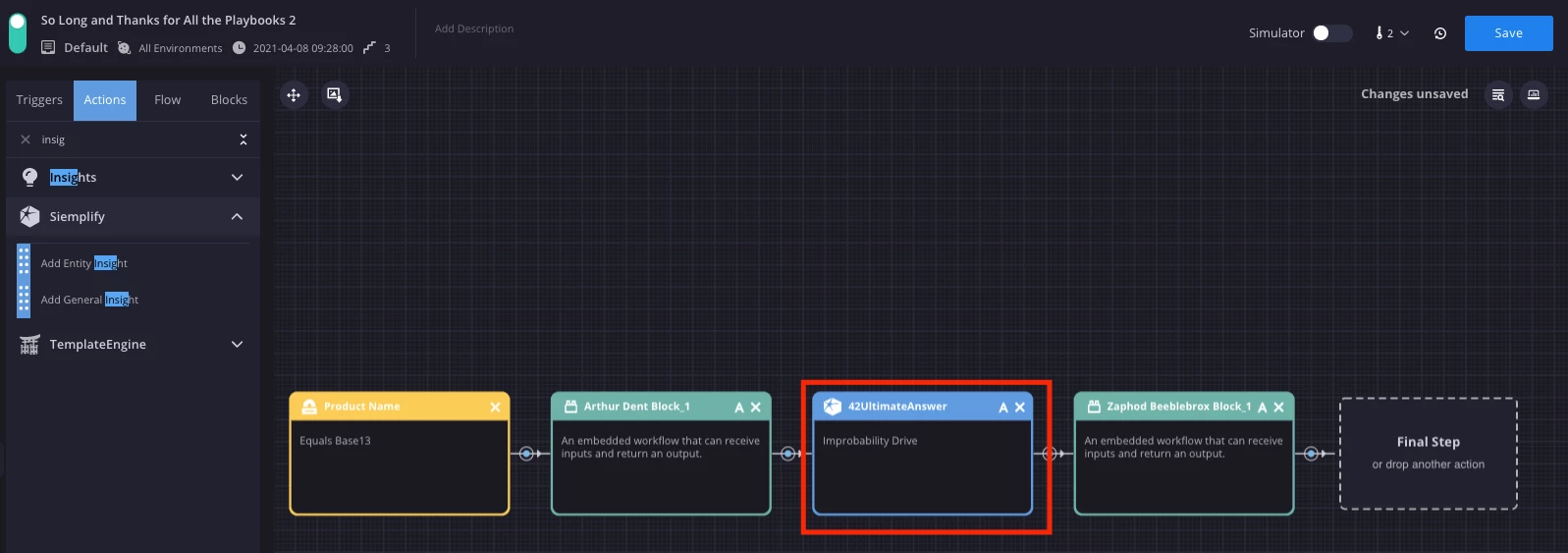
3. Both blocks added to a playbook.


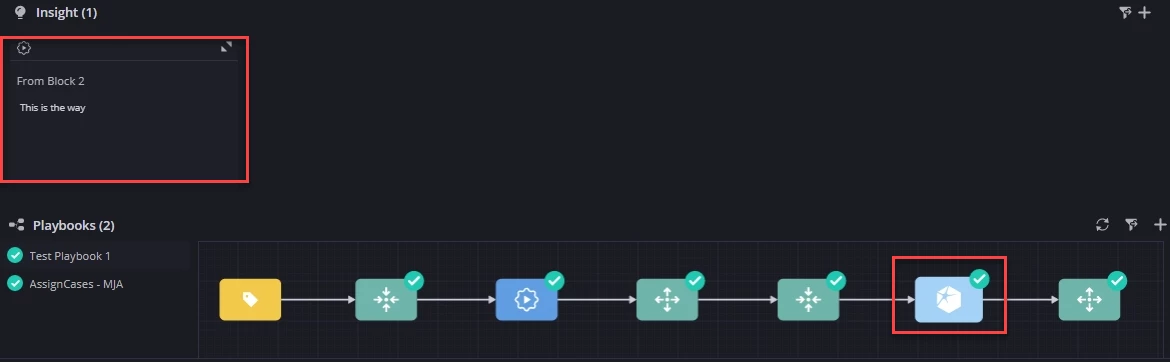
4. The result of answering "test" in Test Block 1 in a live alert playbook.


6 replies

  • April 1, 2021

Thank you for the writeup!

It would be even more helpful if the examples would also show how to do it if the block 1 contains more than 1 block, and thus more than 1 output is produced.

Can this be done, and if so, how is it addressed in subsequent blocks?


Forum|alt.badge.img+9

I'll try to put together some additional examples for that tomorrow!


Forum|alt.badge.img+12

This is amazing @cyrusrobinson! Thank you for sharing 😊


Forum|alt.badge.img+9

Going through some testing with @Marc_Javet , we learned that if you call the Block 1 output before using it in Block 2's input, then the playbook appears to free/release the output. So for example, in this playbook I use the output of Block 1 in a General Insight before using the same Block 1 output as a Block 2 input. This prevents Block 1 output from being usable in Block 2 input. Marc's checking up with Siemplify on his side, but there may also be some limitations with some versions to be able to use a Block output as the input of another Block.


  • April 9, 2021

Hi @cyrusrobinson as discussed I did another test on our dev environment and now it works. I also tested the General Insight Action between the blocks and didn't saw the bad behavior we had during our session.

Here's my procedure:

First created both blocks (1 & 2) with General Question and General Insight Action for output.

Block 1


Block 2


Now creating the Playbook


In the Playbook on Block 2 add the input from Block 1


Run the Test


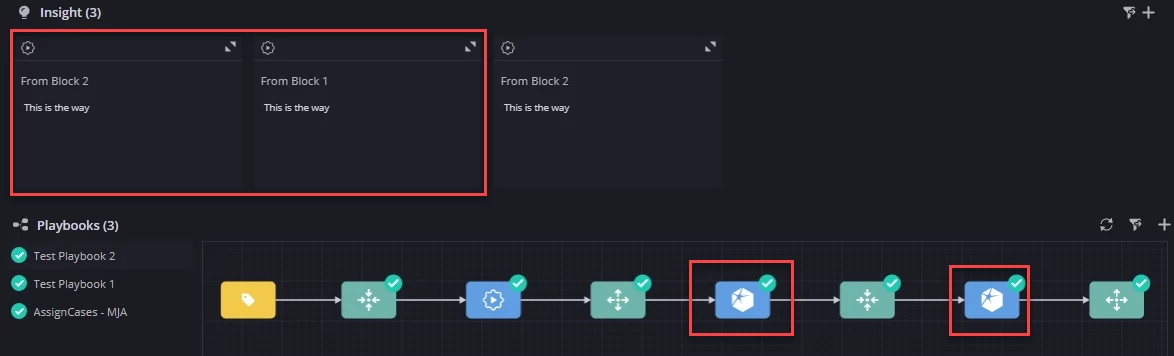
And here's the result with an aditional Insight between the blocks:


Forum|alt.badge.img+9

@Marc_Javet, it was a pleasure meeting you and getting to explore this a bit together last week. Thanks for sharing the update!