



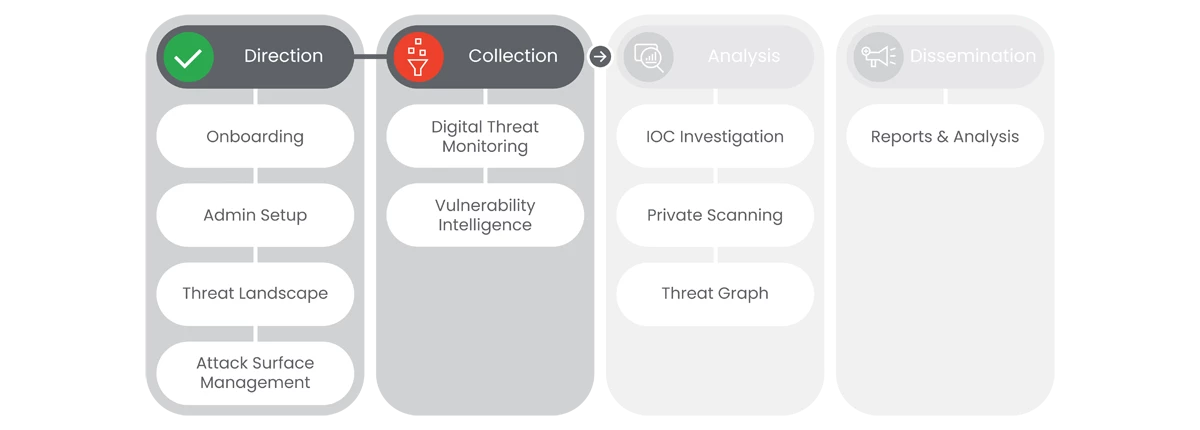
This section of Google Threat Intelligence Onboarding will go over Collection: Digital Threat Monitoring and Vulnerability Intelligence.
Prerequisites
- Access to the Homepage and its features, requires the user to have access, and a valid authentication. Users must be provided access and authentication from the organization’s administrator(s).
- Define the user’s Monitor Topics: Carefully choose the monitor topics and keywords to ensure DTM focuses on the most relevant information. Consider including:
- Your organization's name and variations
- Key brands and products
- Registered web domains
- Executive names (VIP users)
- Organization-specific terms
- Network Information (External IP addresses or ranges)
- If a user doesn't have this information, they cannot start to build monitors
Next Step: Google Threat Intelligence: Step 2.1 - Collection | Digital Threat Monitoring
Previous Step: Google Threat Intelligence: Step 1.4 - Direction | Attack Surface Management