



Table of Contents
Below you'll find a table of contents for the Outbound Integrations journey.
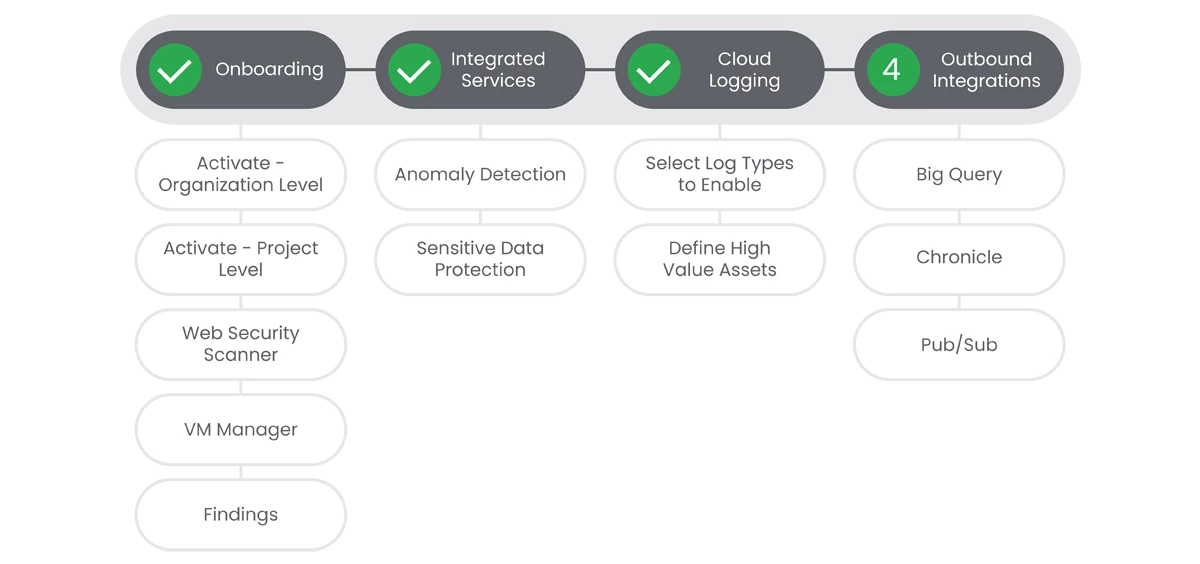
Security Command Center Premium is powerful in and of itself, but when coupled with Chronicle, BigQuery, or third party tooling, you can achieve a very powerful, holistic, view of your security landscape. Combining all of your security data into a platform like Chronicle SecOps gives you the ability to review, analyze and respond to events in a much faster manner.
Prerequisites
- Security Command Center Premium activated at the Organization or Project level.
- All systems set to UTC time.
Actions
 BigQuery Integration

Chronicle Integration
Integrating Security Command Center Premium with your SIEM system provides several significant benefits that enhance your organization's overall security posture: Centralized Security Monitoring, Improved threat detection, Accelerated incident response, and Compliance Reporting.
Prerequisites
See the Relevant Links section for more documentation regarding the prerequisites.
Google SecOps is linked to your GCP Organization
-
- SecOps in the same GCP Organization
- Existing SecOps instances - https://cloud.google.com/chronicle/docs/onboard/link-chronicle-cloud#migrate-existing
- New SecOps instances - https://cloud.google.com/chronicle/docs/onboard/link-chronicle-cloud#new-instance
- SecOps in a different GCP Organization https://cloud.google.com/chronicle/docs/ingestion/cloud/ingest-gcp-logs#enable_data_ingestion
- SecOps in the same GCP Organization
Your account has been granted the chronicle Service Admin and Security Center Admin editor organizational roles https://cloud.google.com/chronicle/docs/ingestion/cloud/ingest-gcp-logs#grant_iam_roles
Steps
- From the 'Google Security Operations' - 'Global Ingestion Settings' page enable 'Security Comand Center Premium Findings' https://console.cloud.google.com/security/chronicle/ingestion?orgonly=true
Note: You must have the Security Command Center Premium tier enabled to export your Premium tier findings to Google Security Operations.
Relevant Links
- Export Security Command Center findings to Google Security Operations: https://cloud.google.com/chronicle/docs/ingestion/cloud/ingest-gcp-logs#export_findings_to
- Integrate Security Command Center with Google Security Operations SOAR: https://cloud.google.com/chronicle/docs/soar/marketplace-integrations/google-security-command-center

Pub/Sub
Notifications send findings and finding updates to a Pub/Sub topic within minutes. Security Command Center API notifications include all of the finding information that is displayed by Security Command Center in the Google Cloud console. Pub/Sub is useful if your organization or project utilizes a 3rd party SIEM platform.
Prerequisites
See the Relevant Links section for more documentation regarding the prerequisites.
- Apply proper IAM Credentials
- Enable SCC API (If not completed in previous steps)
Steps
-
Create a Pub/Sub topic in the Google Cloud Pub/Sub. | Docs
-
[Optional] If your organization utilizes VPC Service Controls, please complete the steps in the linked docs. | Docs
-
Create a
NotificationConfig
. | Docs
Relevant Links
- All Steps: https://cloud.google.com/security-command-center/docs/how-to-notifications
- Prerequisite: https://cloud.google.com/security-command-center/docs/how-to-notifications#before_you_begin
- Prerequisite: https://cloud.google.com/security-command-center/docs/how-to-notifications#enable-scc-api
- 1: https://cloud.google.com/security-command-center/docs/how-to-notifications#set-up-pubsub-topic
- 2: https://cloud.google.com/security-command-center/docs/how-to-notifications#before_creating_a_notificationconfig
- 3: https://cloud.google.com/security-command-center/docs/how-to-notifications#create-notification-config
Complete!
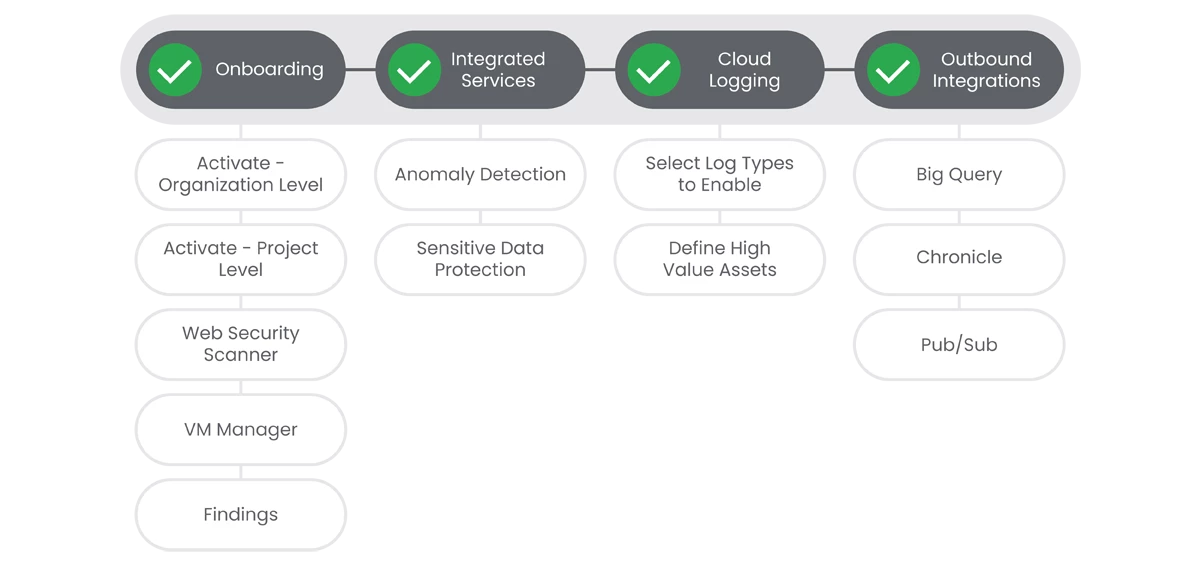
Your journey is now complete.
Previous Step: Security Command Center Premium: Step 3 - Cloud Logging
