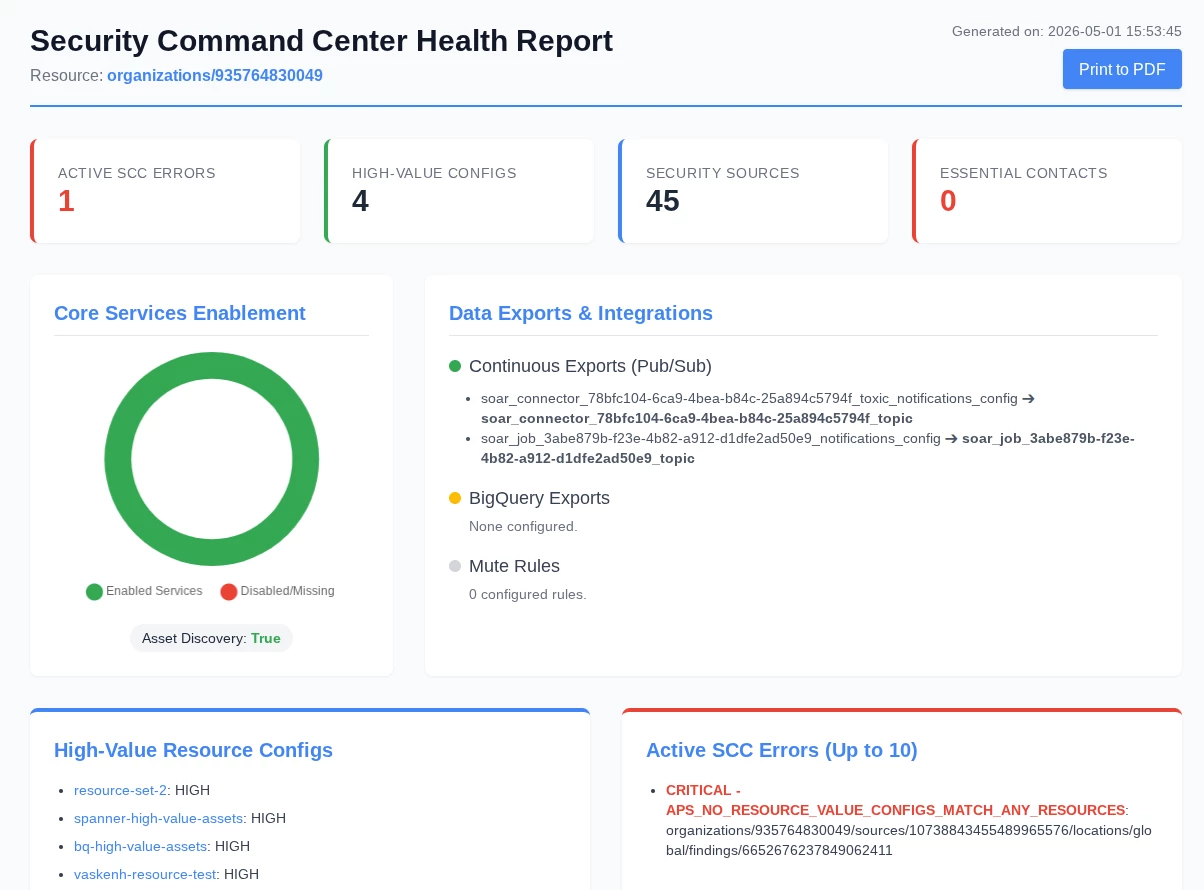
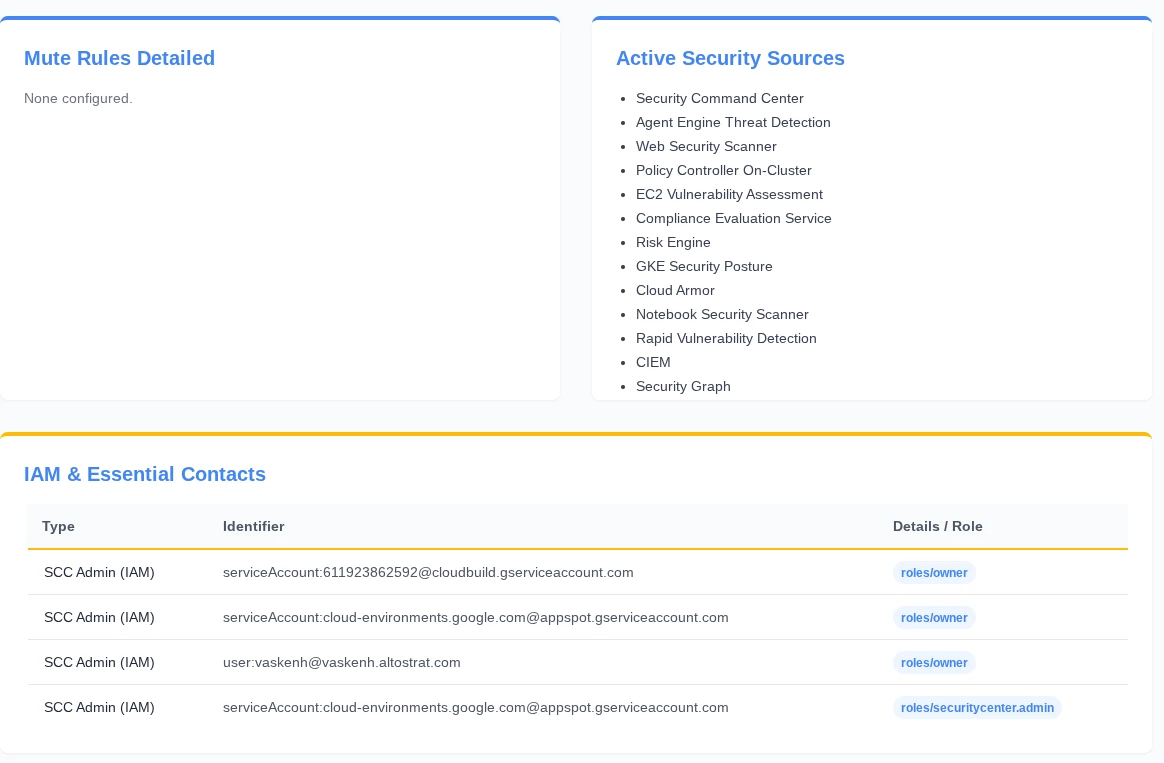
In this post, we’ll explore the idea of creating a report for the configuration of Security Command Center (SCC) so that we can convey the current ‘health’ of the SCC platform to an audience. We’ll use tools like Gemini CLI to help us draft an initial version of this report, which will let us offload the architecture of the script and let us focus on the high-level goal we are trying to solve.
What types of information should go into a health check report for SCC? Here are some ideas of things that an SCC administrator might spot-check as part of a platform review:
- Are there any SCC errors?
- Which SCC services (SHA, ETD, etc.) are enabled?
- How many Mute Rules are defined?
- Which continuous exports are defined?
- Are there high-value resource sets defined?
- Which principals (users) have administrative access to SCC?
Our development environment for this use case will revolve around using Gemini CLI. We can use Gemini CLI to prompt for this script by providing a detailed and task-oriented prompt that guides Gemini through the process of understanding our use case and providing an output that meets our expectations.
The process of carefully tuning a prompt for maximum effectiveness and accuracy in this manner is an example of prompt engineering, and allows us to guide an AI agent or LLM through the response generation process by providing examples and relevant context as part of our prompt.
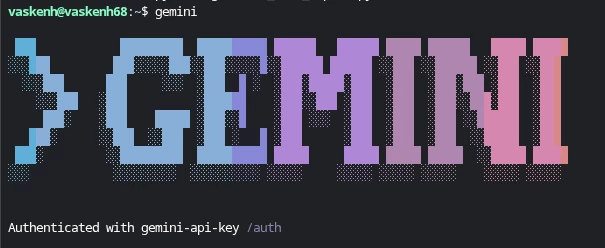
With Gemini CLI installed, we can proceed to crafting our prompt:
I would like to create a python script that implements the Security Command Center (SCC) v2 API in order to perform a "health check" on the SCC deployment. The script should use the API to do things like return SCC errors (which describe issues with the SCC deployment itself), return whether or not high-value resource sets are configured (and what those high-value resource sets are), whether Mute Rules are configured (and what they are) and whether there are continuous exports configured. Additionally, the script should enumerate the list of SCC services that are enabled (like Event Threat Detection or Security Health Analytics), whether Essential Contacts are configured, and the list of all principals in GCP that have administrative access to GCP.
Assume the authentication will take place via ADC (application default credentials) or by specifying a JSON key for a GCP service account.
Take this data and create an executive-friendly report with visualizations and relevant data so that all of this information is provided in one place as part of this script.
Gemini CLI will take multiple iterations to complete this task, and by monitoring the process you can learn more about how the problem is solved. For instance, you can get an idea of how Gemini CLI creates and modifies the python script, and how it works through errors (like compilation errors or API errors) before reaching the final product.
The final output of this task is shown below. The entire process of mapping the correct SCC API calls and implementing them in Python, then visualizing the output through an HTML report with rich data is abstracted away from us, letting us focus on the architecture of the solution rather than on writing code.