Question

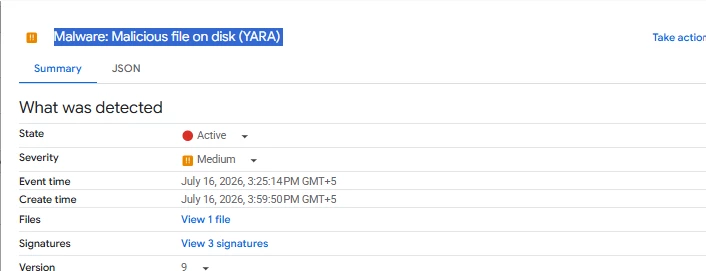
SCC - Malware: Malicious file on disk (YARA)

  • July 16, 2026
  • 2 replies
  • 63 views

arv261095
Forum|alt.badge.img+7

Hi Team,

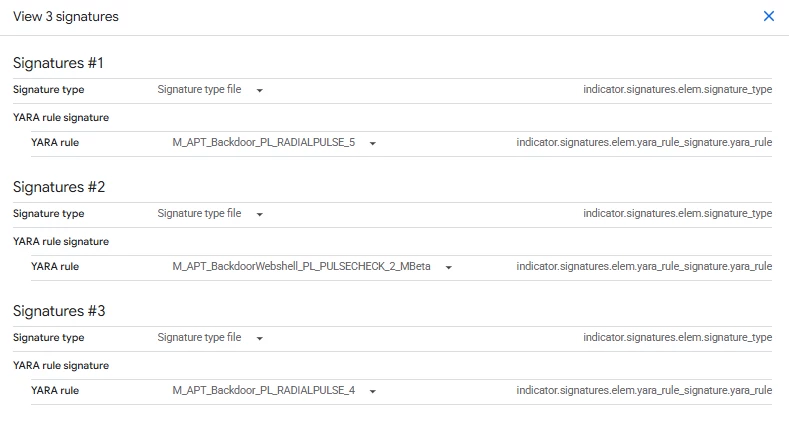
I am not getting what exactly withing the file is matching the signatures of these SCC yara rules can anyone help here please this is first time i am getting this not sure if this is some SCC premium service this triggered this but not able to get if its true or false positive.


2 replies

kentphelps
Community Manager
Forum|alt.badge.img+12
  • Community Manager
  • July 17, 2026

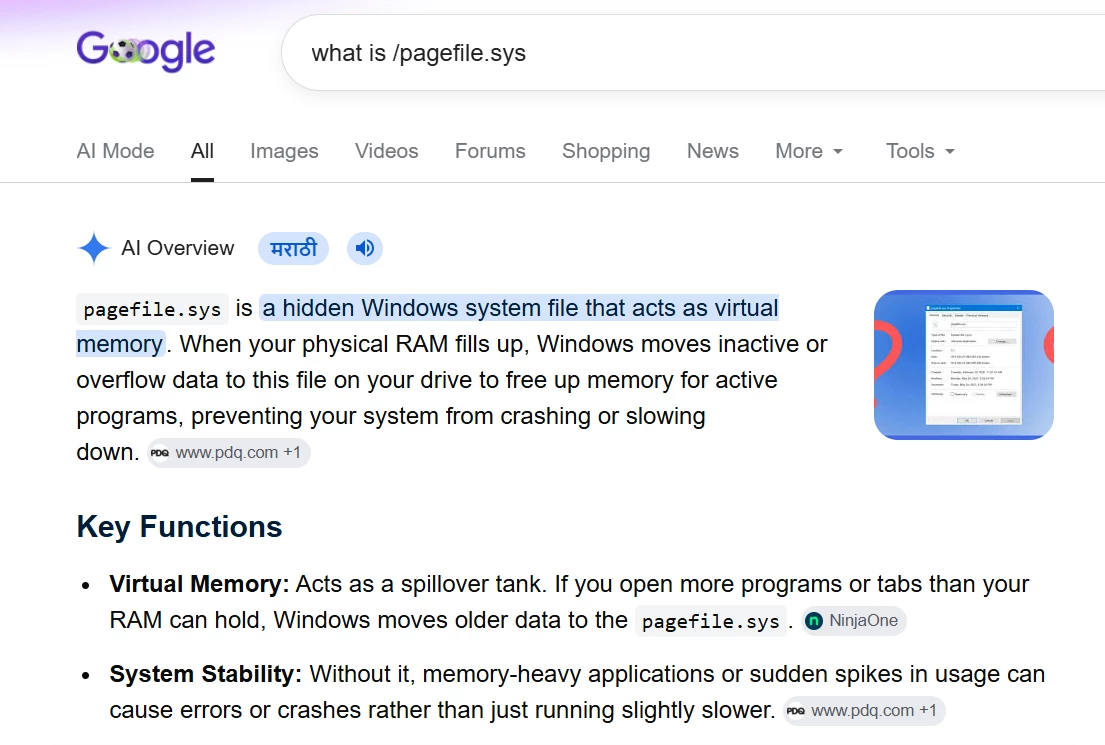
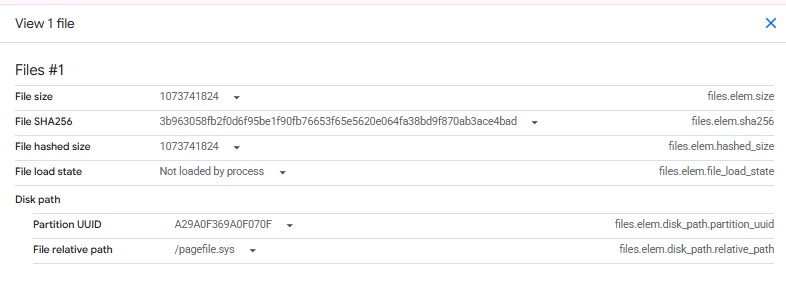
I assume this message is from the VMTD service in SCC.  It is saying it saw some signature from RADIALPULSE malware in the pagefile.sys (virtual memory).  RADIALPULSE is a backdoor malware targeted at Pulse Secure (PL) VPN appliances.   

Is there any EDR agent on this windows VM?  Can it get scanned?  This could be a false positive but getting another tool to take a look to confirm would be good.


whathehack81
Forum|alt.badge.img+9

This appears to be a VM Threat Detection finding generated by scanning a clone of the VM’s persistent disk. It is available with SCC Premium/Enterprise and does not require an in-guest agent.

Open the finding and select the JSON tab. Check:

 
indicator.signatures[].yaraRuleSignature

Also capture:

 
YARA rule name
Files / relative path
partition UUID
SHA-256 / VirusTotal indicator
affected VM resource

Google documents yaraRuleSignature as the signature corresponding to the matched YARA rule, but the public documentation does not indicate that SCC exposes the exact matching string or byte offset. Therefore, the finding may identify the rule/signature without showing precisely which bytes triggered it.

Since the detected path is pagefile.sys, this does not by itself prove that a live RADIALPULSE executable exists at that path. Windows stores paged-out memory content in the paging file, so the signature could represent memory associated with a current or previous process. That possibility should be validated rather than immediately classified as either malicious or a false positive.

Recommended validation:

  1. Export and preserve the complete SCC finding JSON.
  2. Record the rule name, signature metadata and any hash .
  3. Run a full EDR scan and review processes, services, scheduled tasks, persistence locations and outbound connections.
  4. Check VM and identity logs around the finding time.
  5. Preserve a disk snapshot before remediation if compromise remains plausible.

Do not delete pagefile.sys as remediation. Treat the finding as an indicator requiring correlation with additional endpoint and forensic evidence. Google similarly recommends EDR validation, log review and preserving VM or disk copies when further analysis is required.

R.Q whathehack81