


Table of Contents
Below you'll find a table of contents for the Testing journey.
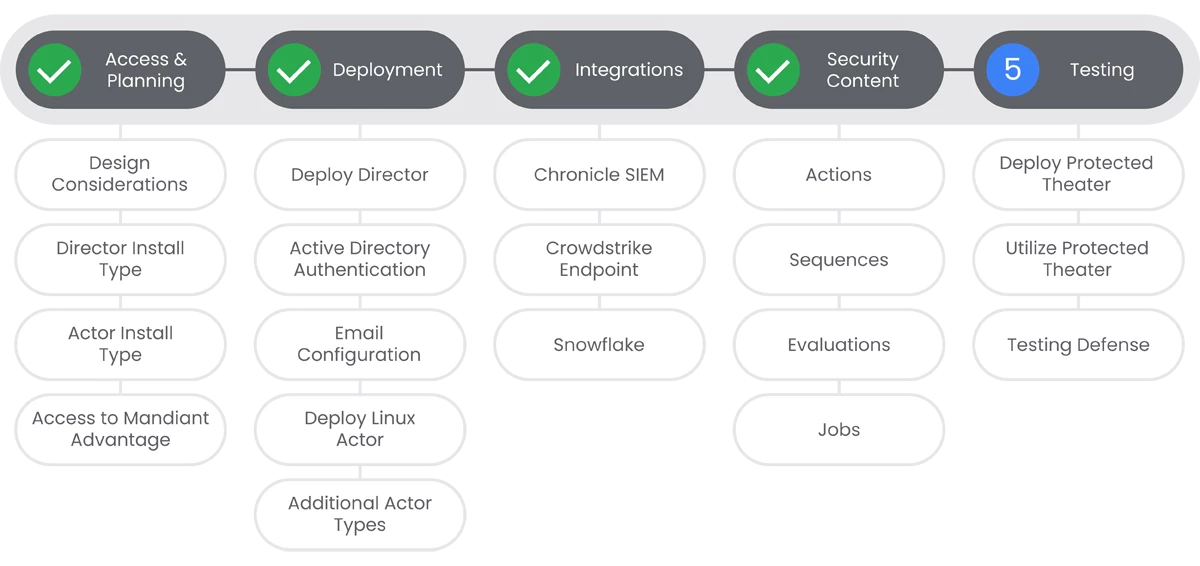
Mandiant Security Validation utilizes an isolated virtual environment called Protected Theater to allow you to safely test the efficacy of endpoint security controls against destructive behaviors. In this section, we will walk you through the process of deploying and utilizing the Protected Theater.
Prerequisites
- Administrative access to MSV Director.
Actions


Utilize Protected Theater
Protected Theater is an extremely powerful tool to test the efficacy of your security controls. In this section, we will walk you through uploading files to the endpoint file library, connecting to the Protected Theater using VNC or Console, and finally, creating a Protected Theater Action.
Prerequisites
See the Relevant Links section for more documentation regarding the prerequisites.
- Administrative access to MSV Director.
- Deployed Protected Theater.
- Deployed Protected Actor with MSV Agent installed and connected to MSV Director.
Steps
-
In order to upload files to the Endpoint Files Library, you'll need to navigate to the Director and sign-in.
-
Select Library > Endpoint Files.
-
Click Add File and select the file you want to upload.
-
Add a description of the file.
-
Select the lowest User Group that should have access to the file.
-
Click Submit.
-
To connect to the Protected Theater over Console, you will need to navigate to the Director and sign-in. Then click Environment > Protected Theaters.
-
Click Edit next to the Protected Actor.
-
Click Launch Console.
-
Protected Theater Actions are a special type of Host CLI Action that includes destructive behaviors. Ensure that you've already added the file to the File Library, if your action will utilize a file.
-
Approve the file or have your Security Validation admin approve the file.
-
Create and save the Host CLI Action.
Relevant Links

Initial Baseline Testing
The action of baselining in reference to a security validation program and using a tool like Mandiant Security Validation (MSV), is the process of running a core set of tests to evaluate the effectiveness of the controls in your environment to provide a basis of data.
Prerequisites
- Administrative access to MSV Director.
- Deployment of MSV Director, Internal Network and Endpoint Actors, and a externally hosted network actor.
- Recommended: Configured integrations with your security technologies, (SIEM, EDR/AV, etc.)
Steps
-
- Review the following Blog on how to develop baseline testing for new security validation deployments. | Docs
Relevant Links
Congratulations!
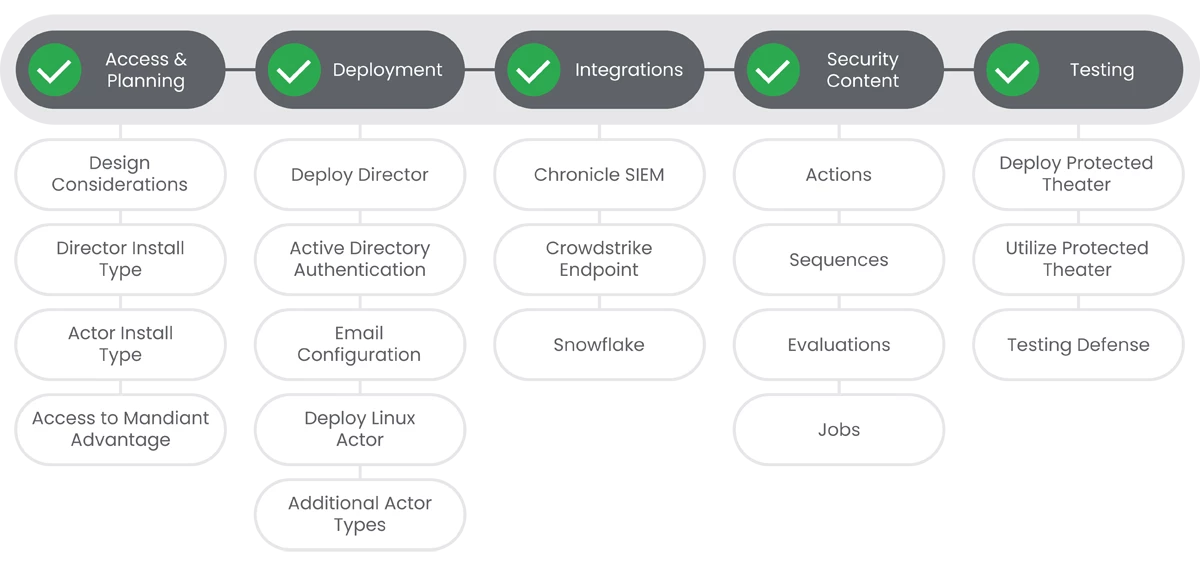
Your Mandiant Security Validation Journey is complete!
Previous Step: Mandiant Security Validation: Step 4 - Security Content
