Question

403 Missing Permissions in SecOps Unified Rules UI (Featured Content API Scope Evaluation Bug)

  • June 16, 2026
  • 3 replies
  • 72 views

Likshit
Forum|alt.badge.img+1

The Featured Content microservice powering the Unified UI appears to be improperly evaluating identity mapping. Because our namespaces are defined but user enforcement is turned off, the API fails to route unscoped global curated rules to the frontend, resulting in a 403.
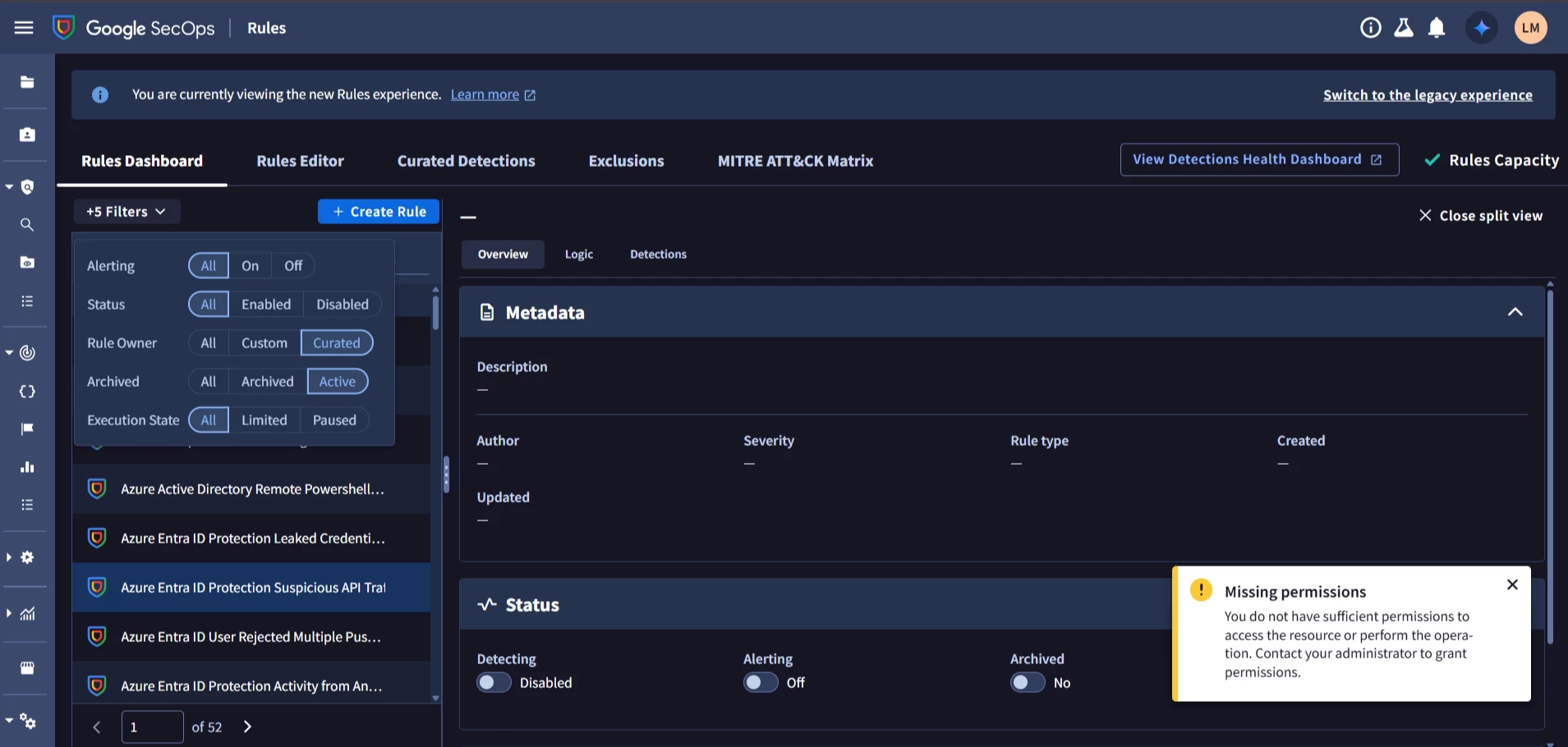
Architecture: Multi-tenant environment using namespaces (Customer A, Customer B) for logical isolation.

Current State: Data Access Paradigm Enforcement is currently Disabled/Inactive as our unified analyst team manages all clients globally.

Troubleshooting Already Performed:

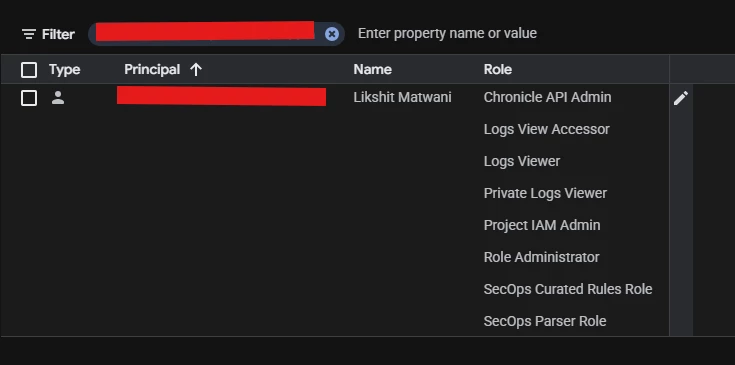
Verified the user has the required legacy permissions (chronicle.curatedRules.*, chronicle.curatedRuleSets.*). The standalone "Curated Detections" tab loads and functions perfectly.
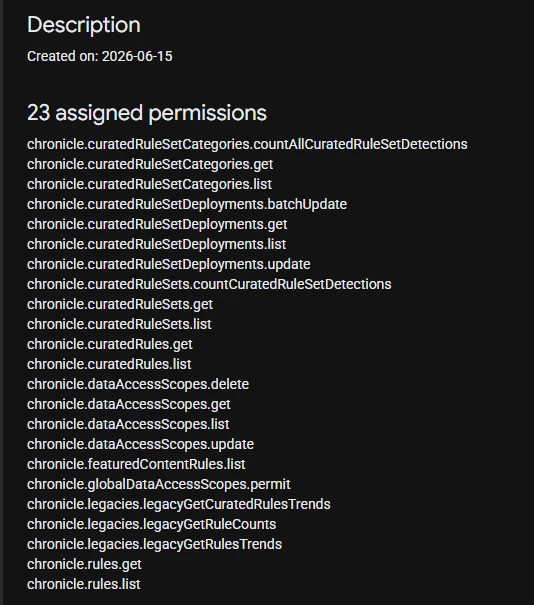
 

Verified the user has the required new permission (chronicle.featuredContentRules.list) attached to their custom Alpha role.


 

3 replies

kentphelps
Community Manager
Forum|alt.badge.img+12
  • Community Manager
  • June 17, 2026

I would recommend opening a support case so that team can go through your logs for some insight on why your users are getting the 403 error.  That info will help point us in the right direction.


dnehoda
Staff
Forum|alt.badge.img+19
  • Staff
  • June 18, 2026

Just out of curiosity - if you give them a chronicle viewer role and remove the custom - just as a test.   what are the results then?


Likshit
Forum|alt.badge.img+1
  • Author
  • New Member
  • June 18, 2026

Just out of curiosity - if you give them a chronicle viewer role and remove the custom - just as a test.   what are the results then?

I have given these below permissions: