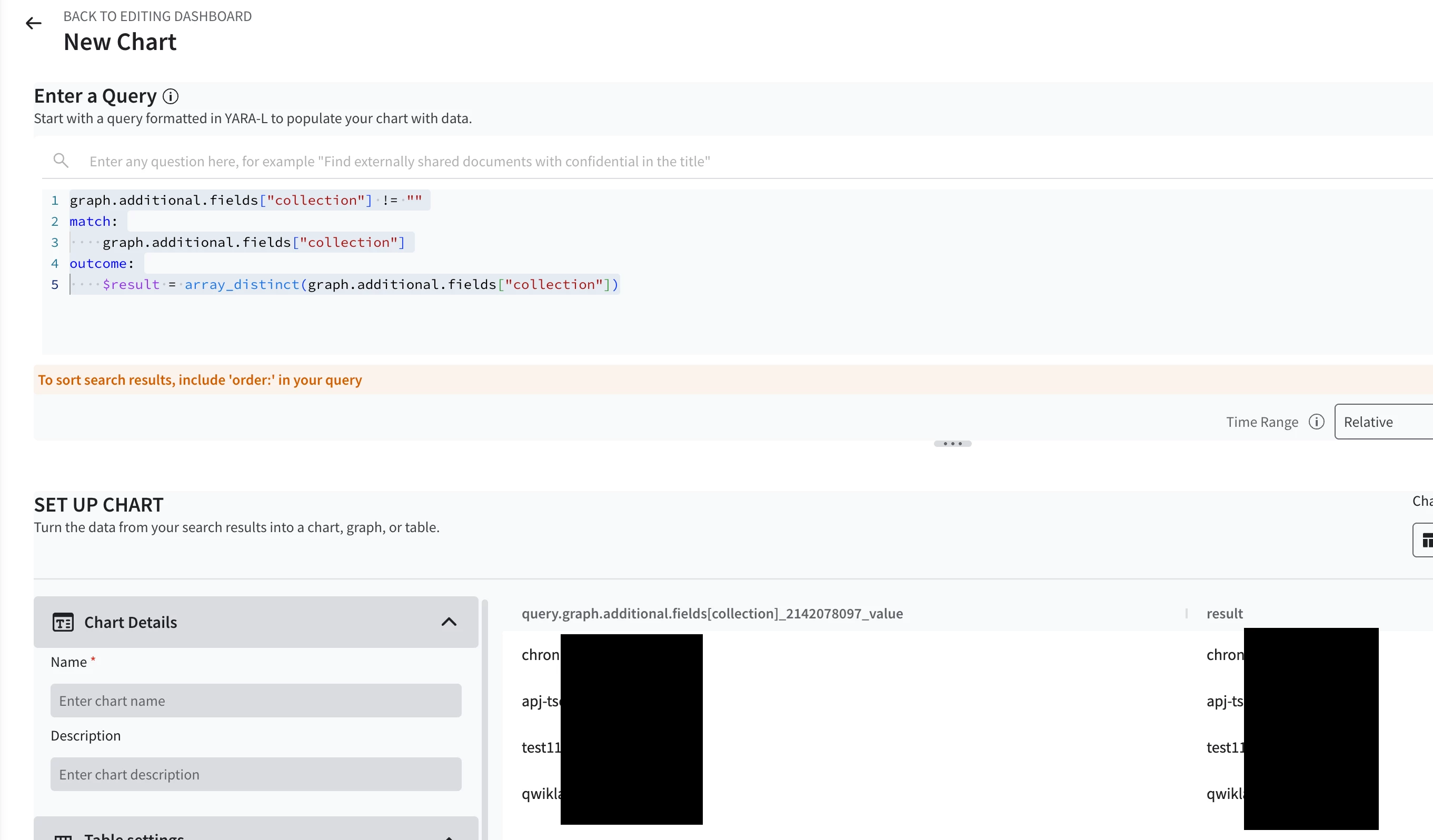
Hi Team,
I’m facing an issue while accessing a mapped additional field in a Google SecOps dashboard.
🔹 Problem Description
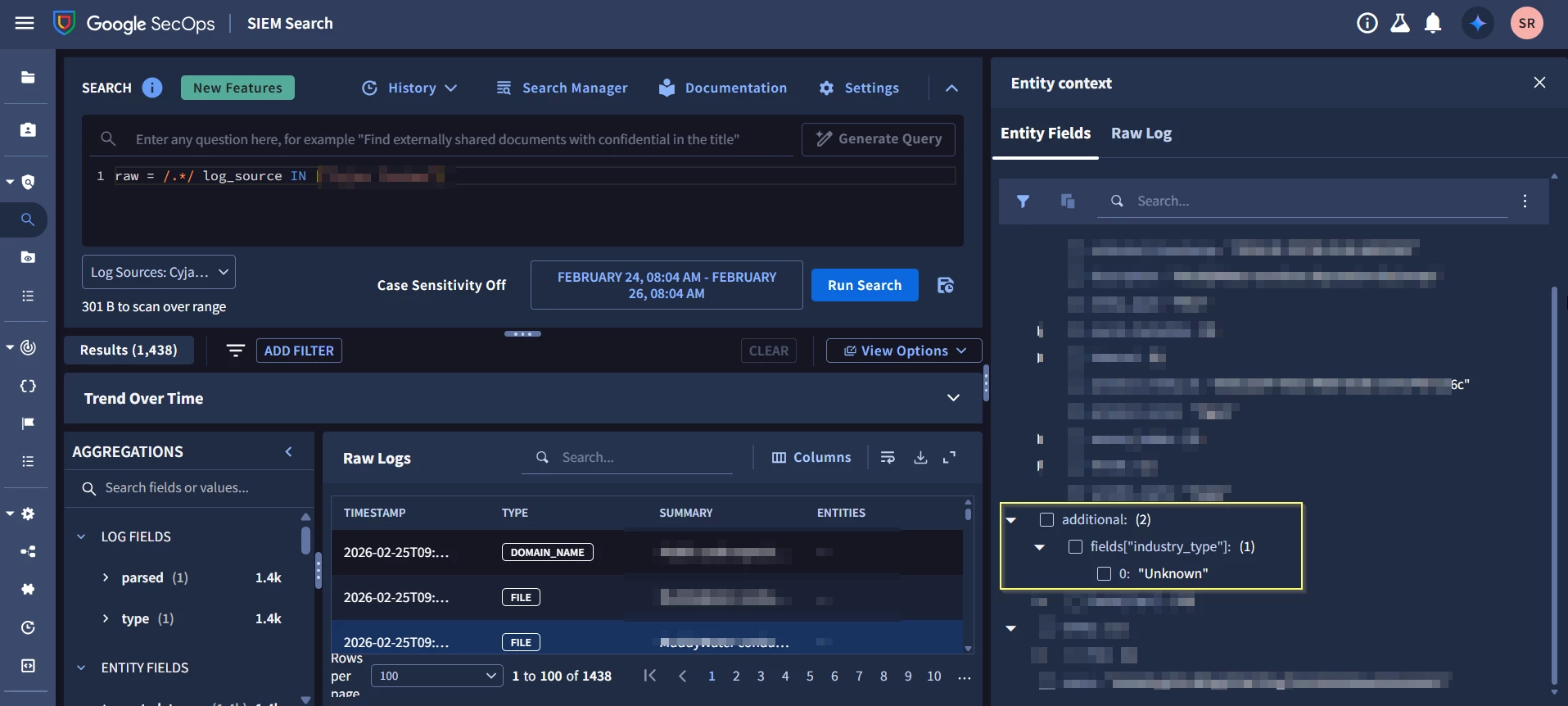
We have mapped a custom field in the parser under graph.additional.fields using list_value.values. The field is parsing correctly and is visible in the Search UI results.
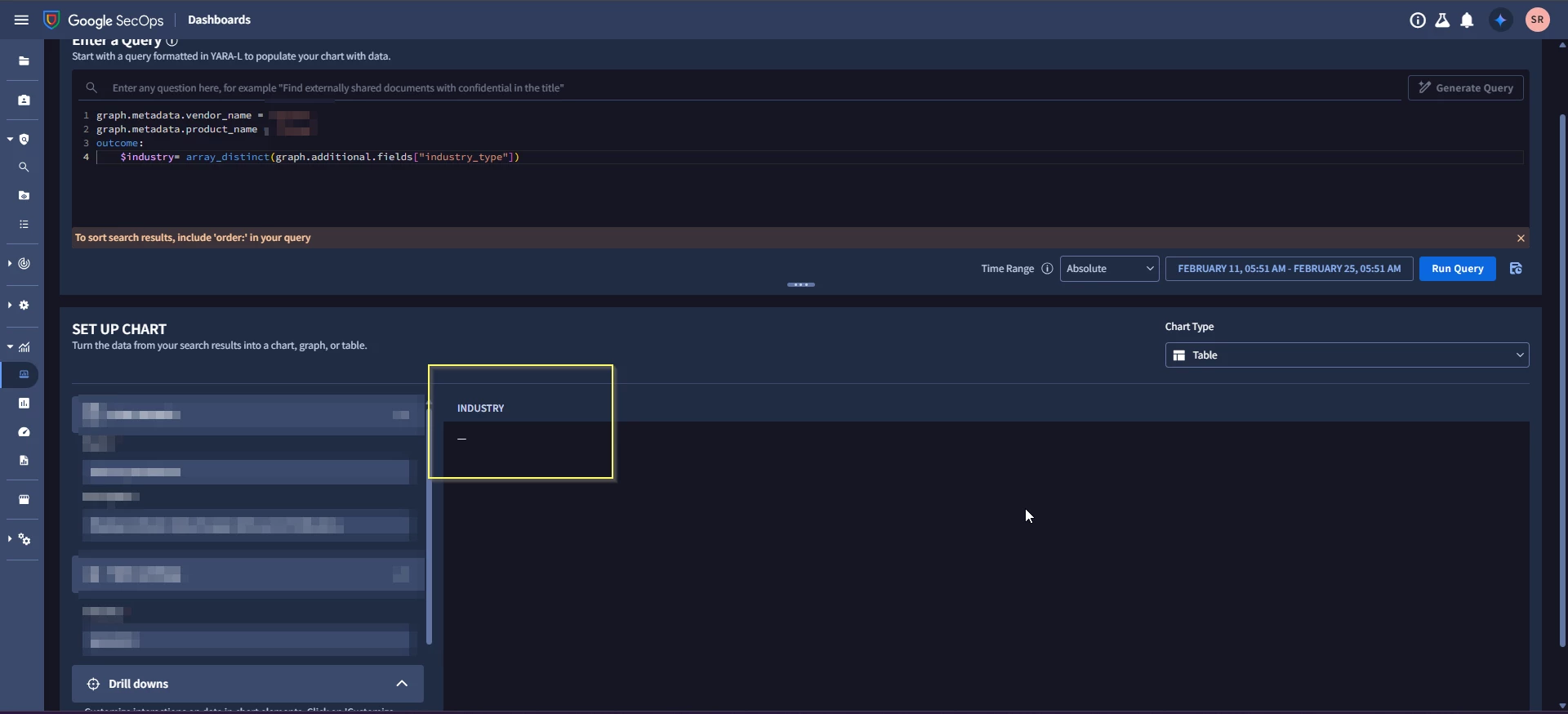
However, when trying to access the same field in a dashboard query, it returns empty values.
🔹 Parser Snippet
mutate {
            replace => {
                "industry_type_list.key" => "industry_type"
            }
        }
        for industryitem in industry_type {
            mutate {
                convert => {
                    "industryitem" => "string"
                }
                on_error => "industry_item_conversion_error"
            }
            mutate {
                replace => {
                    "_industry_label" => ""
                }
            }
            mutate {
                replace => {
                    "_industry_label.string_value" =>
                    "%{industryitem}"
                }
                on_error => "industry_item_missing"
            }
            if ![industry_item_missing] {
                mutate {
                    merge => {
                        "industry_type_list.value.list_value.values" =>
                        "_industry_label"
                    }
                    on_error => "industry_type_merge_error"
                }
            }
        }
        mutate {
            merge => {
                "event.idm.entity.additional.fields" => "industry_type_list"
            }
            on_error => "industry_type_list_erge_error"
        }
Observations
- The field is successfully parsed and visible in the UI.
- It appears correctly in log view results.
- But in the dashboard query, it returns empty results:
Parsed Field Visible in Search UI:
Dashboard Query Showing Empty Value:
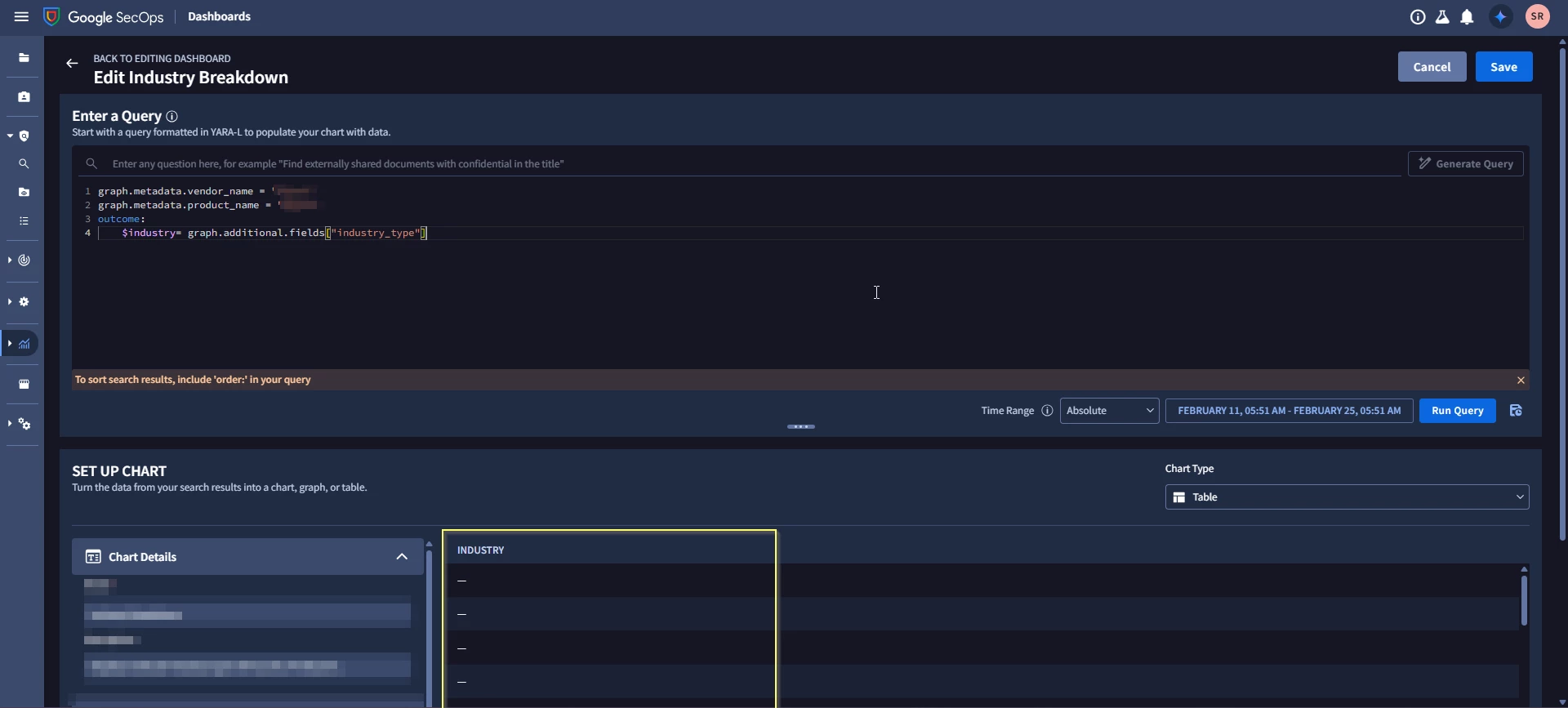
What is the correct syntax to access graph.additional.fields["field_name"] when it is mapped using list_value.values in a dashboard query?
!-->