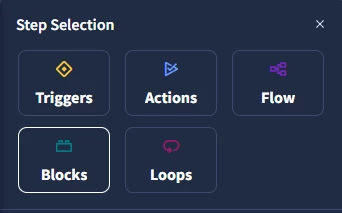
is there any action where we can attach block to case/alert ?
In ide i can see attach playbook but not block

is there any action where we can attach block to case/alert ?
In ide i can see attach playbook but not block
Enter your E-mail address. We'll send you an e-mail with instructions to reset your password.