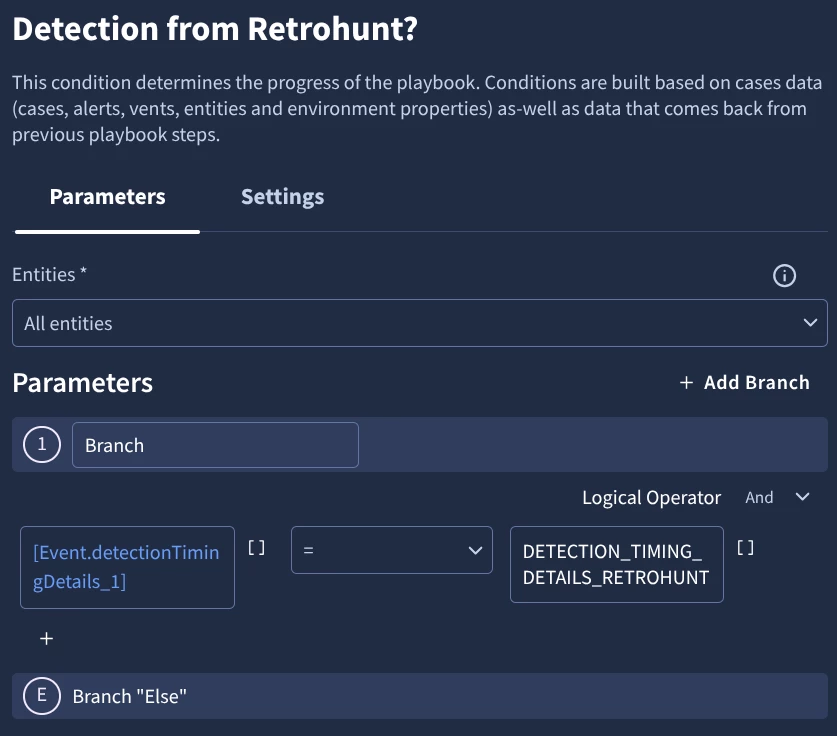
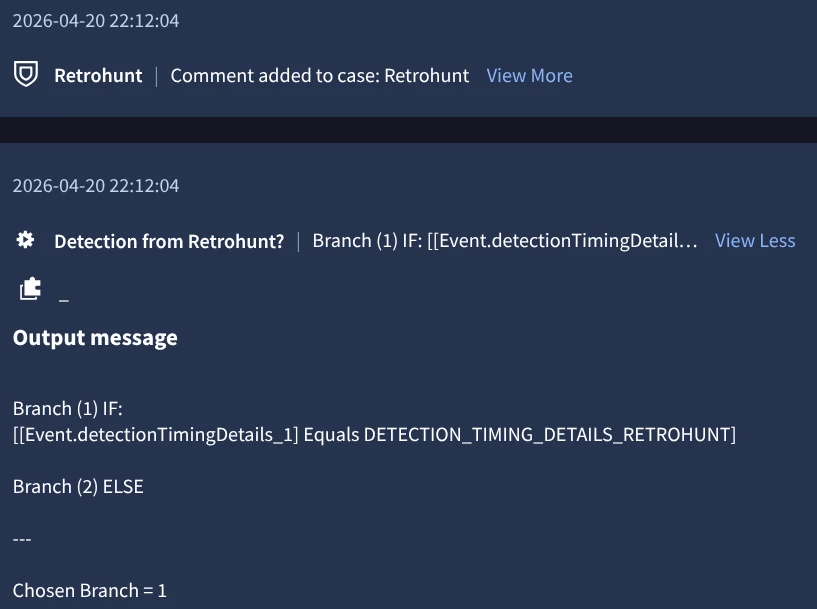
I recently created detection rules that look for possible suspicious activities for a terminated user. The idea was to only escalate when we see these rules fire after the termination timestamp.
The logic are not complex, essentially single event rules looking at certain event_types along with principal and target userids of the user, and no match section therefore running NRT.
I did my tests to exclude possible offboard related events. However, after I enabled Alerting, cases were generated with events that occurred days before the rules were set to Alerting. I noticed that the Alerts tied to the cases had the tooltip information below:
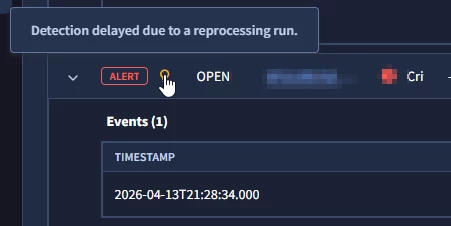
Now based from what I’ve gathered, this is something to do with how the detection rules pipeline making sure that even “older” events are properly surfaced and is essentially a continuous stream processor. Some of it covered here Latency Analysis in Google SecOps | by Chris Martin (@thatsiemguy) | Medium
The tooltip information is a good indicator, but the problem is that we have an MSSP setup where we forward cases from the client instance to our MSSP instance. And these tooltip information do not get carried over to the case generated in the MSSP instance. The event timestamp from the detection itself is obviously an indicator, but it defeats the purpose of this tooltip.
In theory the approach to prioritize recall vs. precision is understandable, but in practical terms it can cause issues. My questions are:
1. How can we exclude events that happened prior to enabling Alerting? Will adding filter on metadata.event_timestamp work? Although the timestamp filter approach is only relevant to use-cases where we have a cut-off time.
2. Is there any other way to highlight older events that are being surfaced with significantly different case generation time?
3. Any other useful tidbit to keep in mind when handling scenarios like this?