
Solved

Clarification Required Regarding Timestamp in Dashboard

  • August 23, 2024
  • 2 replies
  • 38 views

Hi Team,

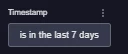
We would like to know if we have an option to delete the timestamp filter field from individual dashboard panels just like any other filters.
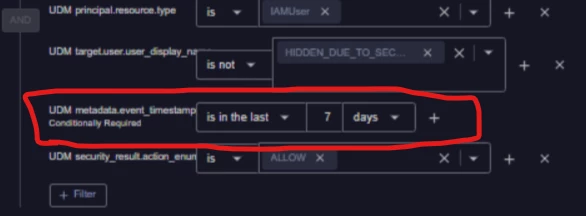
Additionally, I would like to know if all panels of the same dashboard are updated for the same global time range if a global timestamp filter is being used in the dashboard.
Please provide a reference to the relevant documentation for the same.

Thank you
 

Best answer by dnehoda

Hello, 

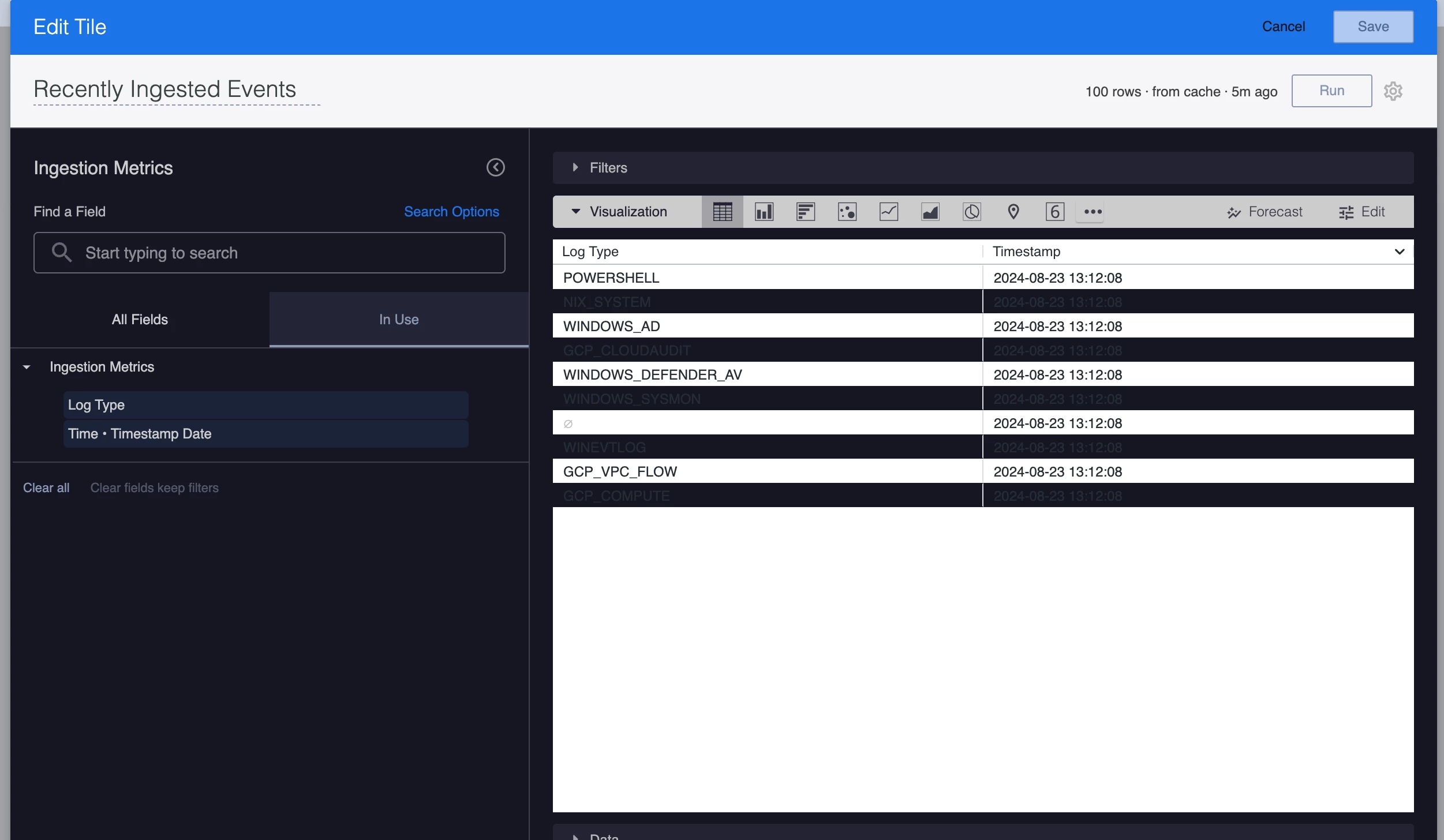
Everything we do in reporting / dashboards is associated to a specific timeframe.   Removing the timestamp will collect all of your data.   

In the old dashboards, through looker you can remove the timestamp from an individual tile.   Just click on the timestamp and it will go away.  

2 replies

dnehoda
Staff
Forum|alt.badge.img+16
  • Staff
  • Answer
  • August 23, 2024

Hello, 

Everything we do in reporting / dashboards is associated to a specific timeframe.   Removing the timestamp will collect all of your data.   

In the old dashboards, through looker you can remove the timestamp from an individual tile.   Just click on the timestamp and it will go away.  


  • August 26, 2024

Hi Denhoda,


Thank you for your response.
When selecting the timeframe for the last 7 days, could you please confirm the exact start and end time being used for this period?

