Question

create a case with test detection

  • September 24, 2025
  • 3 replies
  • 69 views

Sudheerzscaler
Forum|alt.badge.img+2

when we run a test in a rule editor, and we get a list of few test detections, is it possible to create a case out of them to test or refer for the playbook creation ?

3 replies

Forum|alt.badge.img
  • Staff
  • September 25, 2025

Yes, it's possible to use the information from test detections, but not directly by converting the test results into a case.

Here's a breakdown:

  1. Test Rule Detections are Transient: When you use the "Test Rule" feature in the Chronicle rule editor, the detections generated are primarily for immediate feedback on your rule logic. These results are not persisted in the same way that live rule detections are. The Chronicle Detection Engine API documentation notes that the StreamTestRule method returns detections "without persistence (detections are not retained)". Additionally, test rules typically only return a limited number of events (e.g., up to 10, as mentioned in the Detection Engine Playbooks).

  2. No Direct "Create Case from Test": There isn't a direct feature to automatically create a Google SecOps (SOAR) case from the results of a "Test Rule" run in the rule editor.

  3. How to Utilize Test Detection Information:

    • Manual Case Creation: You can manually create a case in the SOAR component and populate it with the details (e.g., event data, entities) you observed from the test rule detections. This allows you to simulate the alert and test your playbooks. See Create a manual case for details.

    • Reference for Playbook Creation: The data and structure of the events shown in the test rule results are valuable for designing and writing your playbook. You can understand what fields and values your playbook will need to handle.

    • Create a Test Case from a Live Alert: If you enable the rule to run live (even for a short period or with tight filters) and it generates a genuine alert, this alert will appear in the SecOps environment. From an existing alert within a case, you can create a sandboxed test case. This is useful for testing playbooks without affecting real entities. See Create a test case and Take actions on a case (specifically the "Ingest alert as test case" option).

In summary, while you can't directly convert "Test Rule" results into a case, the information gained is valuable for manual case creation for testing purposes or as a reference for playbook development


AymanC
Forum|alt.badge.img+13
  • Bronze 5
  • October 22, 2025

Hi ​@Sudheerzscaler,


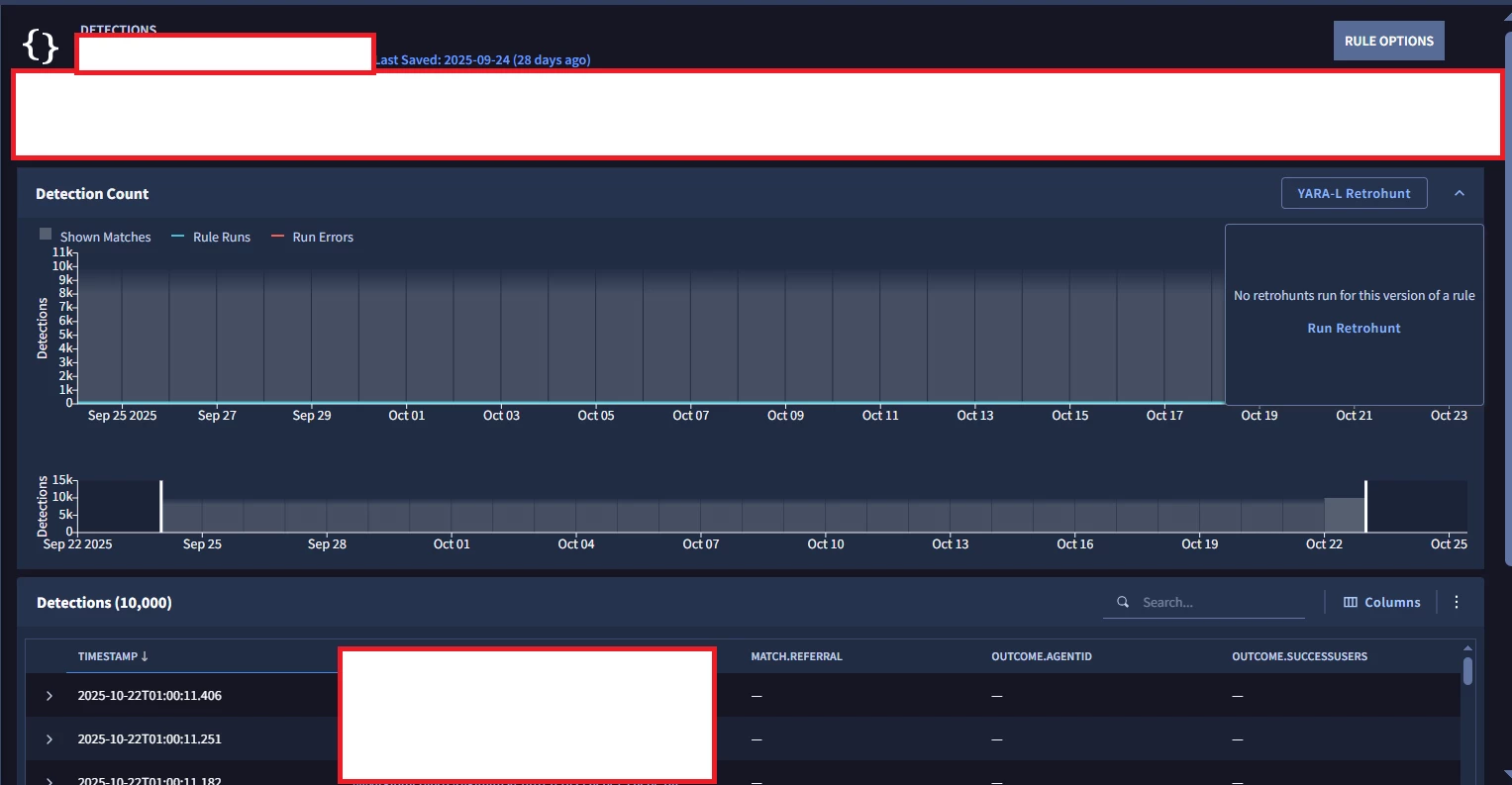
Save your rule, with both live and alerting on.

Run a retrohunt on the rule via the method that isn’t in the actual rule editor itself (see photo below)

This will generate real detections, which if you have a connector setup to grab these alerts and spawn cases, it will also spawn cases. 


Hope it works!


Kind Regards,

Ayman


Sudheerzscaler
Forum|alt.badge.img+2
  • Author
  • New Member
  • November 10, 2025

actually , I was looking for a way to generate  the alerts without saving the rule, as I want few alerts for playbook devekopment, anyways thanks for your response, may be will disable or delete that rule once the smaple alerts have been created