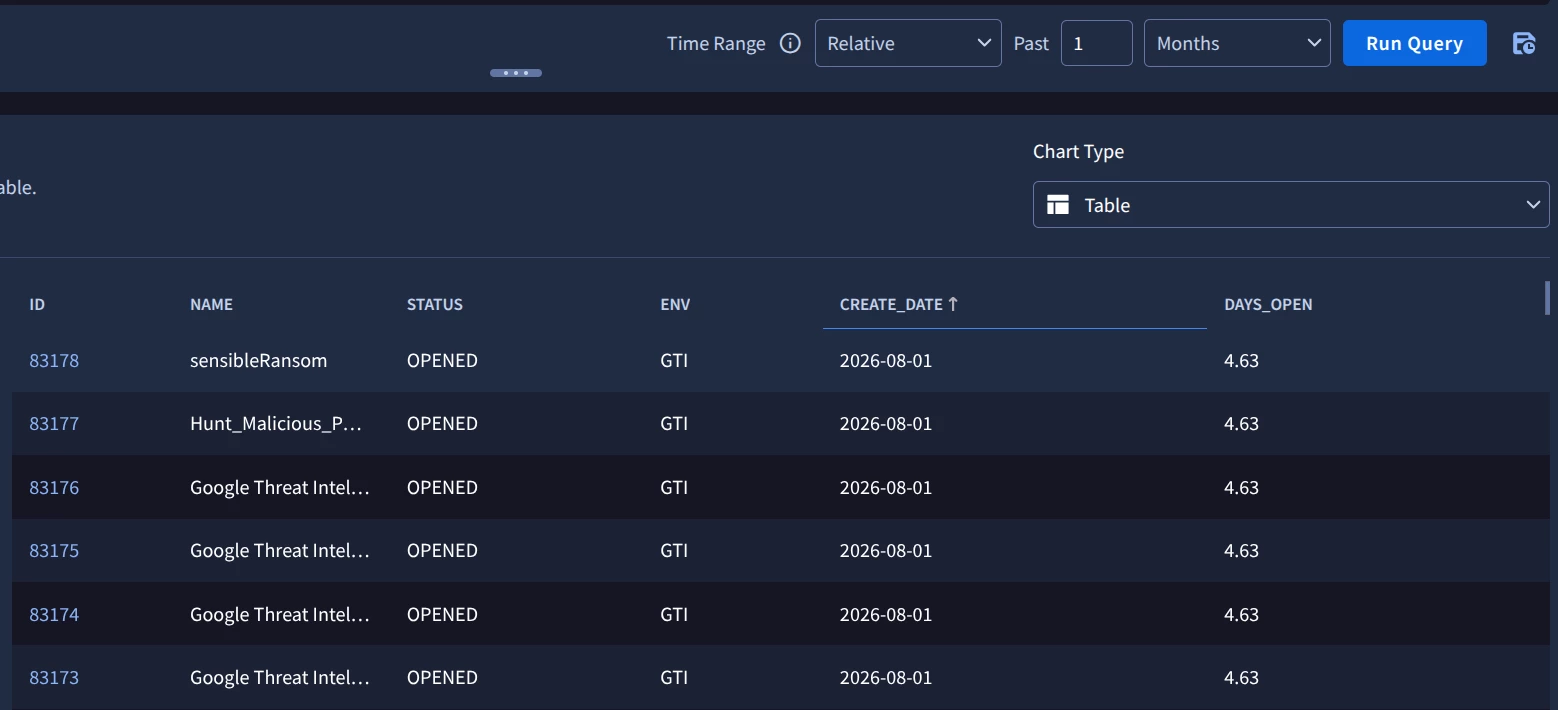
For the dashboard filter, is there way we can filter results for the current month?
in absolute and relative setting, not able to achieve that.


For the dashboard filter, is there way we can filter results for the current month?
in absolute and relative setting, not able to achieve that.
Best answer by AymanC
Hi
We’ve got a feature request raised for this - this was something possible in the legacy SIEM dashboarding (looker embedded) without needing to filter this within the search logic.
There is a way around this (and you can get quite nifty with it to solve a lot of other time filtering requirements). The below example should do the job though for this requirement!
metadata.log_type = "OKTA"

timestamp.get_timestamp(metadata.event_timestamp.seconds, "MONTH", "GMT") = timestamp.get_timestamp(timestamp.current_seconds(), "MONTH", "GMT")

match:
    metadata.id
Kind Regards,
Ayman
Enter your E-mail address. We'll send you an e-mail with instructions to reset your password.