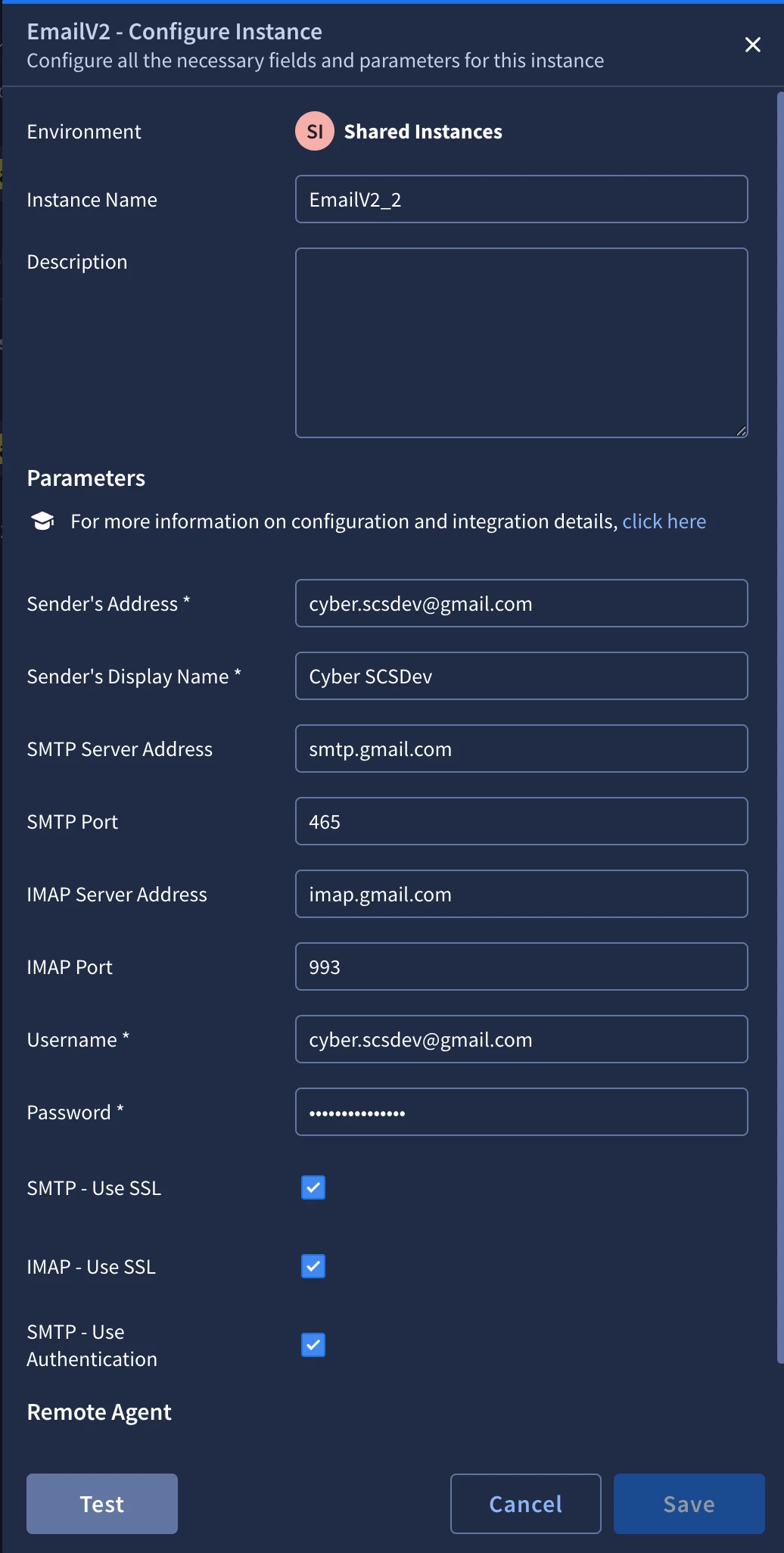
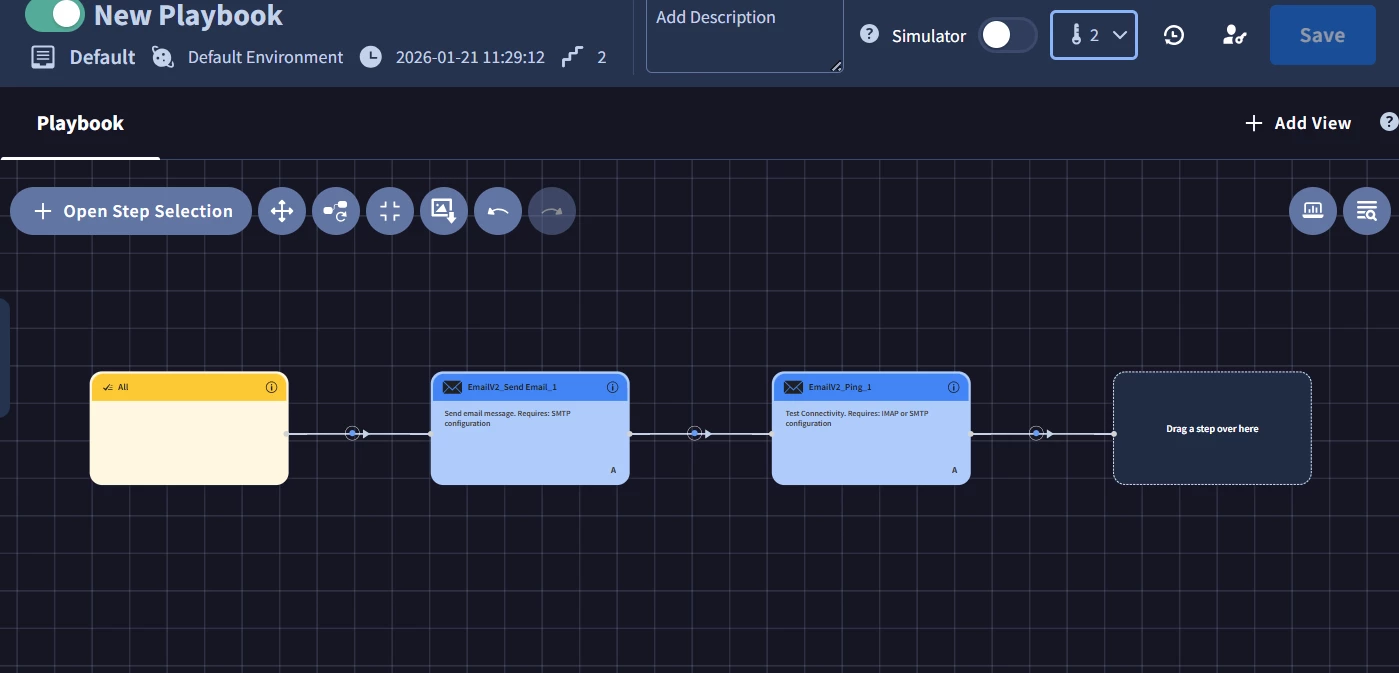
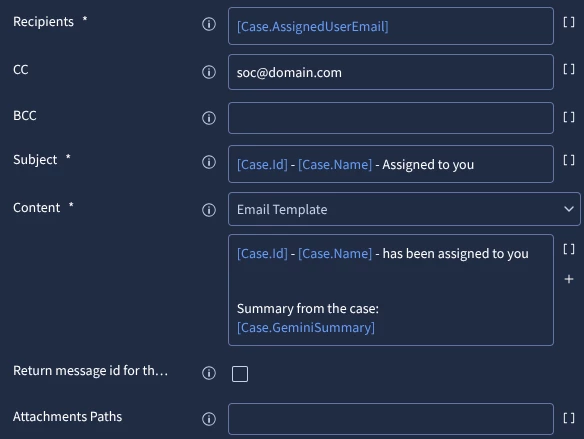
Hi Team, I am configuring email alerts in Google SecOps through SOAR using the EmailV2 integration and would like to confirm the recommended approach. Could you please share the correct steps to configure email alerts end-to-end (Google SecOps detection → SOAR playbook → EmailV2 → SMTP/IMAP)? Additionally, I need clarification on which details should be used for the EmailV2 integration, including the email address, username, password, SMTP server and port, and IMAP server and port. Specifically, should the email address and SMTP/IMAP server details be taken from the SOAR mailbox or from a client/user mailbox? Any guidance or documentation reference would be helpful. Thanks in advance for your support.

Question
Email Alert Configuration in Google SecOps via SOAR (EmailV2)
 +1
+1





Enter your E-mail address. We'll send you an e-mail with instructions to reset your password.