Entity selection failure for AV scan

  • June 9, 2025
  • 8 replies
  • 32 views

Nagarjuna11
Forum|alt.badge.img+5

Hi All,

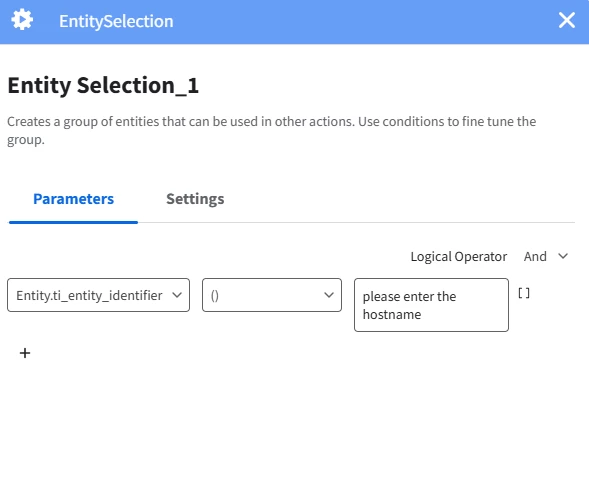
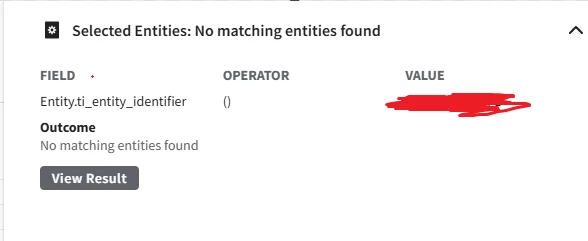
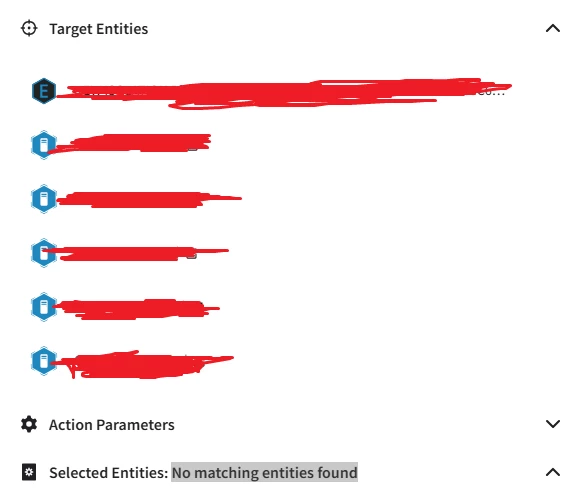
I'm using the Entity Selection action and have set the action type to Manual while updating the hostname. However, I'm receiving the message "No matching entities found."
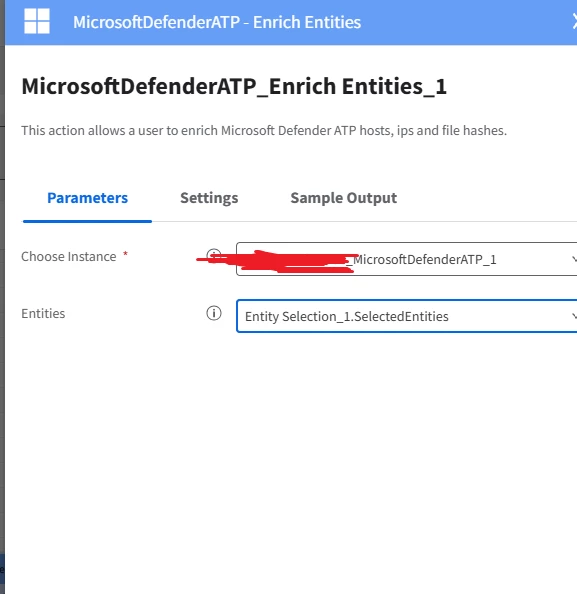
I need to use the selected entity as input for the Microsoft Defender ATP – Create Run Antivirus Scan Task in order to initiate the out-of-the-box action. how to fix this


8 replies

ylandovskyy
Staff
Forum|alt.badge.img+16
  • Staff
  • June 10, 2025

@Nagarjuna11 ,

Can you share how you configured the entity selection action?


Nagarjuna11
Forum|alt.badge.img+5
  • Author
  • New Member
  • June 10, 2025

@ylandovskyy 

I have set the action type to manual when im updating the hostname it is returning no matching entities found.

when i created the manualcase i added the entity as well but it is not picking up.


ylandovskyy
Staff
Forum|alt.badge.img+16
  • Staff
  • June 10, 2025

@ylandovskyy 

I have set the action type to manual when im updating the hostname it is returning no matching entities found.

when i created the manualcase i added the entity as well but it is not picking up.


You should use the same setup as I've provided in this post:

https://www.googlecloudcommunity.com/gc/SecOps-SOAR/Mitigation-Actions-What-is-the-best-way-perform-mitigation-only/m-p/911109#M4169


Nagarjuna11
Forum|alt.badge.img+5
  • Author
  • New Member
  • June 20, 2025

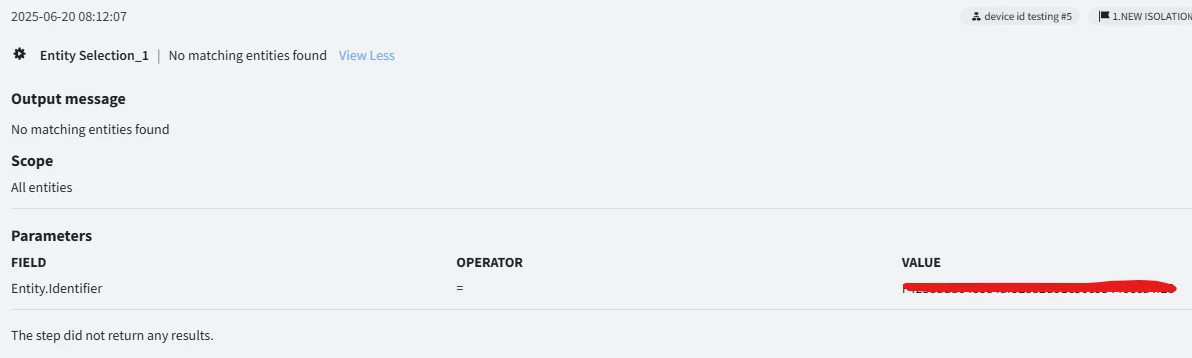
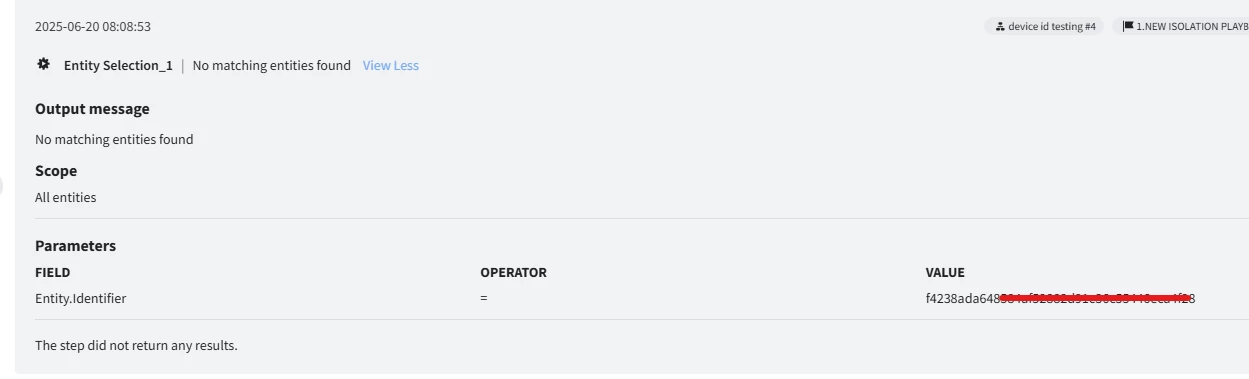
@ylandovskyy I manually added an entity to the case, following the steps you outlined in the previous post. I selected the placeholder 'Entity.Identifier', but it returned 'No matching entities found.' Is there a different placeholder I should use for manually added entities? Please advise.


ylandovskyy
Staff
Forum|alt.badge.img+16
  • Staff
  • June 20, 2025

@ylandovskyy I manually added an entity to the case, following the steps you outlined in the previous post. I selected the placeholder 'Entity.Identifier', but it returned 'No matching entities found.' Is there a different placeholder I should use for manually added entities? Please advise.


@Nagarjuna11 2 notes here:
- Entity.Identifier is always in upper case, so your matching value should be like that as well
- If you need to provide more than 1 entity, then you need to create multiple conditions with "OR" logic

As the value is not clear, I don't know exactly the issue, but was the value provided according to these 2 rules?


Nagarjuna11
Forum|alt.badge.img+5
  • Author
  • New Member
  • June 20, 2025

@ylandovskyy  I added the device ID in the Entity.Identifier field to execute the Defender AV scan, but since the device ID is in lowercase, it’s not being recognized. 


ylandovskyy
Staff
Forum|alt.badge.img+16
  • Staff
  • June 20, 2025

@ylandovskyy  I added the device ID in the Entity.Identifier field to execute the Defender AV scan, but since the device ID is in lowercase, it’s not being recognized. 


You need to provide the same value in Upper case and it will result in a match then (assuming you have that entity in the alert).


SoarAndy
Staff
Forum|alt.badge.img+12
  • Staff
  • June 27, 2025

Tip: to check you have the right inputs that the server will understand:
Create a manual Case, add the entity manually, then run a manual Action, if it works you know the end goal for the playbook to achieve.  If you get the same error it suggests the 'Entity' is not in the right format (upper lower, comma separated, etc)