From where to import Tipcommon and EnvironmentCommon module

  • November 17, 2021
  • 4 replies
  • 80 views

Forum|alt.badge.img

I am trying to import library TipCommon and EnvironmentCommon in my util class but it is giving bellow error.

I looked into all siemplify classes but I didnot find its defination.

error which I am getting:


Traceback (most recent call last):

File "/opt/siemplify/siemplify_server/bin/Scripting/PythonSDK/IntegrationsVirtualEnvironment/MS ISEC_V165.0/upspwgkm.vt2/4nx5ycwo.1fi.py", line 8, in

from TIPCommon import validate_map_file

ModuleNotFoundError: No module named 'TIPCommon'

Let me know how to resolve this issue.


4 replies

Forum|alt.badge.img+9
  • New Member
  • December 7, 2021

I'm also running into this issue.


Forum|alt.badge.img+2

Hello @pankajsingh, and @recon_acook!

In order to assist you, we will appreciate it if you can provide us with the following information:

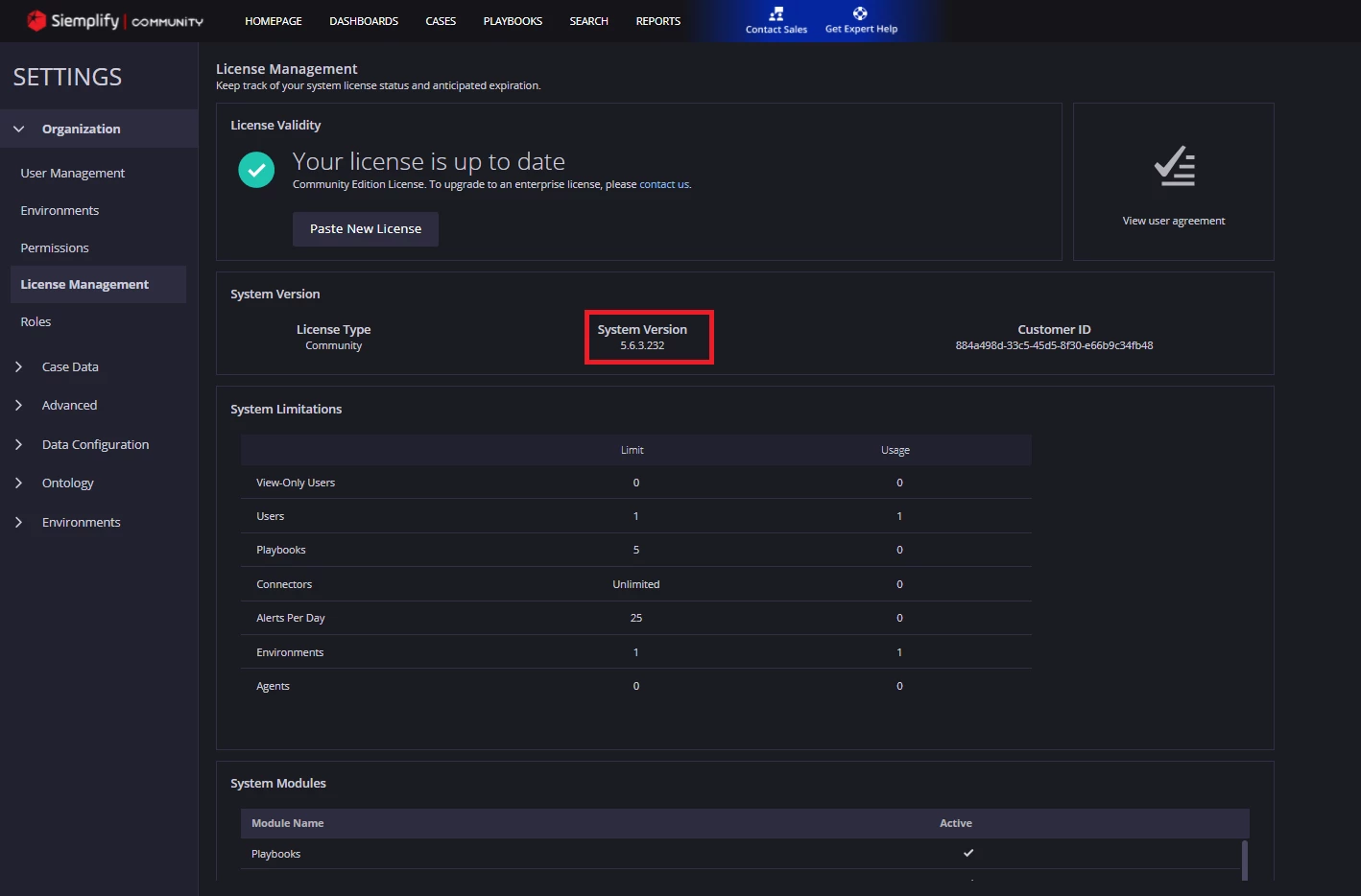
What is your System Version? You can find it in Settings -> Organization -> License Management -> System Version


In addition, what type of script item are you trying to import the TIPCommon module to? (e.g. Manager, Connector, Action, Job..)


Forum|alt.badge.img+9

I have the same issue with version 6.3.12.1.

I have the issue when attempting to import into a Connector and a Manager.


Forum|alt.badge.img+9

Disregard. I see where to configure dependencies on the integration settings.