
Hi everyone,
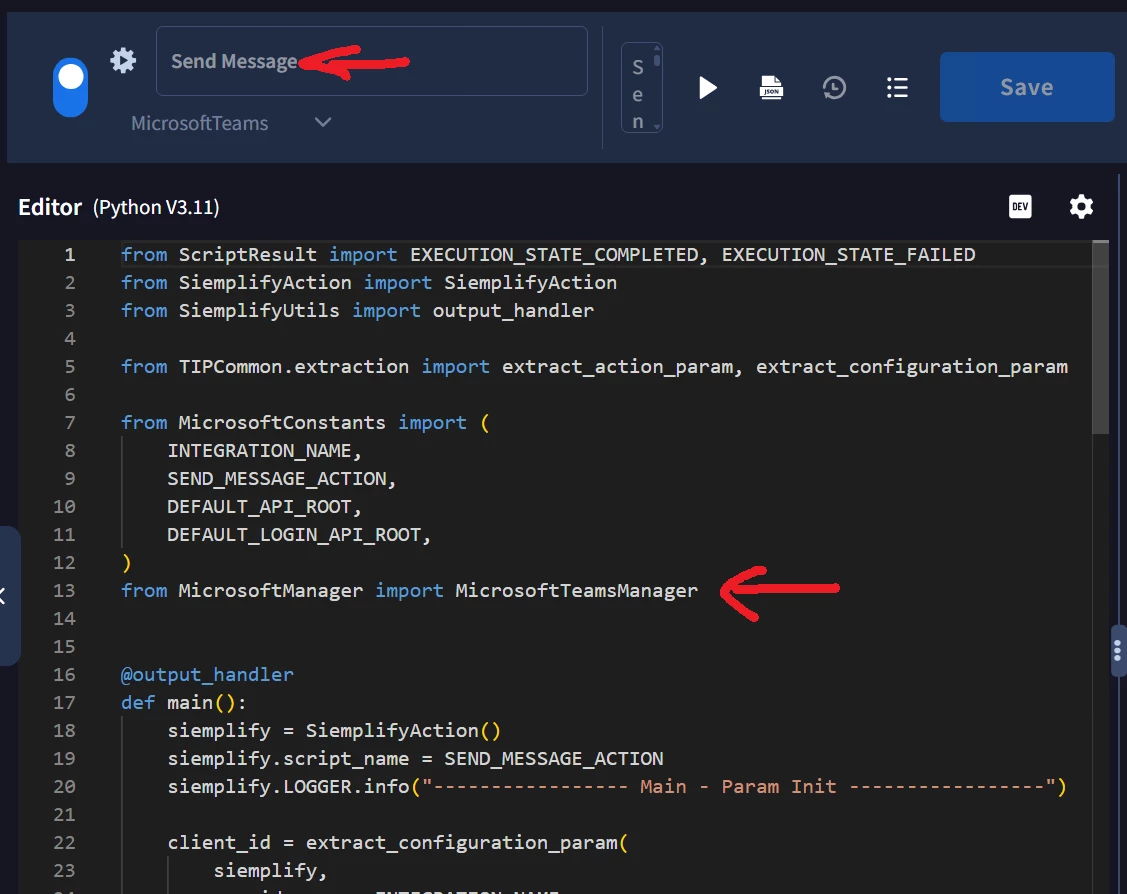
I am trying to send notifications from a Google SecOps SOAR playbook to a Microsoft Teams channel using the Microsoft Teams integration.
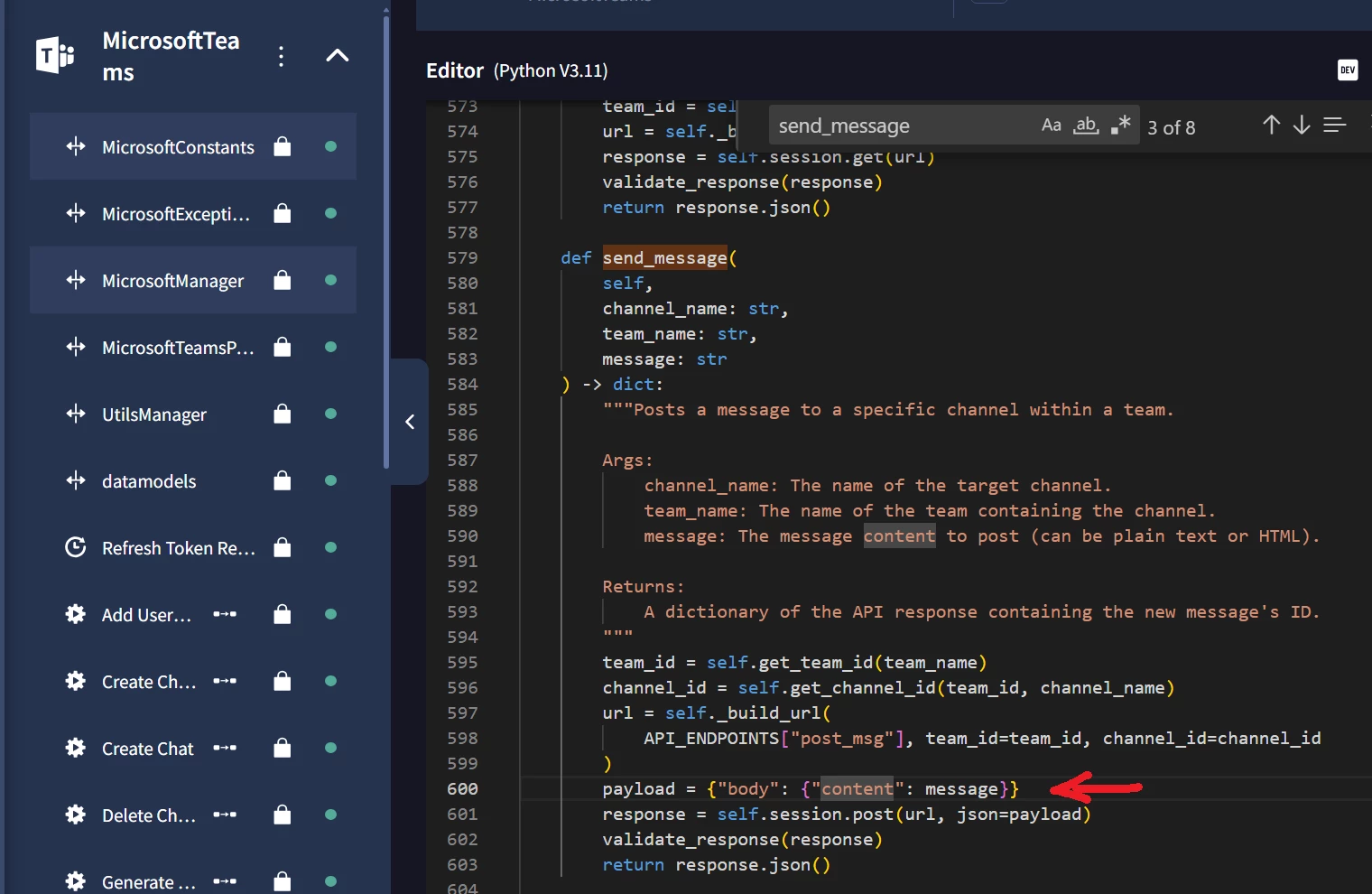
The message is sent successfully to the Teams channel, but the issue is that the Text field seems to be handled as plain text only and does not preserve formatting.
I have tested several formats:
Plain text with real line breaks:
info Alert
DXX: XXXXX
IXXX XXXXX
XXXX status: XXXXX
XXXX status: XXXXX
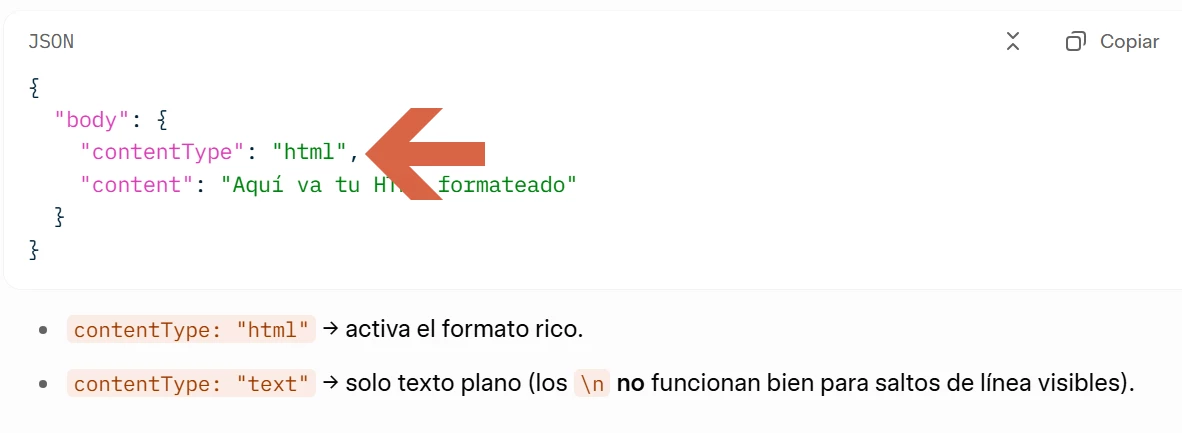
HTML formatting using basic tags such as p, b, br, ul and li.
Markdown formatting using bold text and bullet lists.
I have also tested br tags, newline characters and HTML entities such as line break entities.
In the Teams channel, the result is that everything is displayed in a single line, or the HTML and Markdown are shown as literal text. Line breaks, bullet lists, bold text and HTML are not rendered.
The only Teams-related action I can see that includes Content Type = HTML is MicrosoftTeams_Send Message Reply, but that action requires Team Name, Channel Name and Message ID. Because of that, I understand it only works for replying to an existing message in a Teams channel, not for creating a new root post in the channel.
My goal is to create a new post in a Microsoft Teams channel from the playbook with a minimally readable format, for example:
- Alert title
- Event details
- Check results
- Related ticket
Is there any supported way in the Microsoft Teams integration to create a new root message in a Teams channel while preserving line breaks or HTML formatting?
Thanks!