Hi Security Community,
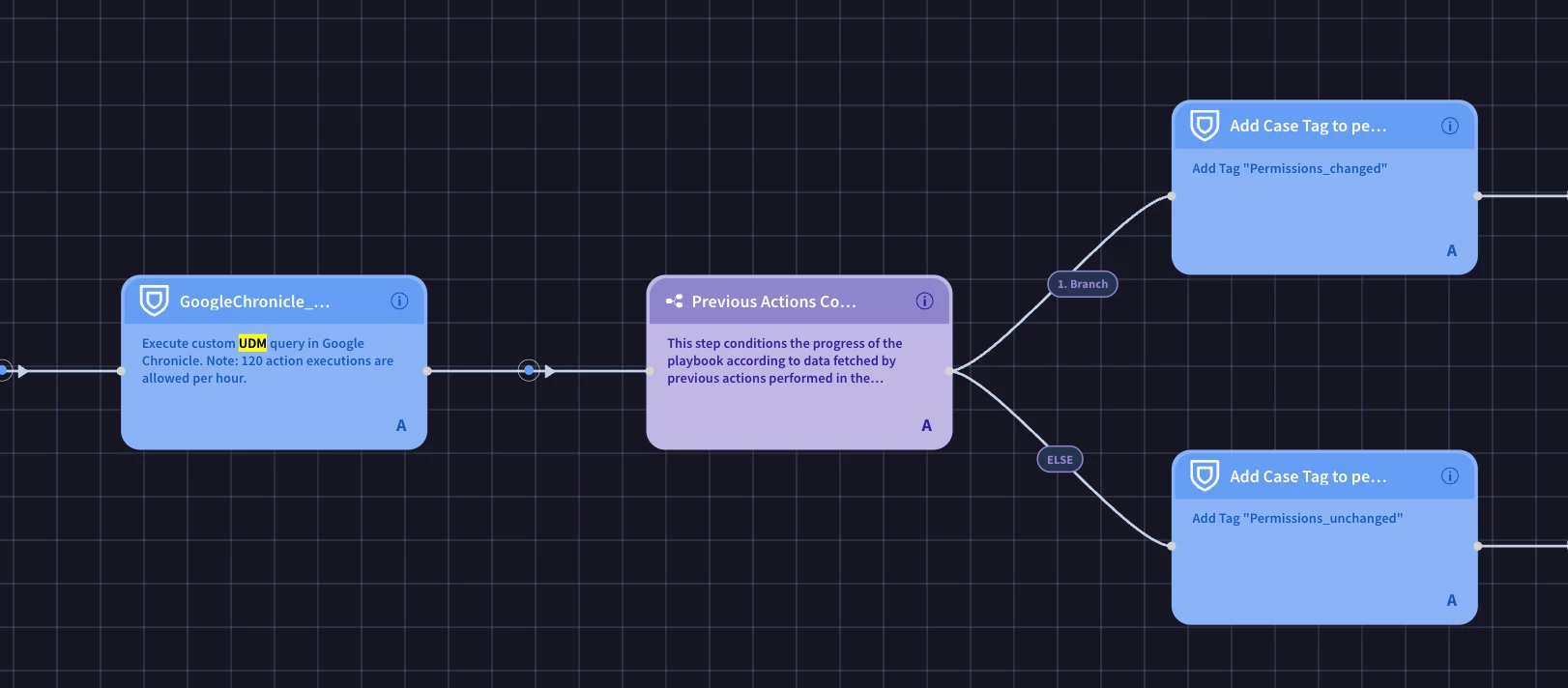
I’m currently working on a custom detection rule in my security operations environment, specifically focusing on tracking user file sharing activities and permission changes. The goal is to automatically notify users if they share files more broadly within the organization, prompting them to review the action. In addition, I want to monitor if any changes are made to file permissions by users over time. This involves integrating with the Google Chronicle platform and using SOAR playbooks to automate the entire workflow.
To build this, I’ve been trying to leverage the Google Chronicle UDM search functionality to identify and track these file permission changes by users. My workflow begins by detecting when a file is shared more widely than usual, which triggers an email notification to the user, alerting them about the action. The second phase of the workflow aims to verify whether any modifications are made to the file’s permissions after it’s shared. This information would then be used for further investigation, with appropriate tags being added to the security cases for visibility and reporting purposes.
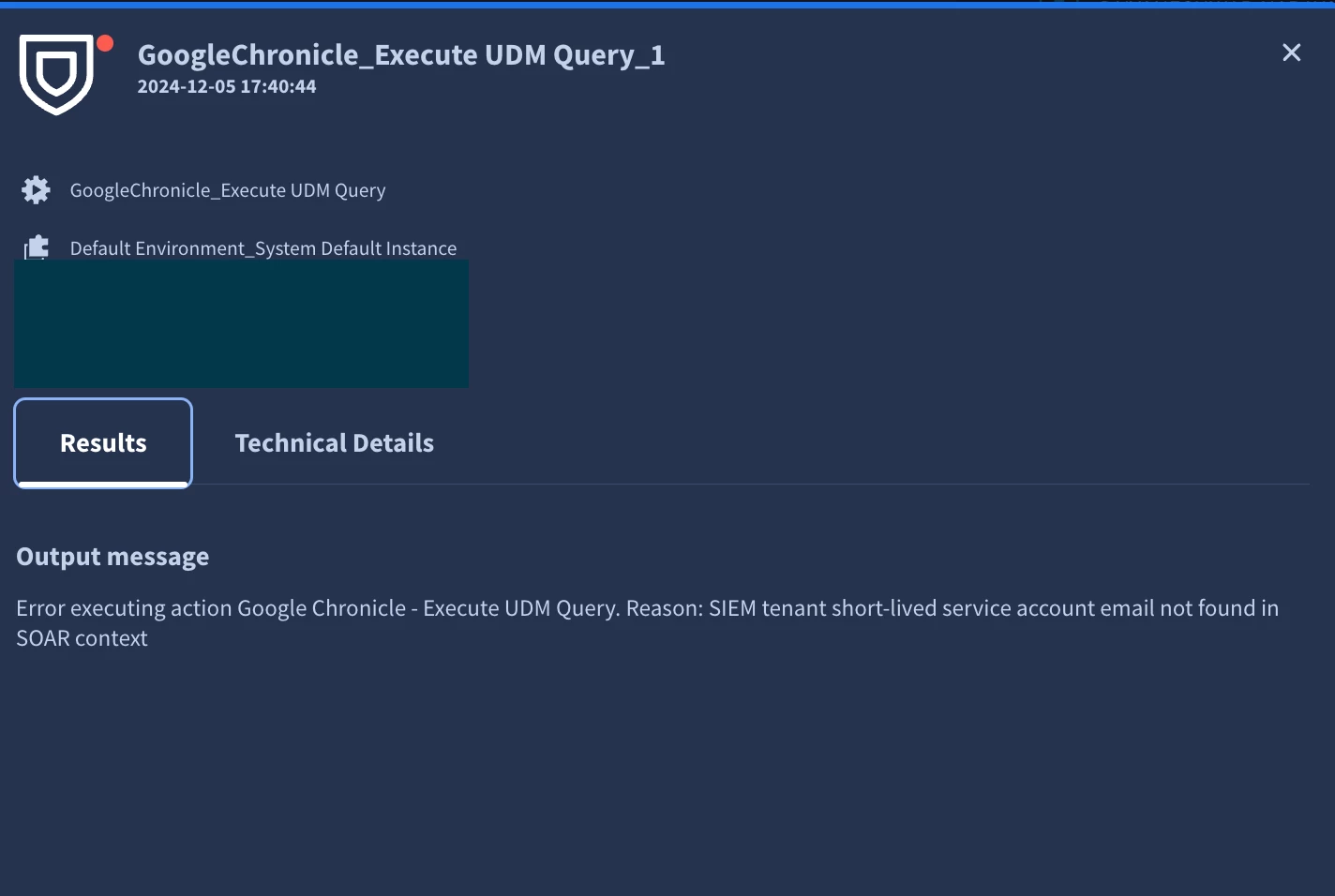
However, while attempting to execute a UDM query in the SOAR workflow, I encountered the following error:
"Error executing action Google Chronicle - Execute UDM Query. Reason: SIEM tenant short-lived service account email not found in SOAR context."
At this point, I’m stuck, as the error seems to indicate an issue with the service account configuration. I’ve tried a few potential fixes, but I haven't been able to resolve the issue yet. Additionally, I’m looking for guidance on best practices for ensuring the playbook properly tracks file permission changes and flags cases for visibility.
Has anyone encountered a similar issue or implemented a similar workflow in Google Chronicle or SOAR? Any advice on how to resolve the service account error or on improving the playbook to monitor file permission changes effectively would be greatly appreciated.
Thanks,
Dnyaneshwar