Hey folks,
In version 64 of Google Chronicle Response Integration, we updated the “Execute UDM Query” action to support Aggregated Queries and YL2 functions.
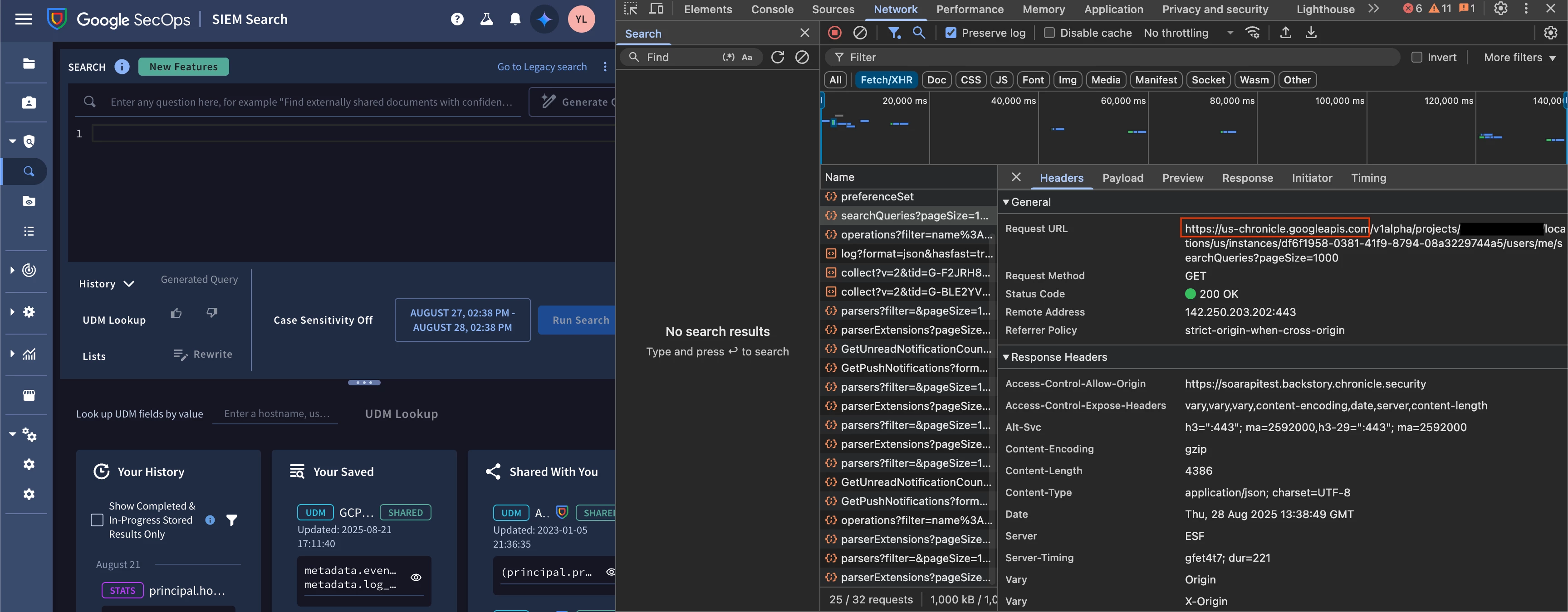
❗❗Important Note: Aggregated Queries are only supported for Chronicle API. Backstory API doesn’t support it. To change the integration to work with Chronicle API, you need to adjust the API Root in the integration configuration. Keep in mind that this will affect the whole integration and some action outputs are slightly different, if executed with Chronicle API.❗❗
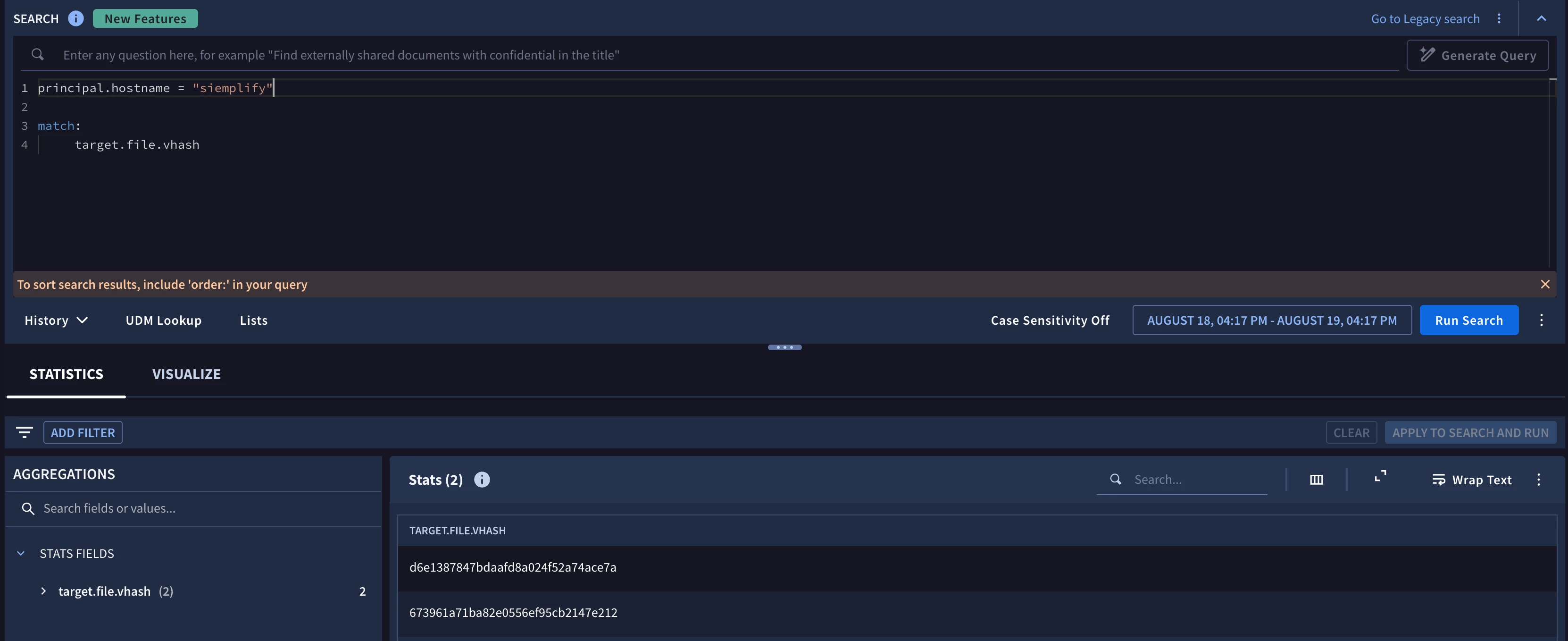
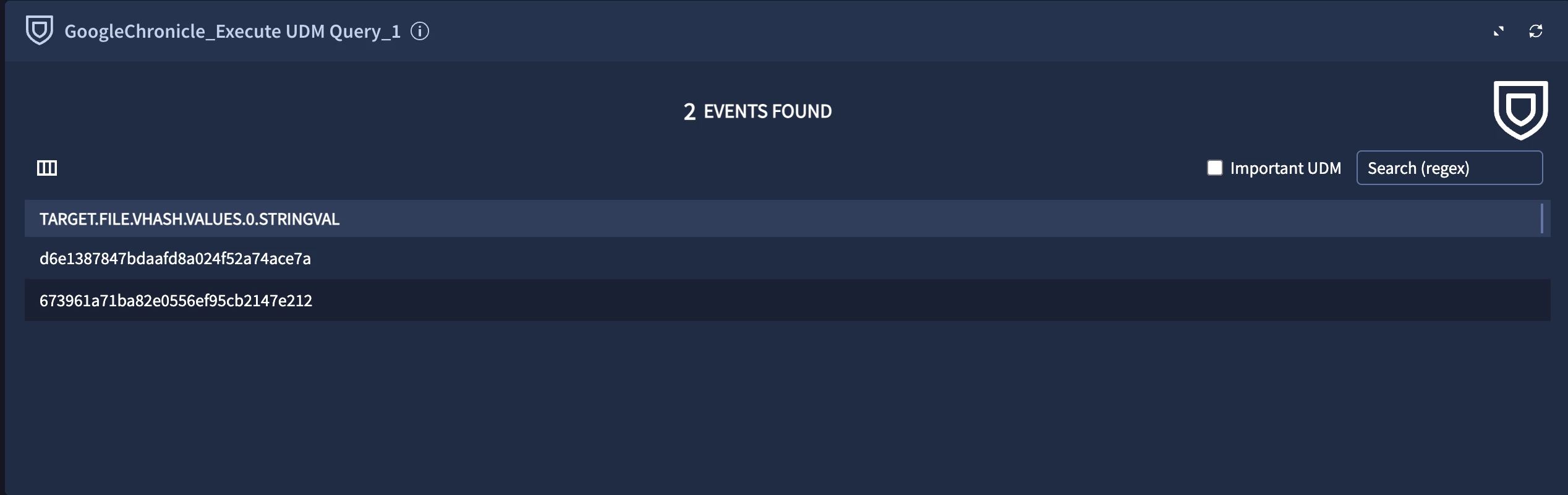
Example 1. Basic Matching
principal.hostname = "siemplify"

match:
 target.file.vhash
UI
JSON Result
{
 "events": [
 {
 "target.file.vhash": {
 "values": [
 {
 "stringVal": "d6e1387847bdaafd8a024f52a74ace7a"
 }
 ]
 }
 },
 {
 "target.file.vhash": {
 "values": [
 {
 "stringVal": "673961a71ba82e0556ef95cb2147e212"
 }
 ]
 }
 }
 ]
}
Widget
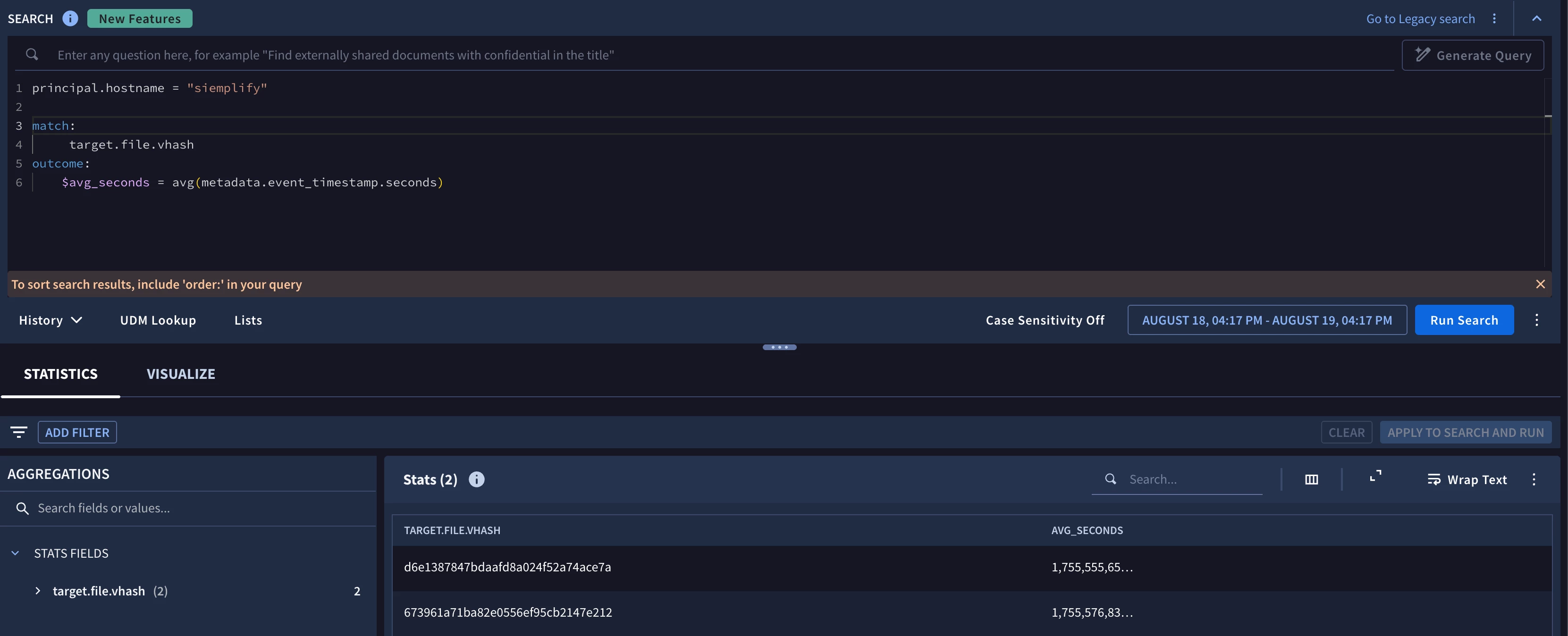
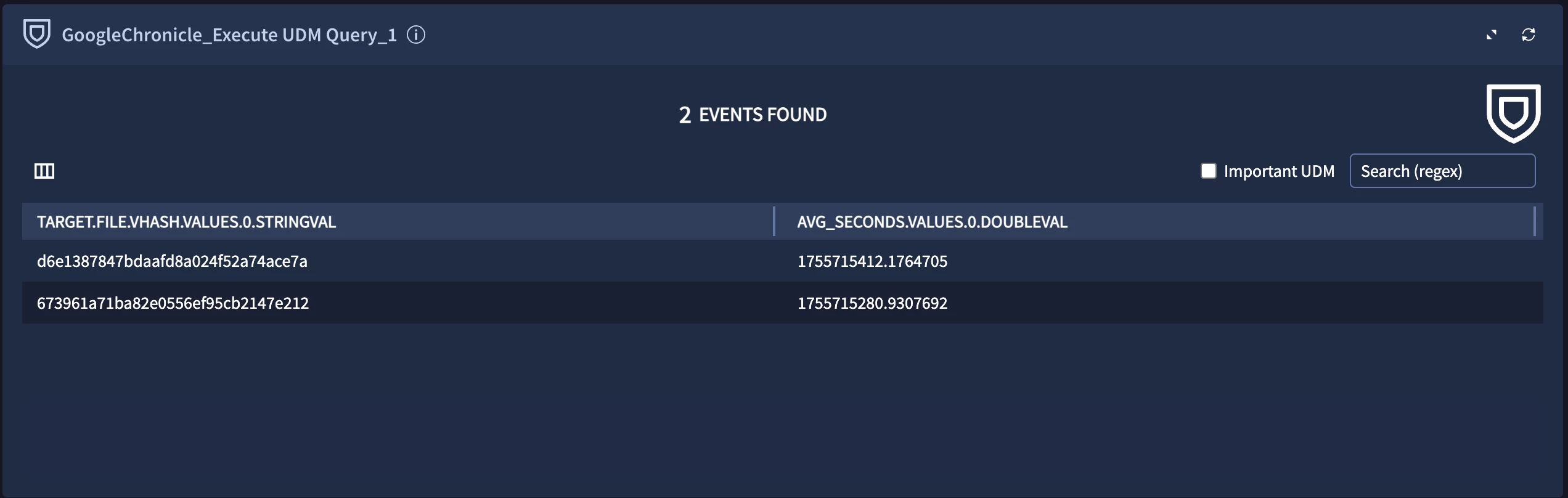
Example 2. Using Functions and Variables
principal.hostname = "siemplify"

match:
 target.file.vhash
outcome:
 $avg_seconds = avg(metadata.event_timestamp.seconds)
UI
JSON Result
{
 "events": [
 {
 "target.file.vhash": {
 "values": [
 {
 "stringVal": "d6e1387847bdaafd8a024f52a74ace7a"
 }
 ]
 },
 "avg_seconds": {
 "values": [
 {
 "doubleVal": 1 [removed by moderator] 705
 }
 ]
 }
 },
 {
 "target.file.vhash": {
 "values": [
 {
 "stringVal": "673961a71ba82e0556ef95cb2147e212"
 }
 ]
 },
 "avg_seconds": {
 "values": [
 {
 "doubleVal": 1 [removed by moderator] 692
 }
 ]
 }
 }
 ]
}
Widget
JSON Result Structure
Based on these examples you can see that the JSON Result is designed in a way, where each object under “events” key represents a row. This output is very different from the raw response, but it should make it easier to work in the playbooks.