JAMF_PRO

  • November 21, 2024
  • 4 replies
  • 56 views

yasinmnk
Forum|alt.badge.img+7

Hi,
I am trying to ingest jamf-pro logs at the end i see this message:"Please Note,
An API key is needed to complete feed setup. To generate an API key, go to the Google Cloud console: APIs & Services > Credentials
Learn how to set up API keys" after i create this API key where should i use it? Is there any related documentation for Jamf-pro connection. Thanks in advance.

4 replies

Ben_T
Staff
Forum|alt.badge.img+4
  • Staff
  • November 21, 2024

Hi yasinmnk,

Which method are you using to ingest jamf logs to secops?


yasinmnk
Forum|alt.badge.img+7
  • Author
  • Bronze 3
  • November 21, 2024

Hi @Ben_T  i am using Feed and under that as source type i am using webhook


Ben_T
Staff
Forum|alt.badge.img+4
  • Staff
  • November 21, 2024

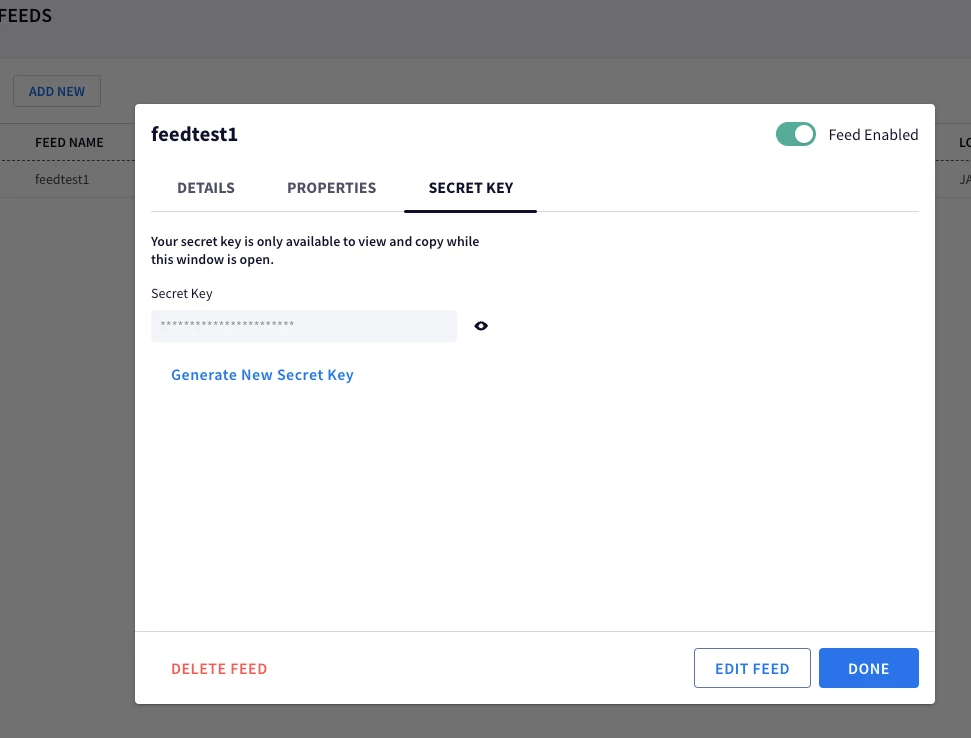
Thanks for that info. Did you click through the feed creation and then copy the key that gets created in the next step?


hzmndt
Staff
Forum|alt.badge.img+9
  • Staff
  • November 21, 2024

So. this is a SIEM questions, not SOAR.


For webhook feed, two credentials:

1. secret key -> from the SecOps feed config page 

2. API key -> from the BYOP project which ties to the SecOps instance: 

  1. Go to the Google Cloud console Credentials page.
  2. Click Create credentials, and then select API key.
  3. Restrict the API key access to the Chronicle API.