
Solved

Library/Script dependency in Custom action

  • February 24, 2026
  • 11 replies
  • 108 views

vanitharaj1208
Forum|alt.badge.img+15
Error while adding script dependency and also while adding library 


Best answer by AnimSparrow

Hi 

mainly I’m facing issue in custom integration to add TIPcommon dependencies scripts 


if possible can anyone guide me 

I referred one of the community post but till getting an error 

I have also added the comment there

Hello, the easiest and as far as I know the only way is to install one by one dependencies from official google chronicle integration
how to do this?
Go to IDE > List > export > choose GoogleChronicle > All items
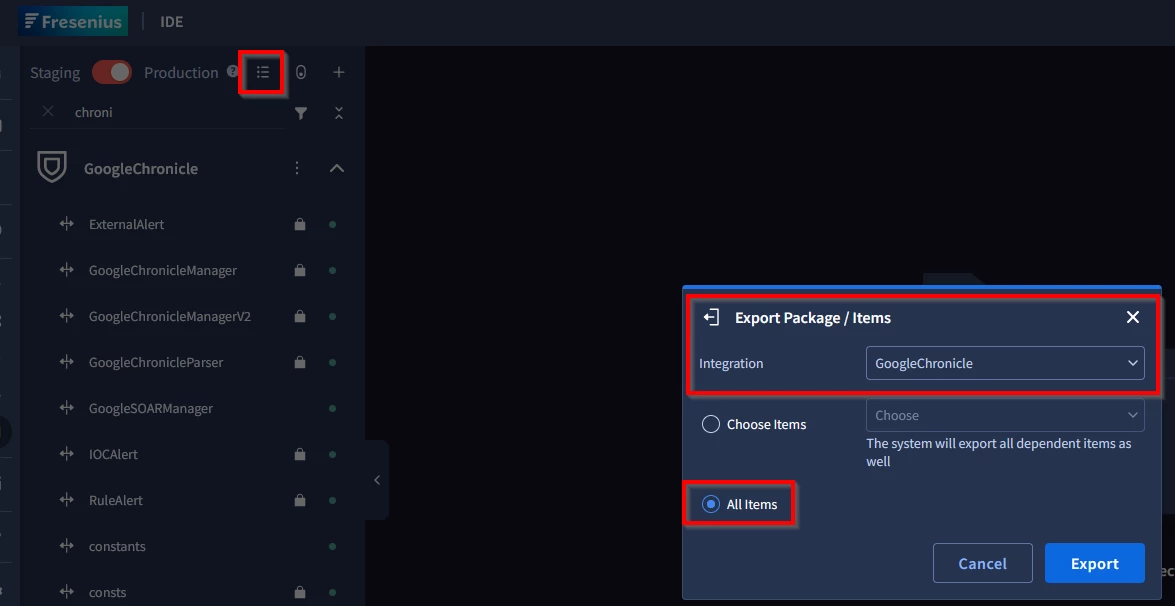
From that package > export and go to dependencies folder
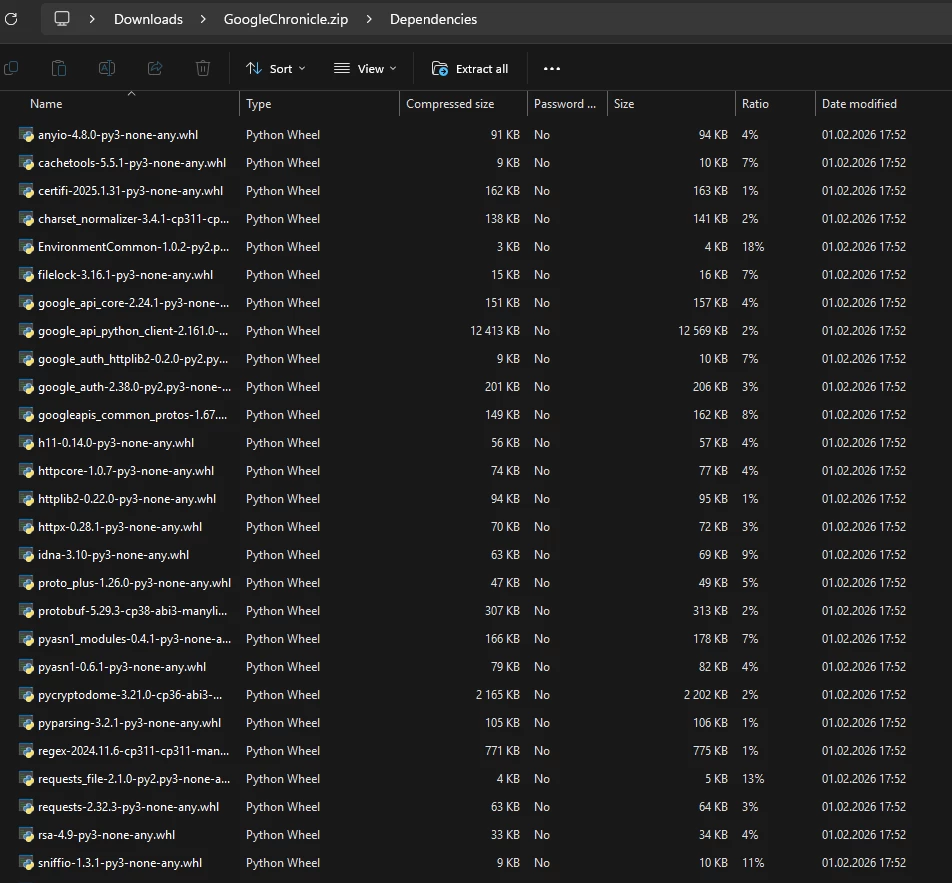
Install packages one by one and this will allow you to use TIPcommon

11 replies

AnimSparrow
Forum|alt.badge.img+6
  • Bronze 2
  • February 24, 2026

what library you would like to add, maybe it is preloaded already?

You have 2 methods, either search via bar and click add that will work for the most common one, or you can use + sign to improt it

For importing based on documentation:
https://docs.cloud.google.com/chronicle/docs/soar/respond/start-developing/my-first-integration#creating-your-first-custom-integration-in-the-ide
Note: Script dependencies are Python libraries that your custom integration must import. You can add them in formats, such as Wheel files (`WHL`), tarballs (`TAR`), Gzip archives (`GZ`), or Python files (`PY`). Each integration runs in its own virtual environment, letting you include specific library versions even if a different version is already installed on the system. For example, if you need a particular version of the requests library, download it from a trusted source (such as PyPI or GitHub) and add it to the script dependencies. If the dependency is not in the virtual environment, the integration uses the system-installed version instead.


vanitharaj1208
Forum|alt.badge.img+15
  • Author
  • Silver 4
  • February 25, 2026

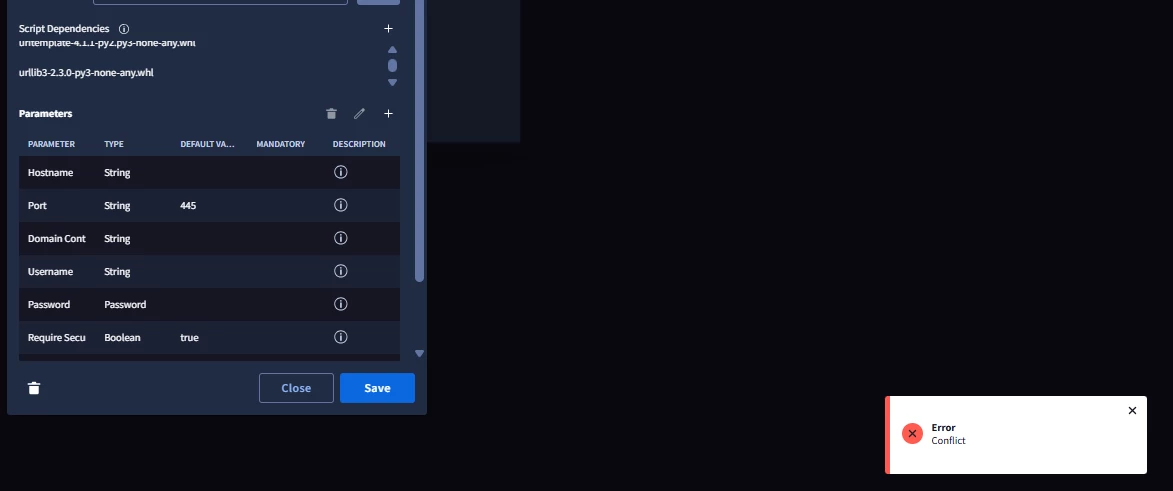
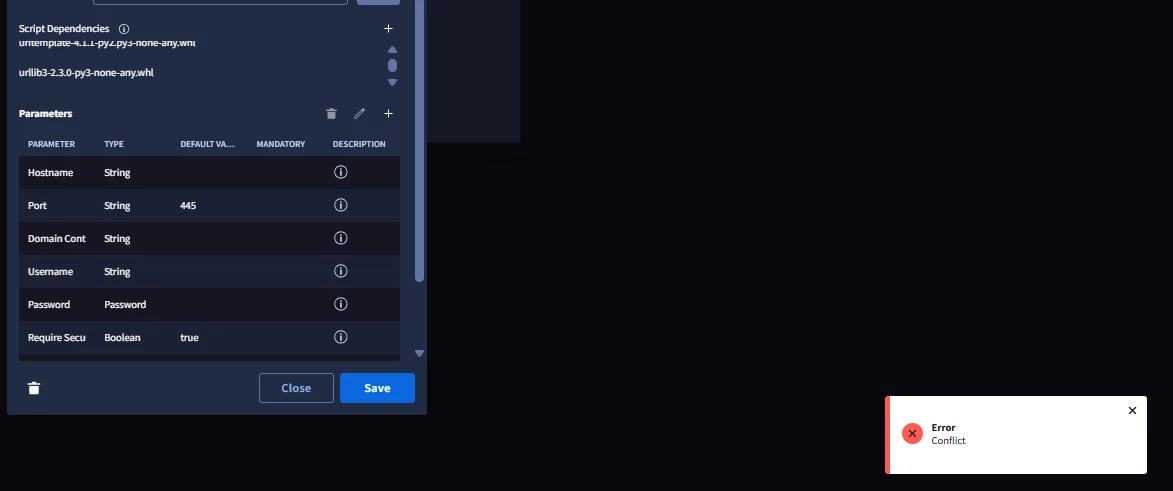
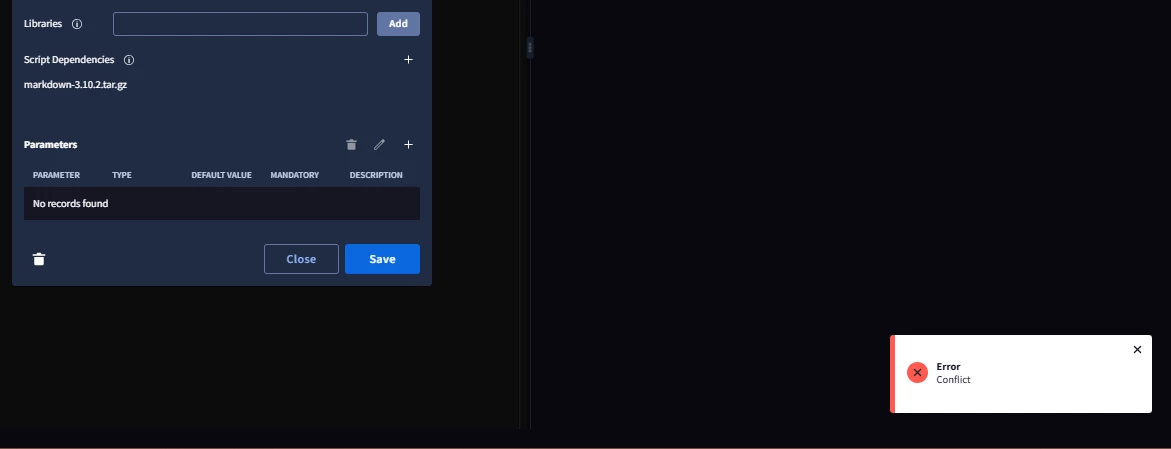
im facing issues as u can see in screen shot … if i add scripts using plus icon and click save its says error


ylandovskyy
Staff
Forum|alt.badge.img+16
  • Staff
  • February 25, 2026

Hey ​@vanitharaj1208 ,


I would suggest to try and build the custom integration through our new Github flow. In the new format it’s easier to manage custom code and dependencies.


AnimSparrow
Forum|alt.badge.img+6
  • Bronze 2
  • February 25, 2026

im facing issues as u can see in screen shot … if i add scripts using plus icon and click save its says error

important question is which library and if this match validation recommended in documentation that i’ve shared before


Chica
Forum|alt.badge.img+4
  • Bronze 5
  • February 25, 2026

Hi 

mainly I’m facing issue in custom integration to add TIPcommon dependencies scripts 


if possible can anyone guide me 

I referred one of the community post but till getting an error 

I have also added the comment there


AnimSparrow
Forum|alt.badge.img+6
  • Bronze 2
  • Answer
  • February 26, 2026

Hi 

mainly I’m facing issue in custom integration to add TIPcommon dependencies scripts 


if possible can anyone guide me 

I referred one of the community post but till getting an error 

I have also added the comment there

Hello, the easiest and as far as I know the only way is to install one by one dependencies from official google chronicle integration
how to do this?
Go to IDE > List > export > choose GoogleChronicle > All items

From that package > export and go to dependencies folder

Install packages one by one and this will allow you to use TIPcommon


Chica
Forum|alt.badge.img+4
  • Bronze 5
  • February 26, 2026

Thank you let me try this now 


vanitharaj1208
Forum|alt.badge.img+15
  • Author
  • Silver 4
  • February 26, 2026

I added all  files but still facing issue 


vanitharaj1208
Forum|alt.badge.img+15
  • Author
  • Silver 4
  • February 26, 2026

Hi 

mainly I’m facing issue in custom integration to add TIPcommon dependencies scripts 


if possible can anyone guide me 

I referred one of the community post but till getting an error 

I have also added the comment there

Hello, the easiest and as far as I know the only way is to install one by one dependencies from official google chronicle integration
how to do this?
Go to IDE > List > export > choose GoogleChronicle > All items

From that package > export and go to dependencies folder

Install packages one by one and this will allow you to use TIPcommon

didnt work i got error : conflict 


AnimSparrow
Forum|alt.badge.img+6
  • Bronze 2
  • February 26, 2026

go 1 by 1, and click save after every so you will be able to distinguish which one is the issue


vanitharaj1208
Forum|alt.badge.img+15
  • Author
  • Silver 4
  • February 26, 2026

sure thank you