Question

microsoft graph email response integration upgrade to latest version in goolge secops

  • April 28, 2026
  • 15 replies
  • 106 views

arv261095
Forum|alt.badge.img+3

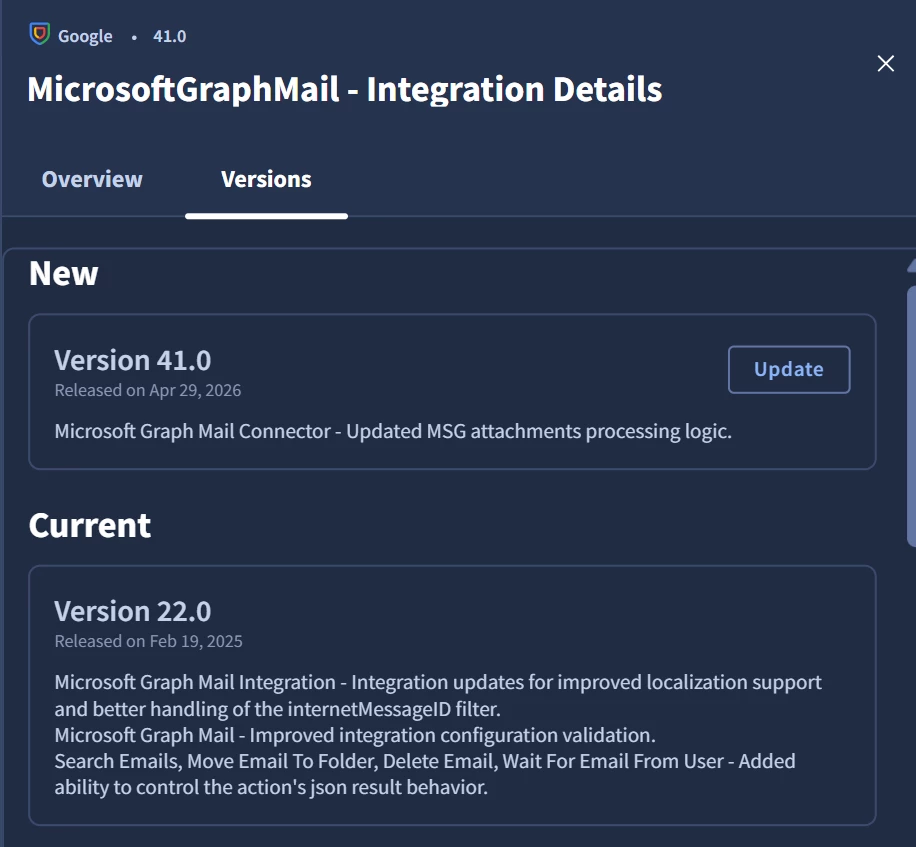
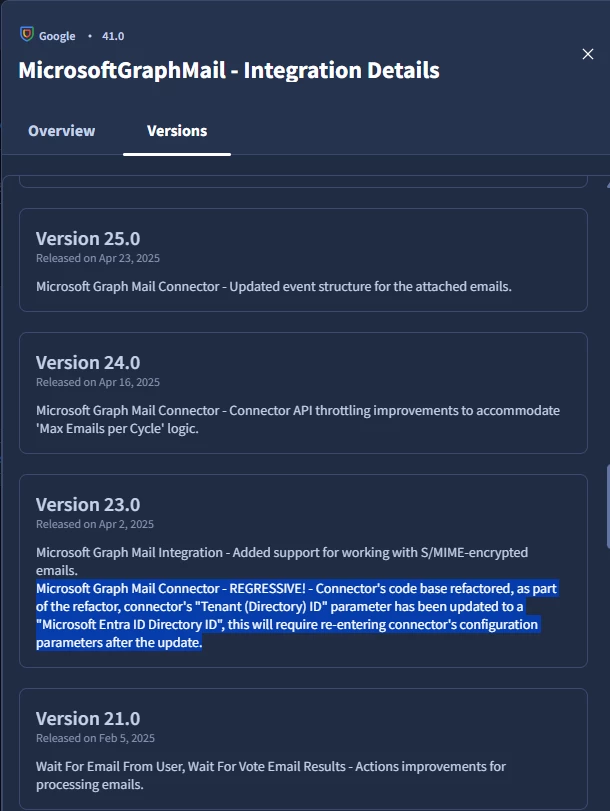
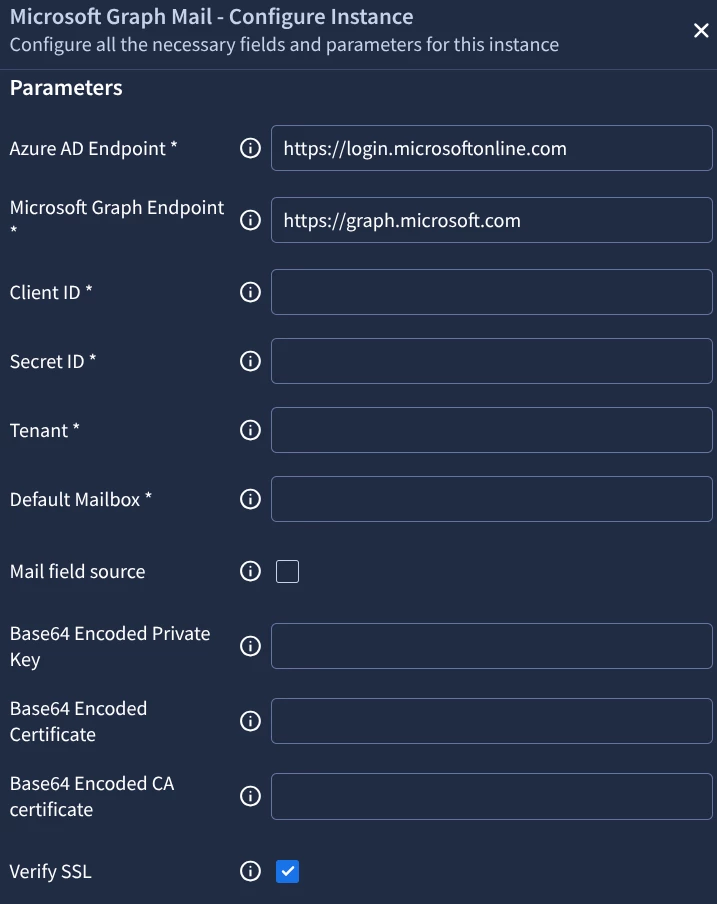
 Anyone has any idea what the below snapshot refers to:

I am trying to upgrade an older microsoft graph mail to latest version

Does it mean entering the parameters in this instance itself  by clicking on configure or is it referring to some other connector ?
 

15 replies

cmorris
Staff
Forum|alt.badge.img+13
  • Staff
  • April 28, 2026

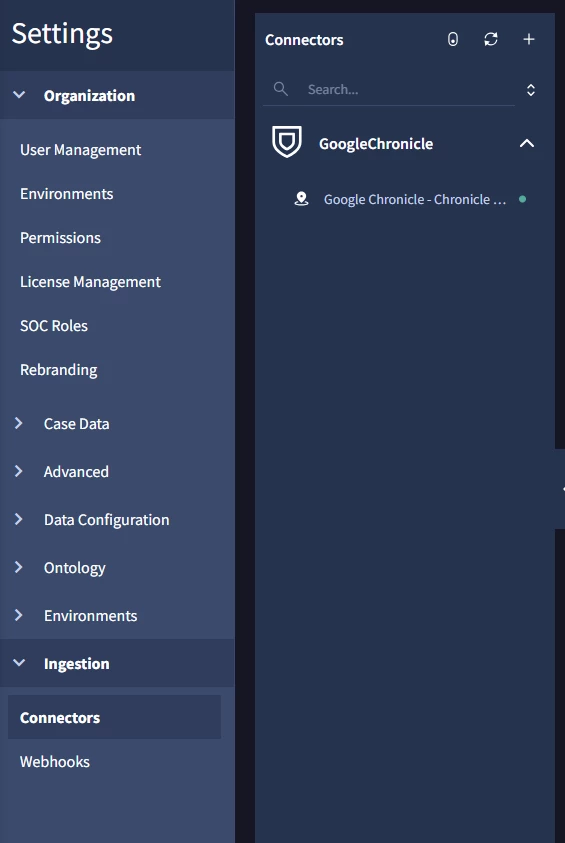
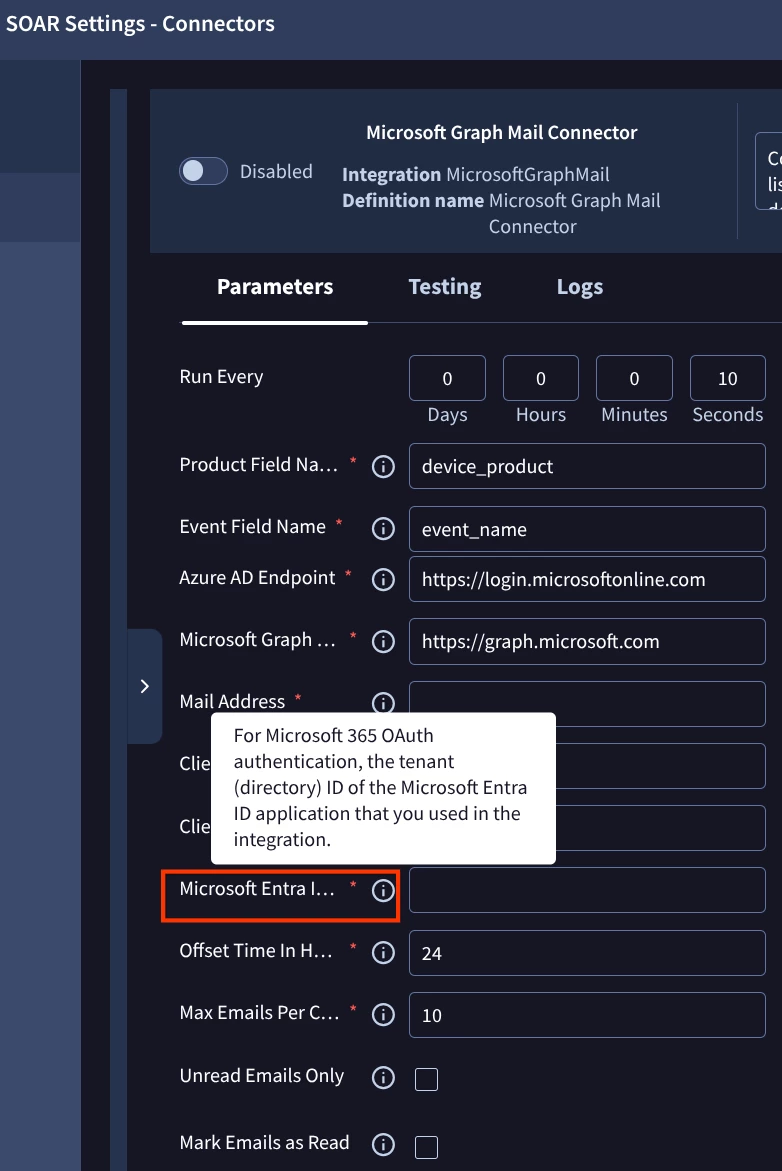
If you are using the connector for the integration,  go to SOAR settings > Ingestion > Connectors and update.


arv261095
Forum|alt.badge.img+3
  • Author
  • Bronze 1
  • April 29, 2026

no i am not using any connector  its just default chronicle connector:


arv261095
Forum|alt.badge.img+3
  • Author
  • Bronze 1
  • April 29, 2026

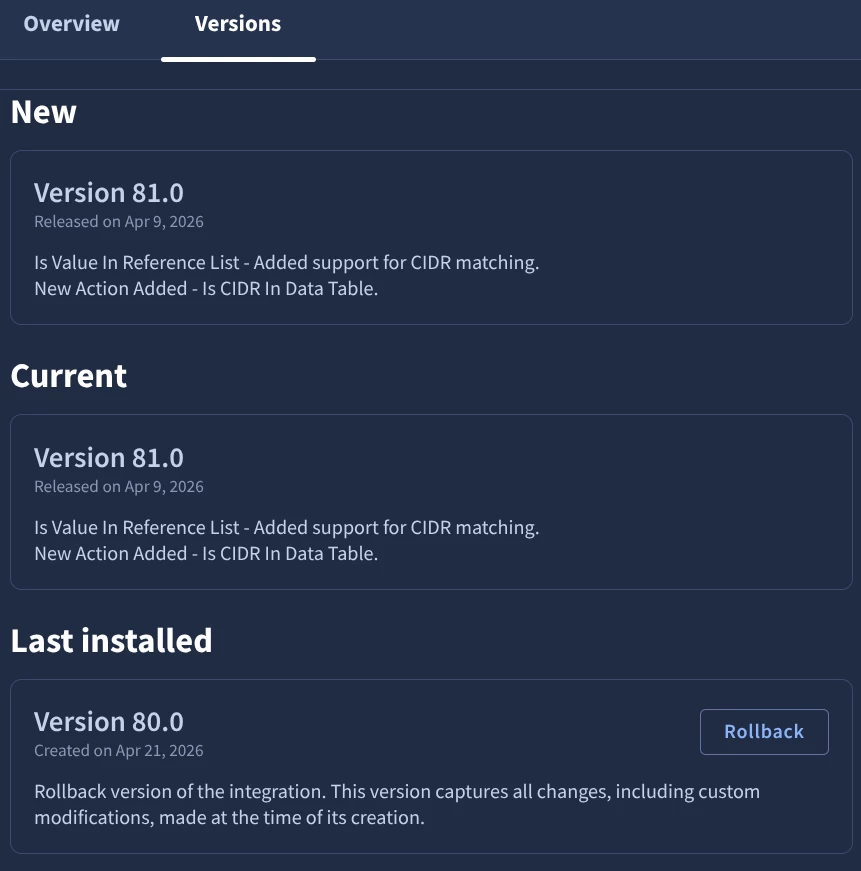
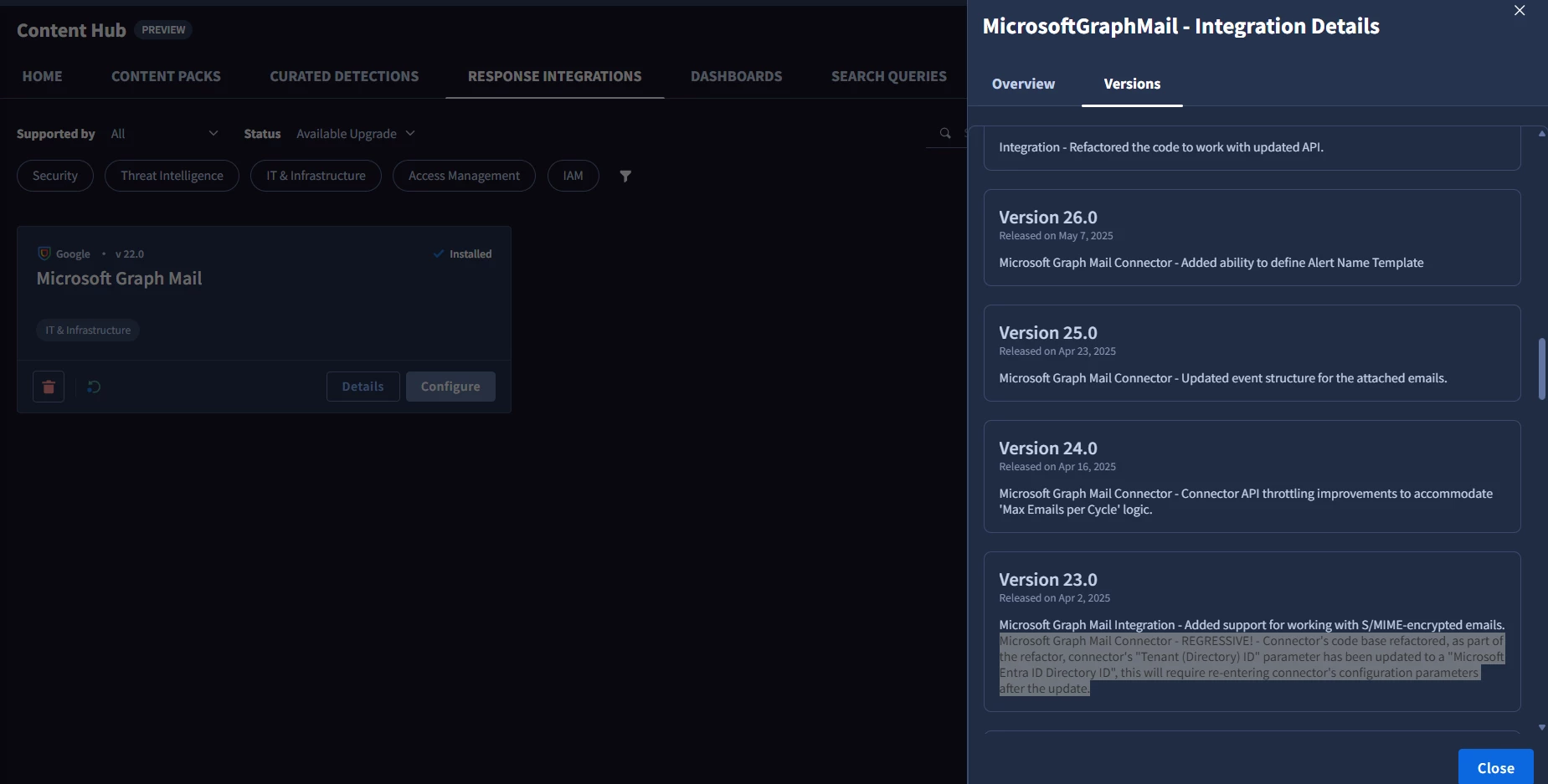
Anyone know if there is rollback to this if something breaks after upgrading to latest version of the integration


cmorris
Staff
Forum|alt.badge.img+13
  • Staff
  • April 29, 2026

arv261095
Forum|alt.badge.img+3
  • Author
  • Bronze 1
  • May 6, 2026

the problem is i do not see any previous version listed as rollback in my case can the current version be considered as rollback in case i upgrade to latest and anything goes wrong in this case?


arv261095
Forum|alt.badge.img+3
  • Author
  • Bronze 1
  • May 6, 2026

the problem is i do not see any previous version listed as rollback in my case can the current version be considered as rollback in case i upgrade to latest and anything goes wrong in this case?

@cmorris 


cmorris
Staff
Forum|alt.badge.img+13
  • Staff
  • May 6, 2026

It should be. When is the last time you updated the integration? The rollback feature came out in January. It sounds like the integration likely has not been updated since then, which is why you just see the current version


arv261095
Forum|alt.badge.img+3
  • Author
  • Bronze 1
  • May 6, 2026

@cmorris 

current version i am using is of feb 19 2025 would i still be able to rollback to this in case of upgrade issue 


cmorris
Staff
Forum|alt.badge.img+13
  • Staff
  • May 6, 2026

It should so long as you do not have a VPC-SC environment (as called out in the note in the doc). Another way you can test is by pushing the integration to staging, updating, and then testing - https://docs.cloud.google.com/chronicle/docs/soar/respond/ide/test-integrations-in-staging-mode#update-integration-in-ide-staging

Before the rollback feature was released, I would rollback by exporting the integration prior to upgrade and then importing after, if you want to take a backup that way.

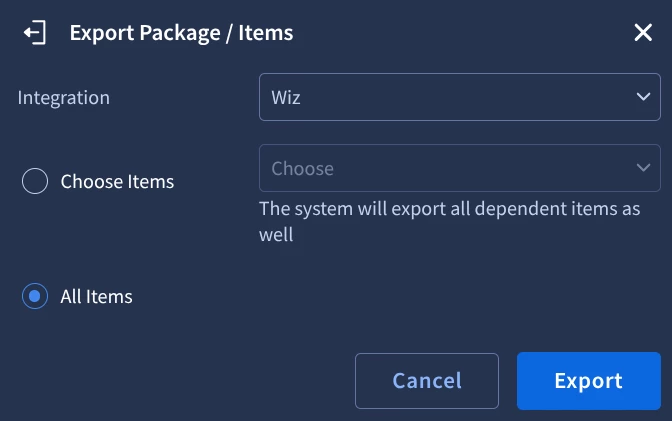
Example: I was on v3 of the Wiz integration, with v4 update out. I exported the integration:

I then did the upgrade to v4 and then imported the earlier export to revert to v3 as an example:


arv261095
Forum|alt.badge.img+3
  • Author
  • Bronze 1
  • May 6, 2026

@cmorris  can you share steps of your wiz integration example in chronicle 


How do we do exactly in chronicle.


cmorris
Staff
Forum|alt.badge.img+13
  • Staff
  • May 6, 2026

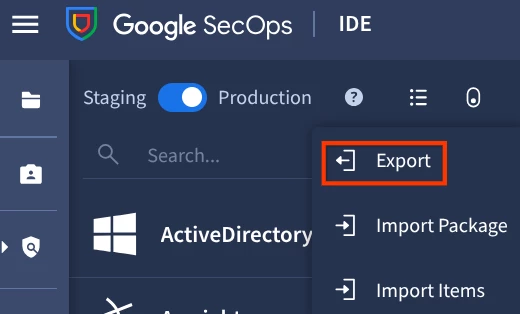
From Response > IDE, select Export:

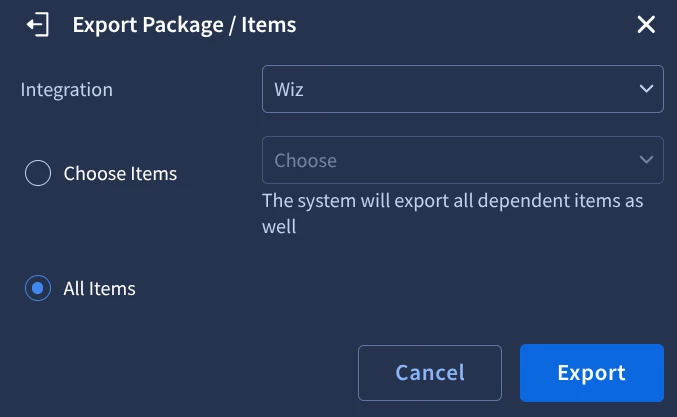
Choose the Integration and select All Items:

A zip will then be downloaded and the export is complete.

I then upgraded the integration from v3 to v4:

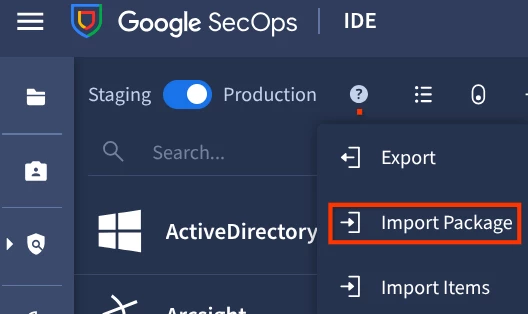
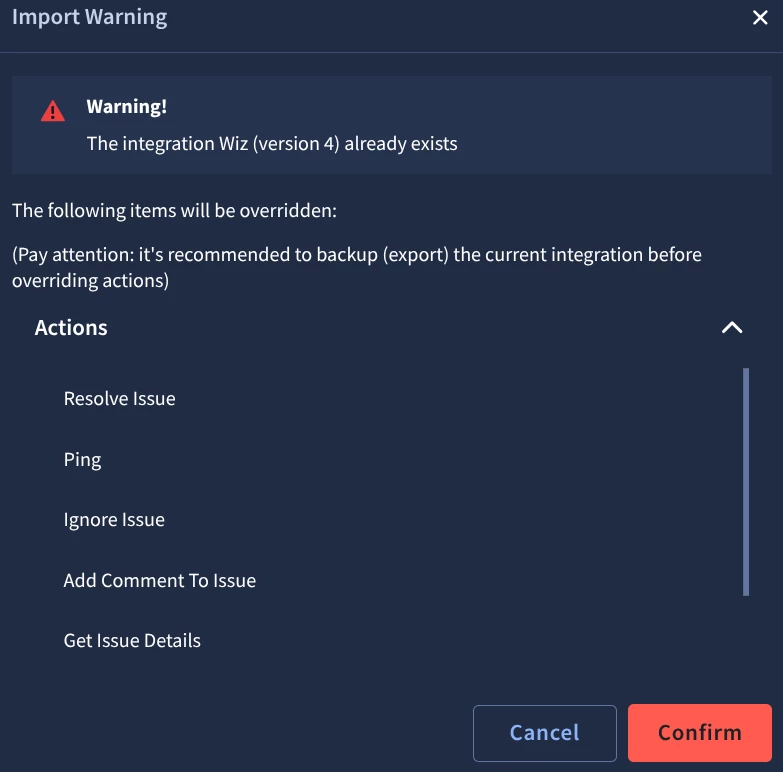
To restore down to v3 via Import, from the IDE, choose Import Package:

Select the zip that was exported earlier.

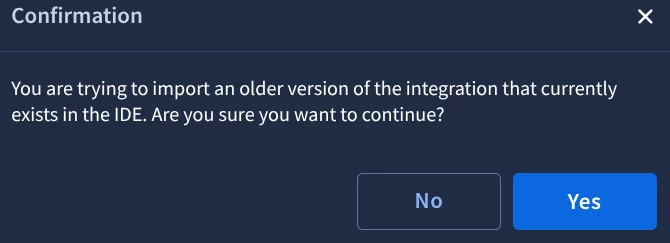
Select Confirm:

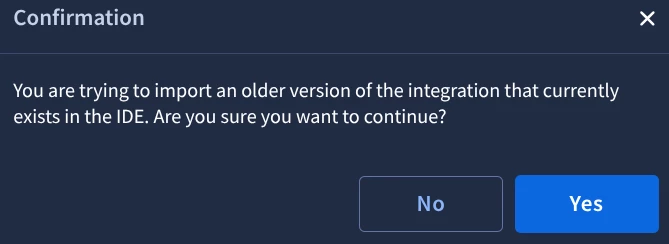
Select Yes:

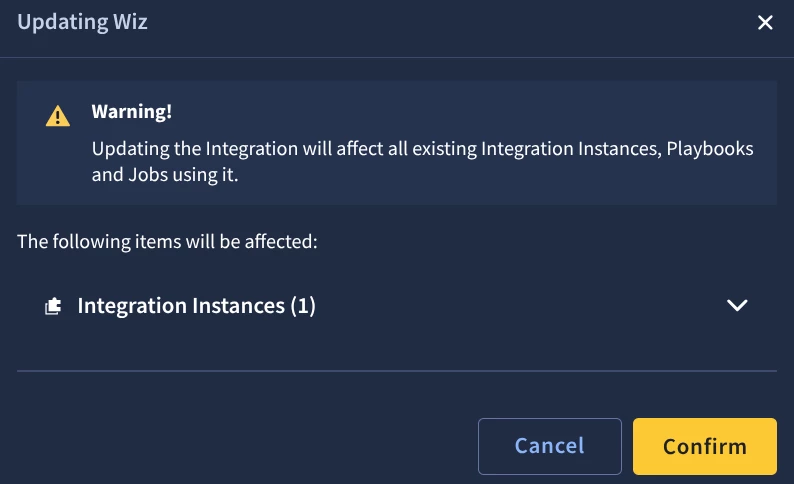
Select Confirm:

Restored to v3:


arv261095
Forum|alt.badge.img+3
  • Author
  • Bronze 1
  • May 8, 2026

thanks ​@cmorris  if i take a backup of current connector configuration it will not break anything right currently i mean and i can use it at the time of my integration upgrade  as backup if latest version upgrade does not work?


cmorris
Staff
Forum|alt.badge.img+13
  • Staff
  • May 8, 2026

Yes, the revert options should work. Additionally, the integration upgrade calls out those changes being made to the connector, rather than the integration itself. As you mentioned you are not using the connector, the connector upgrade should not affect you.

I imagine you are using the integration in your Playbooks to send email notifications. What the connector would allow you to do, is monitor an inbox and ingest emails from that inbox as alerts. I have seen that done by security teams that have an inbox (ex. security@domain.com) that users may email suspected phishing emails or other security concerns. The connector would pull that email and create an alert that would be put into a case.


arv261095
Forum|alt.badge.img+3
  • Author
  • Bronze 1
  • May 11, 2026

@cmorris  yes so what does updating the version from current v22 to V40 mean for me when it says 
 

i think we just need to update the parameter  tenant directory id to microsoft entra id directory id  in integration configuration itself are these both same? and if different where do we get this 


cmorris
Staff
Forum|alt.badge.img+13
  • Staff
  • May 11, 2026

This is what I see for parameter options in v40:

I only see the “Microsoft Entra ID Directory ID” on the connector, which you have shared you are not using: