Question

Playbook: How to trigger all custom rules, but not built-in rules

  • August 10, 2026
  • 2 replies
  • 24 views

gabriel.marchi
Forum|alt.badge.img+2

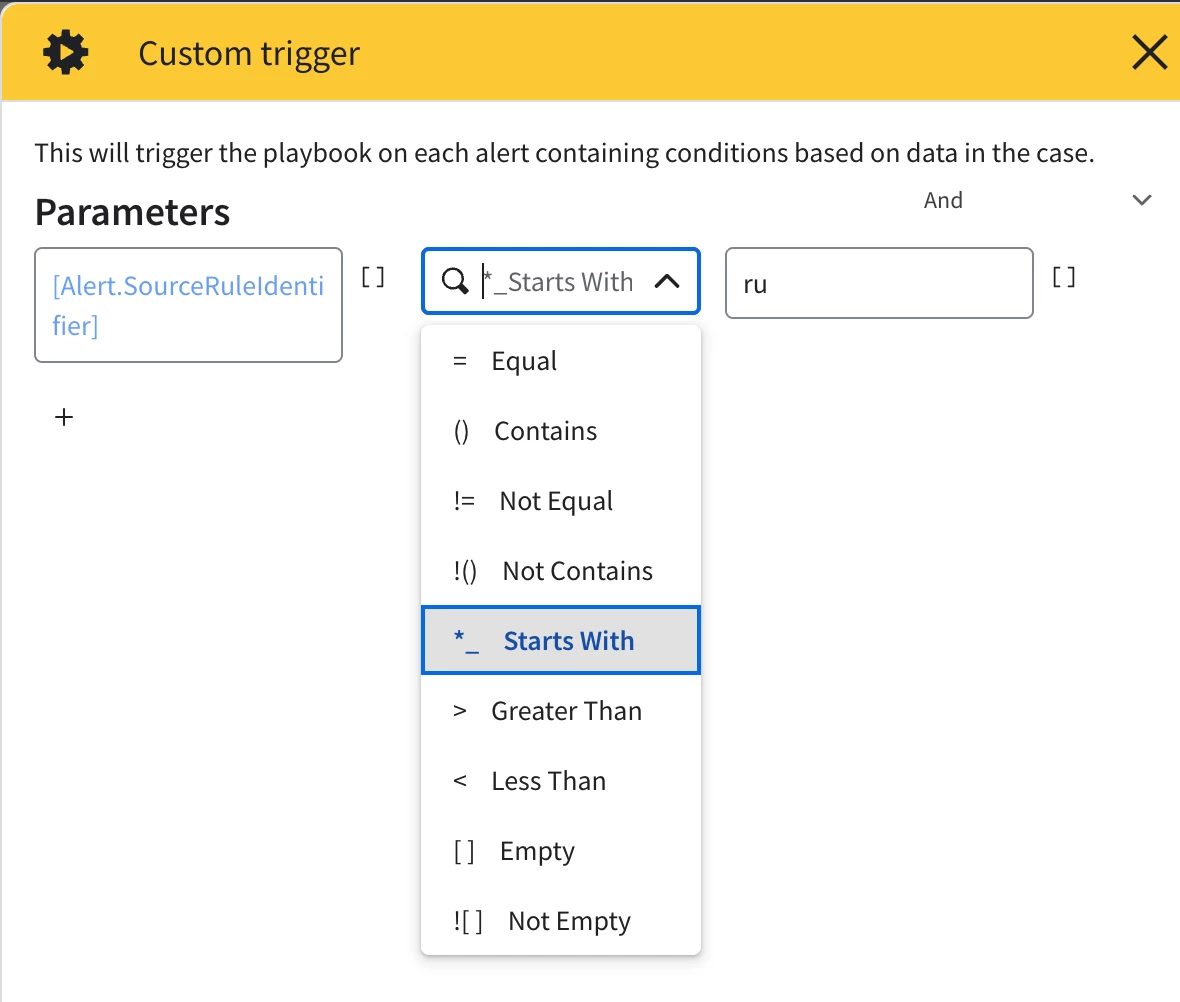
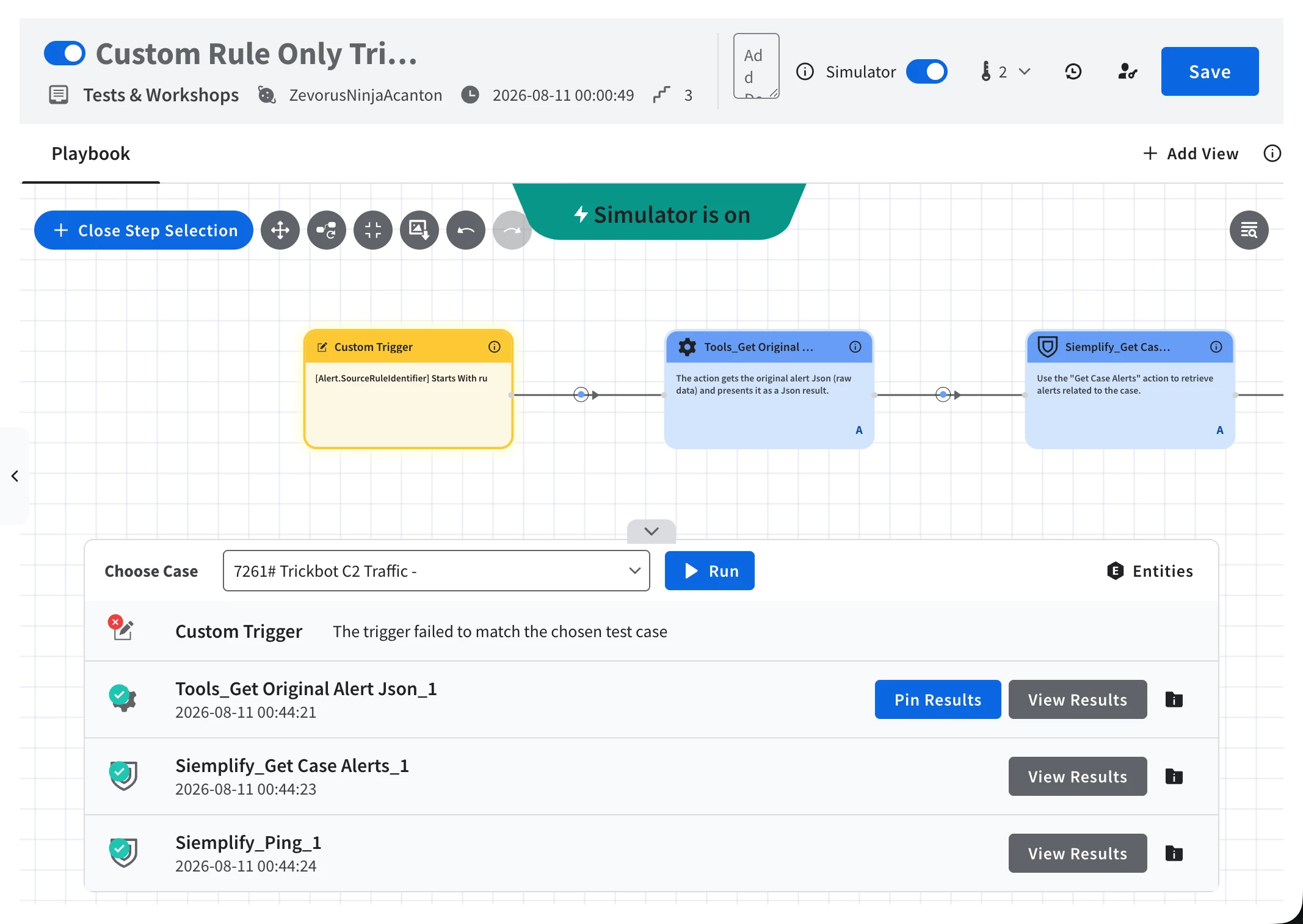
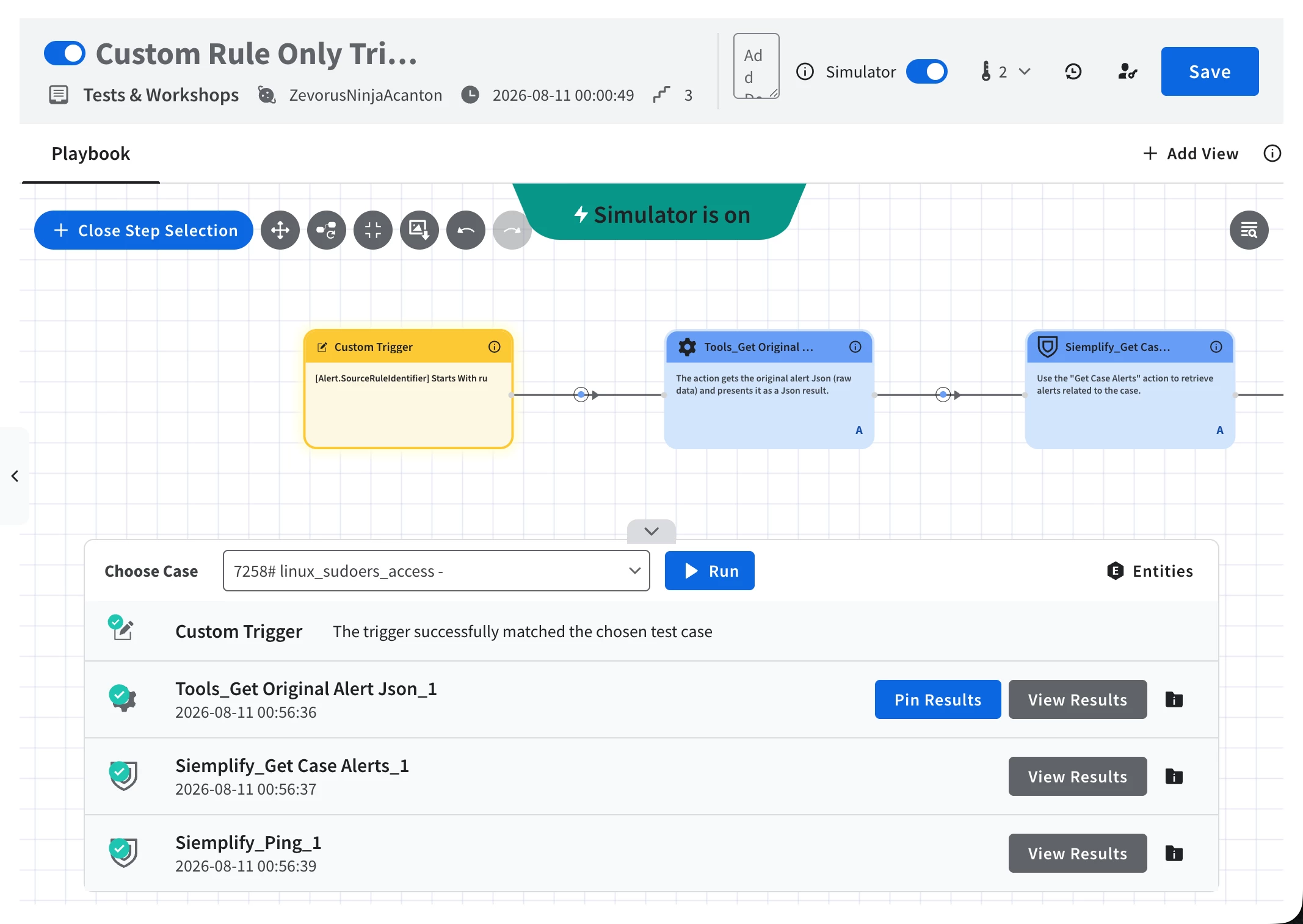
I want to create a playbook that triggers for alerts generated by all of my custom rules, but excludes alerts generated by the built-in Google SecOps rules.

Note: Using the rule name pattern is not an option for me at the moment due to some issues in my environment.


 

2 replies

whathehack81
Forum|alt.badge.img+9
  • Bronze 1
  • August 10, 2026

You should be able to separate these based on the rule type rather than the rule name.

For Chronicle rule alerts, Google exposes Rule.ruleType with two relevant values:

custom
curated

So for the playbook I would use an Alert-scope Custom Trigger and check the alert field/placeholder corresponding to the rule class (ruleClass / Rule.ruleType) for:

custom

That should allow alerts from custom rules while excluding Google curated/built-in rules. Google documents Custom Trigger as supporting placeholder-based matching.

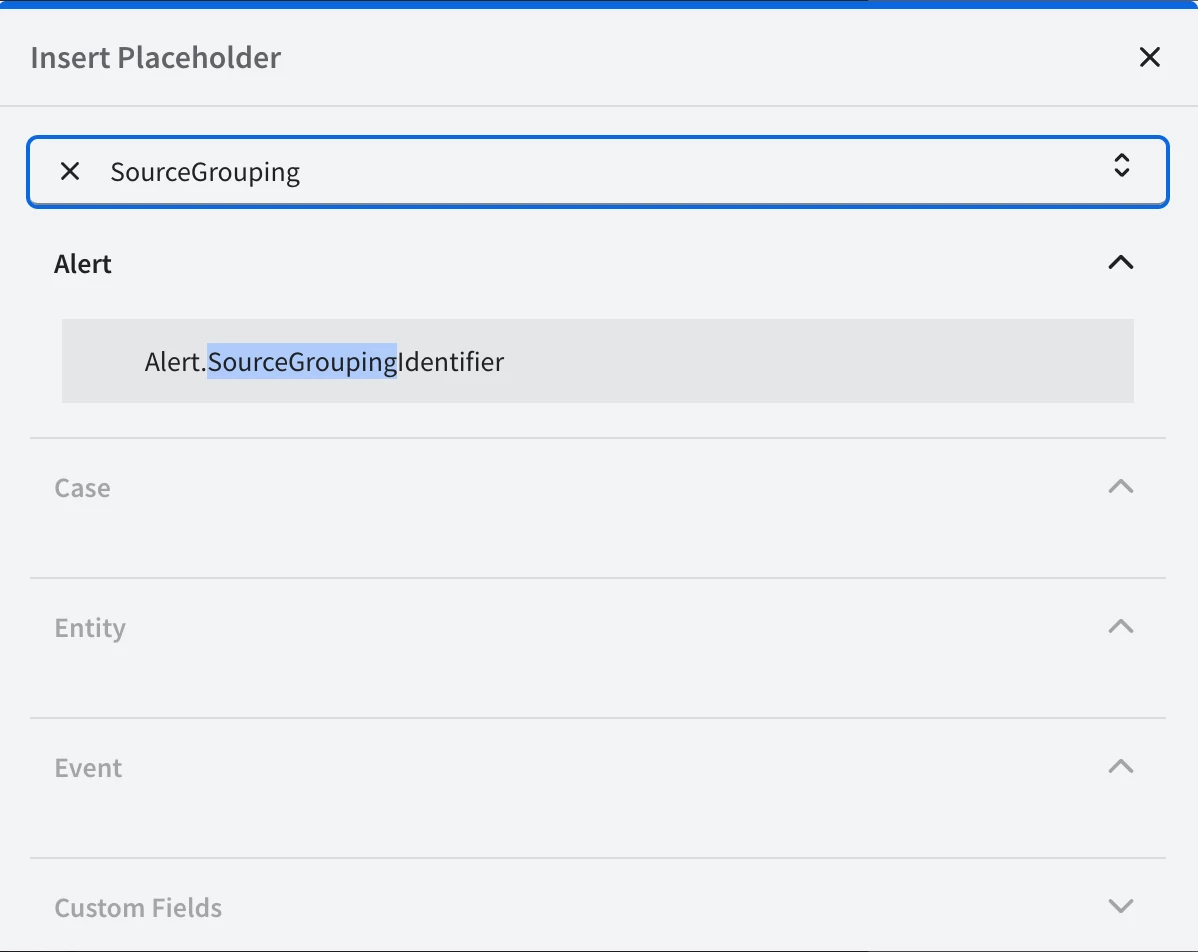
One caveat: if ruleClass is not exposed in the Custom Trigger placeholder picker in your tenant, the Chronicle Alerts Connector itself supports this exact Dynamic List filter:

Rule.ruleType = custom

But that is a connector ingestion filter, so curated alerts would not be ingested through that connector at all—not simply excluded from this particular playbook.

So I would check for ruleClass in the Custom Trigger first. That preserves the built-in alerts while preventing this playbook from attaching to them.

R.Q / whathehack81


gabriel.marchi
Forum|alt.badge.img+2

Hi, thanks for your answer. However, I can't find the ruleClass entity in my custom trigger.