@vanitharaj1208 it is not supported at the moment. However, there's already a feature request for it. Please get in touch with support to receive a public issue tracker link for tracking its progress.
There is a way currently, but unfortunately it's quite difficult
You can drag in the Prebuilt widget, then just copy the HTML/JS code out, and paste it into your own widget However You ned to reverse engineer the code to utilise your own data structure, which is quite complex
There is a way currently, but unfortunately it's quite difficult
You can drag in the Prebuilt widget, then just copy the HTML/JS code out, and paste it into your own widget However You ned to reverse engineer the code to utilise your own data structure, which is quite complex
Any update? can we implement predefined widget in custom actions now?
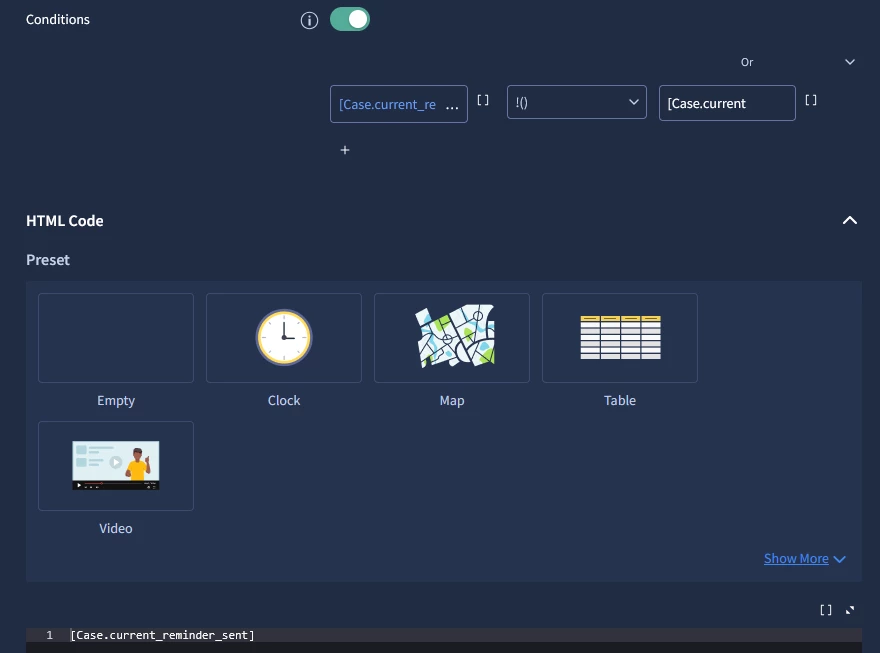
I believe the best workaround is to push your desired output (plaintext or HTML) into a context value, such as [case.current_reminder_sent]. In the Playbook's 'Core View', you can then use an HTML widget with a conditional display.
You can set a condition like:
[case.current_reminder_sent] DOES NOT CONTAIN [case.current_
To explain: In Google SOAR, if a context value is empty, the platform displays the literal string (the placeholder name). By checking if the field contains itself minus the closing bracket or some wording, you effectively check if the variable has been populated with actual data.
This way, you can pre-build an HTML widget that only appears once the context value is executed. Furthermore, you can update this view dynamically just by changing the context value, as the HTML widget will automatically reflect whatever is stored in [case.current_reminder_sent].
I recenlty explored the Content Hub codebase and discovered predefined widgets available in custom integrations. While there's no official documentation on creating predefined widgets, the process seems straightforward based on existing integration code.
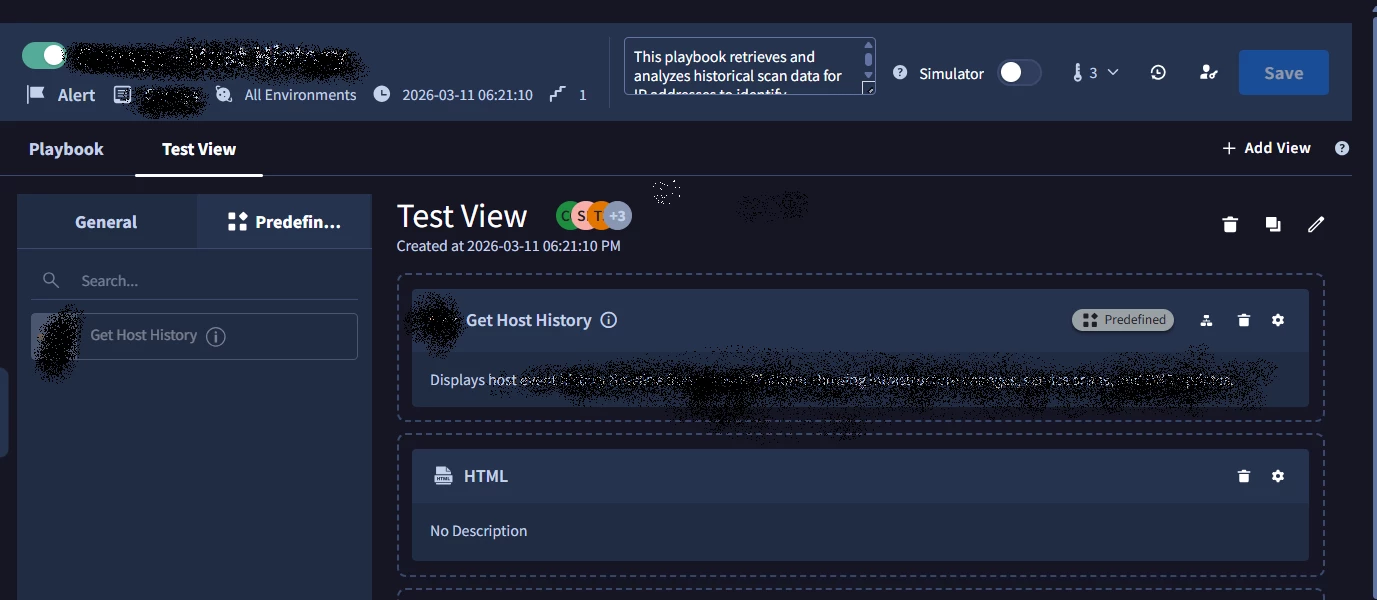
So i created a predefined widget for my custom action by following this pattern. Then pushed code to my instance using `mp dev-env push integration` command.
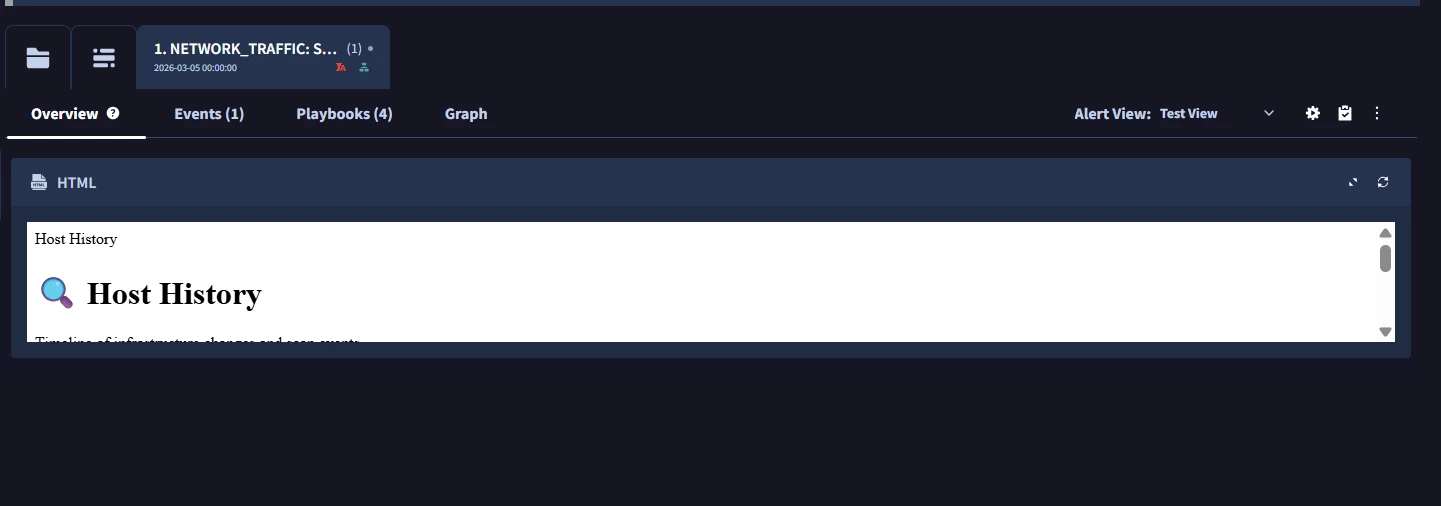
Now the widgetappearsintheplaybookwhenattachingtherespectiveaction, but after execution, the widget does not show up. I also created a manually HTML widget with identical code whichi displays correctly, but without CSS styling. (See below the screenshots)
I made some changes in the widget html and yaml and then pushed it again with `mp dev-env push integration`, but the HTML changes are not reflected
Here is my yaml file for reference.
title: Host timeline type: html scope: alert action_identifier: Get Host History description: Display host history data. data_definition: html_height: 600 safe_rendering: false type: html widget_definition_scope: both condition_group: conditions: - field_name: '[{stepInstanceName}.JsonResult]' value: '' match_type: is_not_empty logical_operator: and default_size: full_width
And in my html i have referenced the json by this placeholder values
debugging will not show the results as predefined widgets in moment of testing doesn’t have any data, it get data after app run the results so in debugger it is not possible to run 2 separate actions at once.
About visibility condition issues, widgets are only shown if first playbook meet 2 requirements: view is applied via it (and contains that widget) and widget got results inside that first playbook
still the best method is to put output of html into context value (for example via set context value action) and use regular html widget that will have [case.your_context_value] placeholder