Question

SLA dashboard for Chronicle Secops

  • November 22, 2025
  • 1 reply
  • 35 views

Forum|alt.badge.img

Hi All,

I have a use-case to list out the cases where SLA’s were breached and I am trying to use the dashboard to achieve this.

Due to limitations with customising SLAs in chronicle with both case priority and  case stage I cannot use the default SLA definition settings.


The idea is to get the handling time of each stage and list down the case IDs which breaches the required conditions in the dashboards. Does anyone know how I can get the handling time per case in the new native dashboards? Or should this be tried another way?


1 reply

SoarAndy
Staff
Forum|alt.badge.img+12
  • Staff
  • December 10, 2025

Hi Duttyatharth


Modelled on
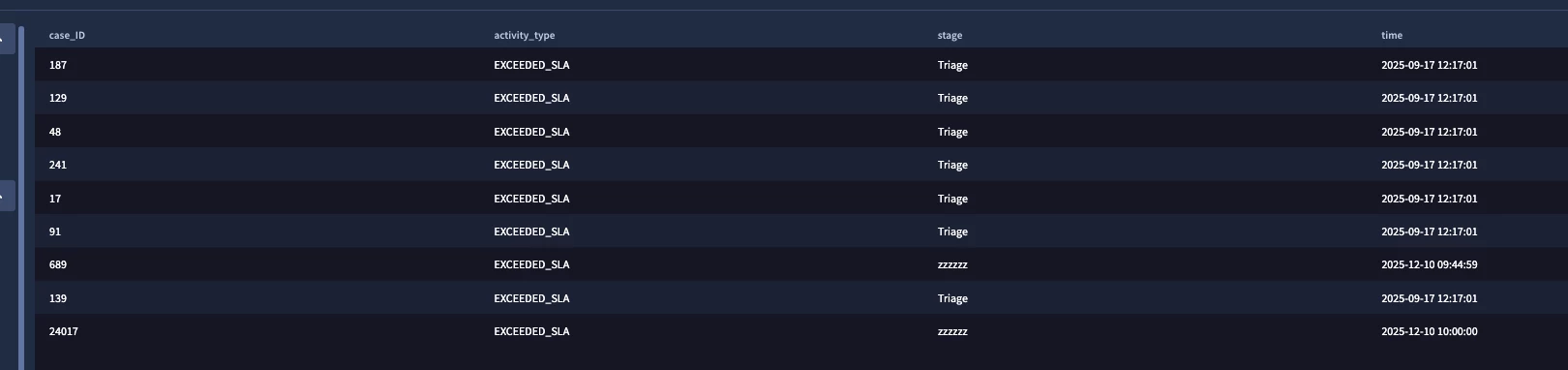
https://docs.cloud.google.com/chronicle/docs/reference/soar-data-dashboard#soar-case-activity-enum


$case_ID = case_history.case_response_platform_info.case_id
$activity_type = case_history.case_activity
$activity_type = "EXCEEDED_SLA"
$stage = case_history.stage
$time = timestamp.get_timestamp(case_history.event_time.seconds)

match:
$case_ID, $activity_type, $stage, $time

This gives every time a Case exceeded_sla, this includes system stages, but you can remove these if needed


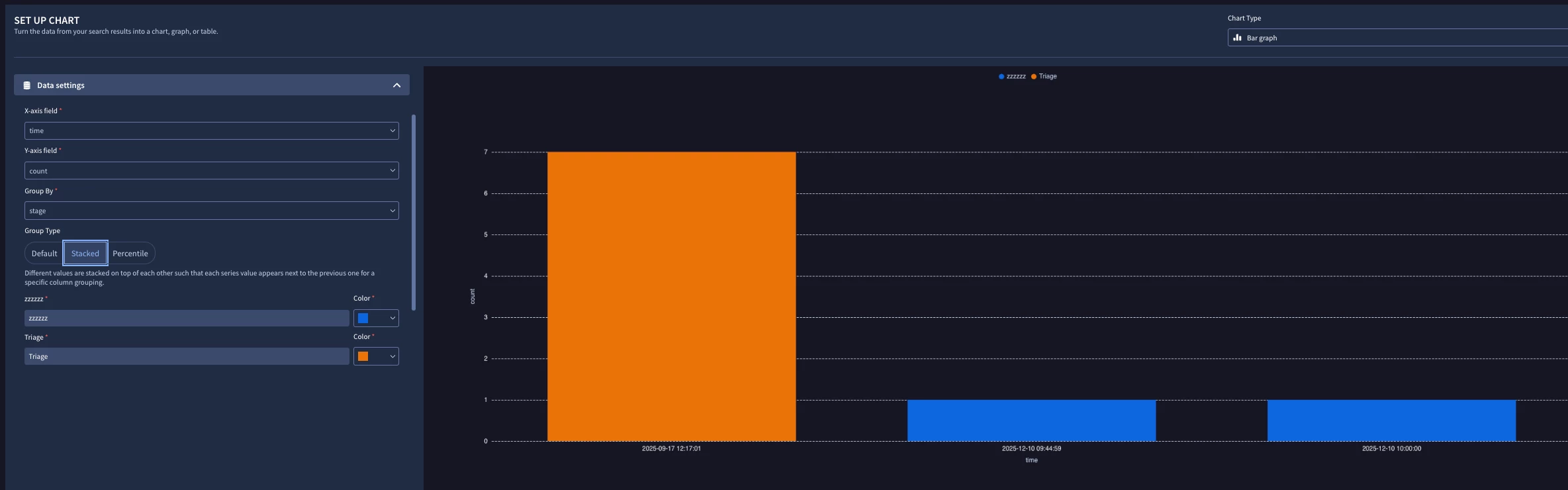
Turning this into a bar chart


$case_id = case_history.case_response_platform_info.case_id
$activity_type = case_history.case_activity
$activity_type = "EXCEEDED_SLA"
$stage = case_history.stage
$time = timestamp.get_timestamp(case_history.event_time.seconds)

match:
$activity_type, $stage, $time
outcome:
$count = count($case_id)


HTH?​​​​​​​

Andy