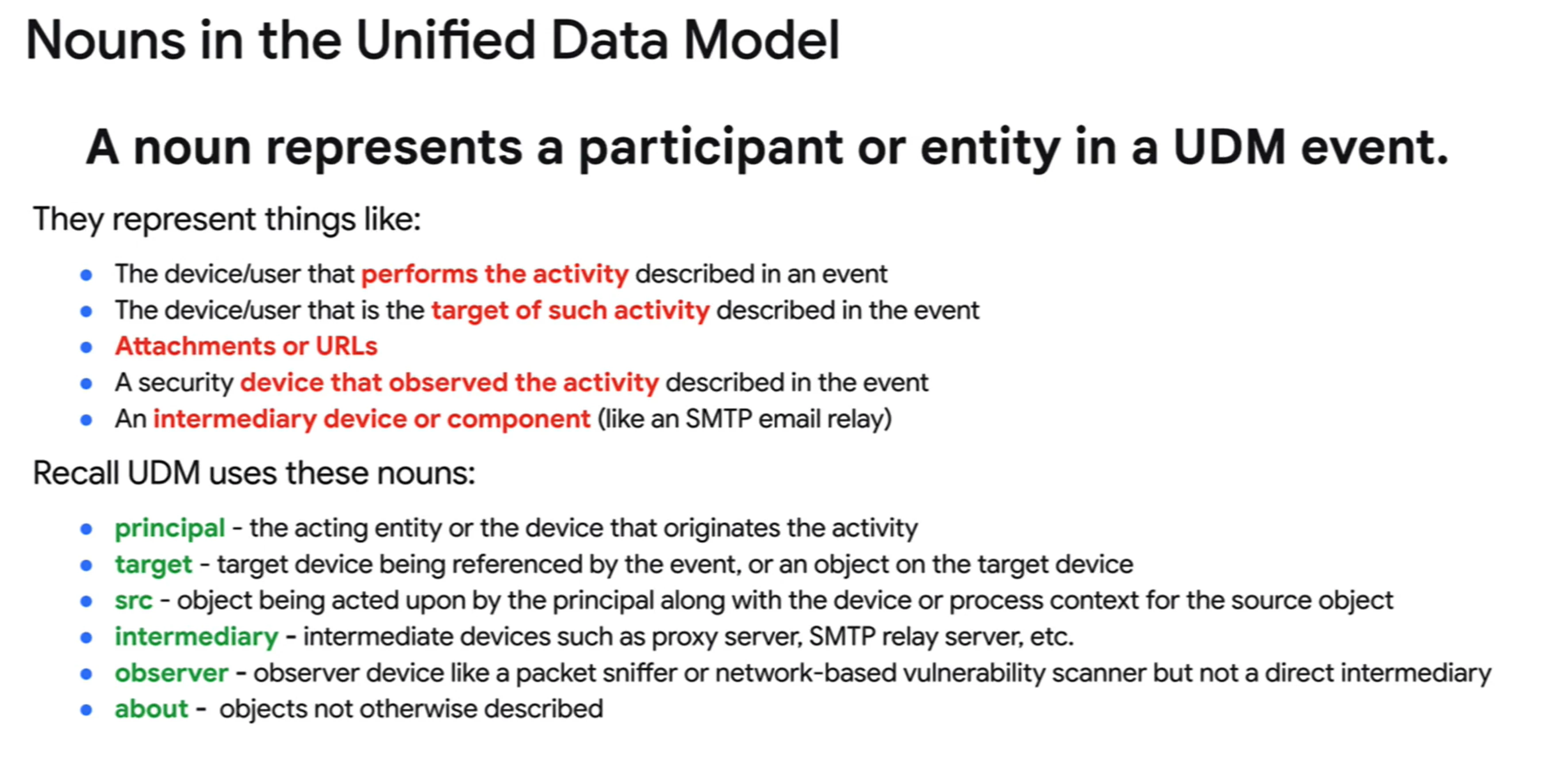
The UDM field list has a lot of info on it and can be a little overwhelming at first. The Entity Data Model pertains to the schema that exists in the Entity Graph where assets, users, threat intelligence and other contextual data is ingested. For the purpose of this response, I am just going to focus on the event data model if that's ok.
The UDM event data model pertains to the events that are ingested on a second by second basis, ie firewalls, edrs, authentication events, etc. To best understand the fields that your events are parsed into, start with the UDM event model.
Regarding nouns, the link you cited is the breakdown of the basic roots of udm, where the nouns reside. In addition to those nouns, metadata, security result and extensions reside at this basic level. The idea behind a noun is to describe that portion of the event log in relation to another. Other schema might refer to something as a source or destination for example. Our primary noun is a principal, that is generally the initiation of an action comes from this noun. Target is the next most often seen where something is occurring or being performed against it.
To navigate through the field list, we are going to explore to understand the tree structure. If I have a field called principal.application, that's pretty straightforward. Principal is the noun and as the field name is application with a type of string, the description is what would be in that field and we are done.
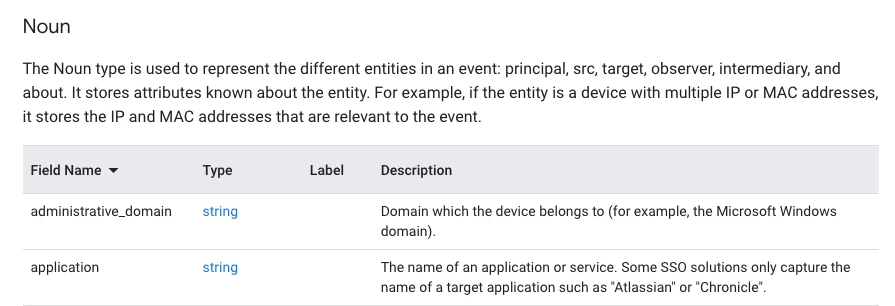
With a field like principal.process.file.sha256, the navigation of the field list can get a little trickier. Because all of this is json, the field list is pretty extensive and because the same fields are used in all the nouns, it made sense to lay it out this way, but it does take a little time to get used to it.
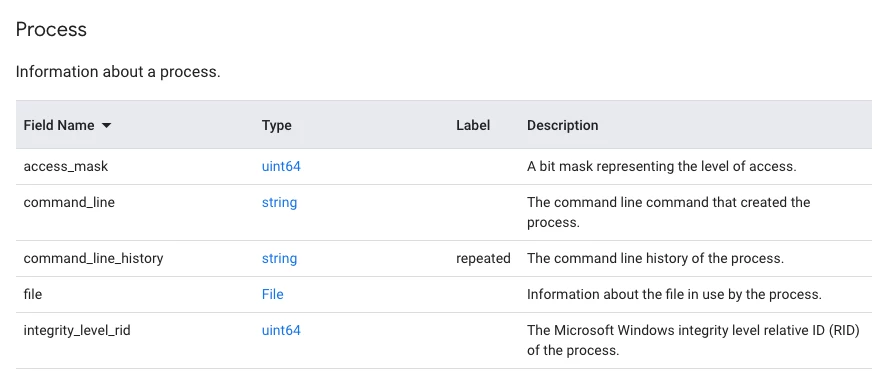
To work my way to the sha256, I can scroll down to process under noun and in the type, rather than string or int32 or whatever, we see Process. Clicking on process takes us down to the Process portion of the UDM json tree. (principal.process.)

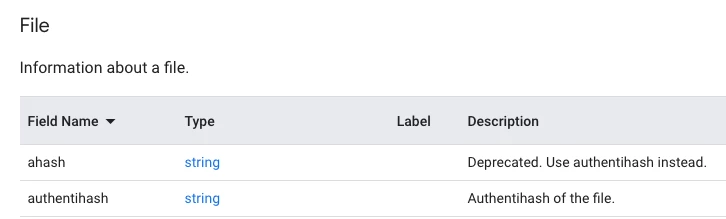
Within the process tree, we have a set of fields but also additional branches for file and parent_process. Clicking on File next to file will show us the fields that are available within that section of the UDM schema. (principal.process.file.)
And within the file portion of the json tree, we have additional fields including sha256. Notice it is listed as string and a description so that is the end field we are working with. (principal.process.file.sha256)

Another reference is the UDM usage guide https://cloud.google.com/chronicle/docs/unified-data-model/udm-usage that explains which fields are considered mandatory and optional when parsed with a specific metadata.event_type value.
When I first started here, I found it helpful to ingest data of a sort that I was comfortable with, process launch, file creation, network dns, whatever and then use these docs to look through the parsed data to see how the data laid out across the different nouns.
Introspection of data is always the first step to gaining greater familiarity to write good rules and search.
Hope this helps!